Arduino, running the sketch you wrote
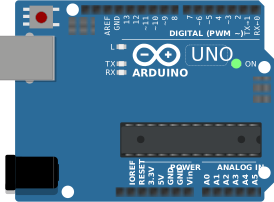
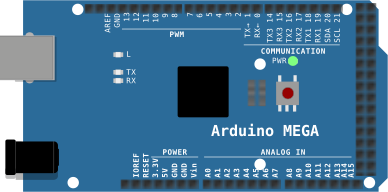
arduino-cli compiles it, an AVR8 core executes it instruction by instruction, and the LCD shows what the ATmega328P actually put on the bus. Uno, Nano, Mega and ATtiny85, no board on your desk.

Hardware is all about iteration. Velxio lets you wire a circuit, program the board and run it in seconds, real firmware on a real solver, right in the browser.





DFRobot · M5Stack links on this page are affiliate links: a purchase through them earns Velxio a small commission at no extra cost to you.
Nothing on this page is a scripted animation: the firmware is compiled and executed, and the circuit around it is solved.
arduino-cli compiles it, an AVR8 core executes it instruction by instruction, and the LCD shows what the ATmega328P actually put on the bus. Uno, Nano, Mega and ATtiny85, no board on your desk.
arduino-cli or ESP-IDF compiles the sketch, then AVR8, RP2040, RISC-V, Xtensa or ARM executes it instruction by instruction. What the OLED draws and what the serial monitor prints is what the chip actually did.

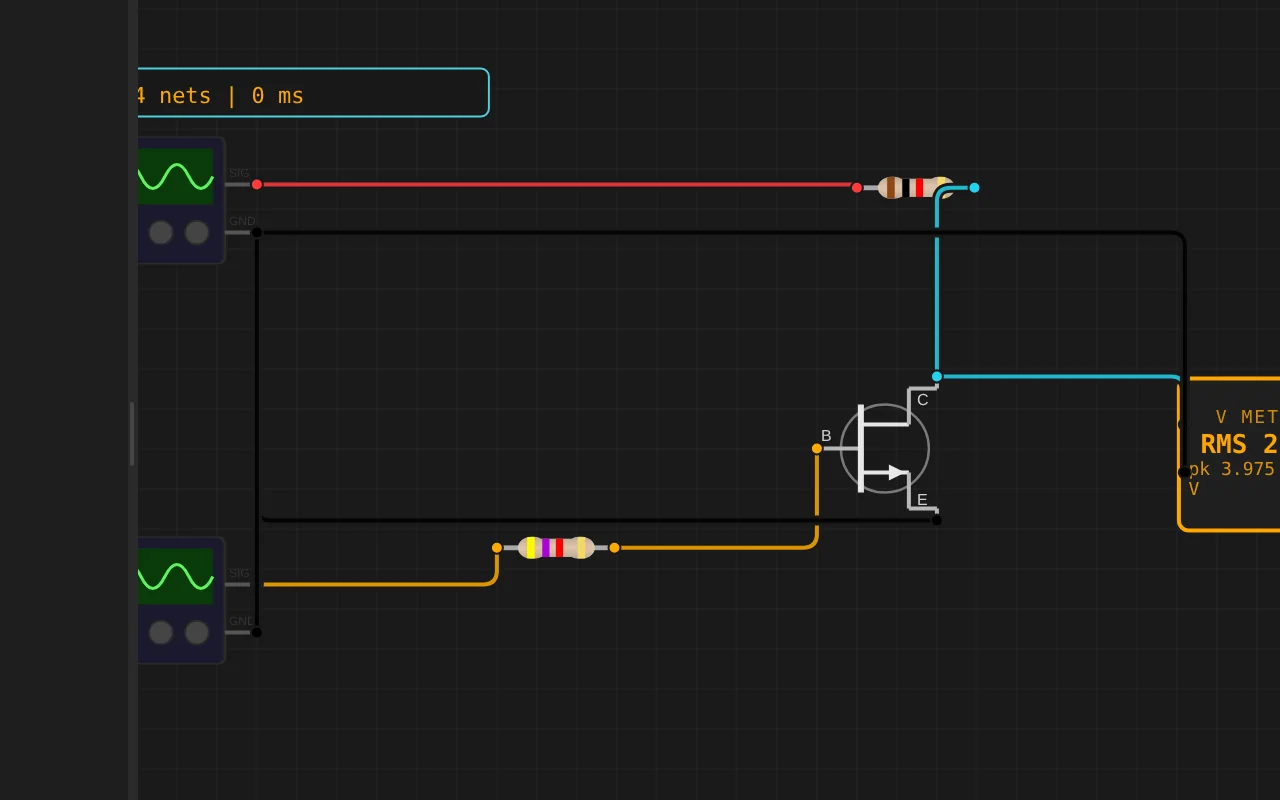
ngspice compiled to WebAssembly runs a full nodal analysis about 60 times a second. GPIO pins drive real nets, ADC inputs read solved node voltages, and probes report RMS, DC and current wherever you drop them.
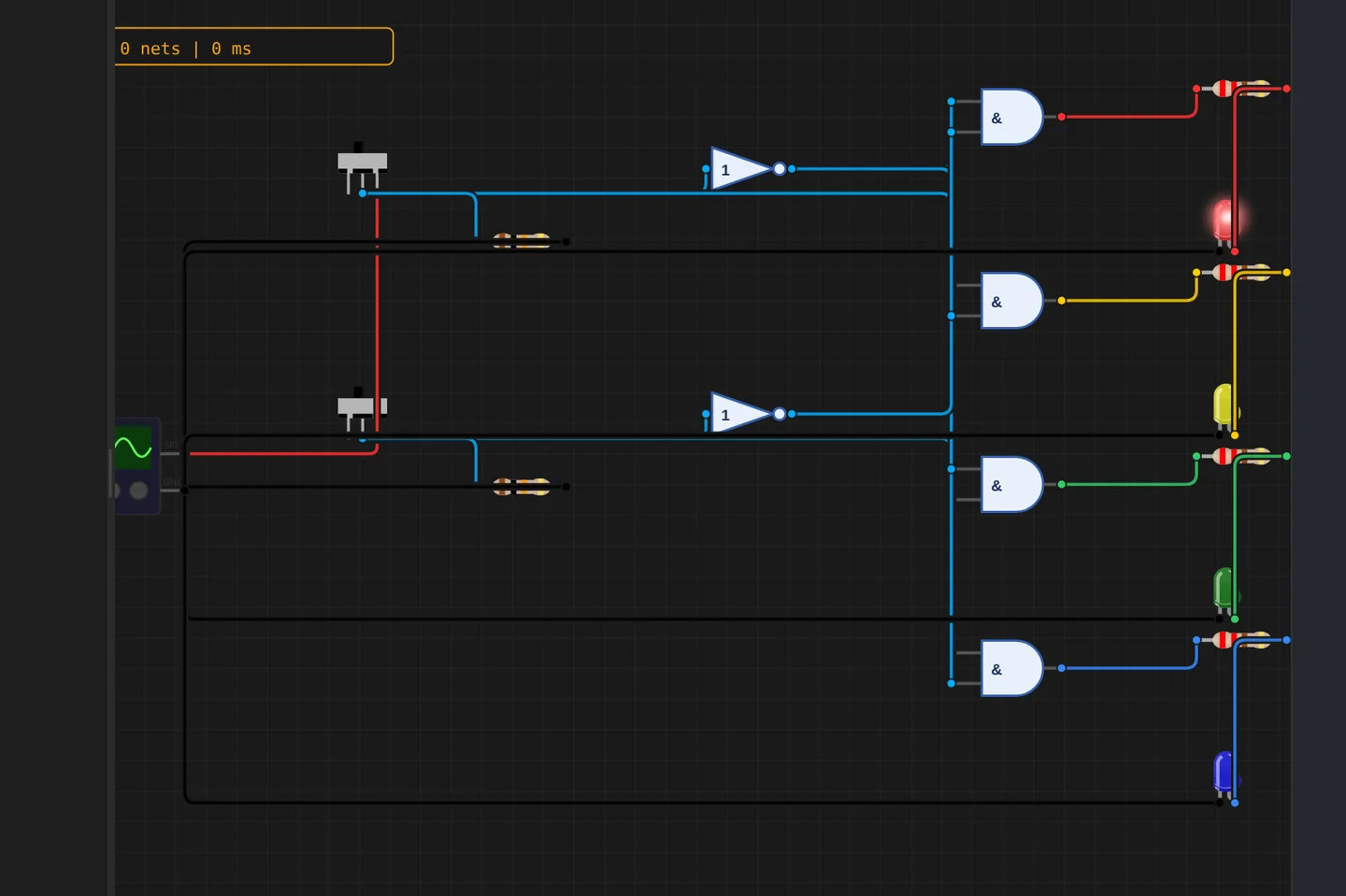
Adders, comparators, decoders, flip-flops and a 1-bit ALU slice: no microcontroller anywhere, just gates, switches and LEDs solved as a real net. The classroom half of electronics, without the breadboard.
The M5Stack Cardputer with its keyboard, Seeed's round display keeping time, Pimoroni's Badger 2350 driving e-paper, and DFRobot's UNIHIKER M10 in the catalogue alongside them. Their makers sent the hardware so the emulation could be checked against the real thing.
35 boards across 6 CPU architectures — AVR8, ARM Cortex-M, ARM Cortex-A, RISC-V, Xtensa, and Linux. Including partner boards from Pimoroni, M5Stack, Seeed Studio and DFRobot. All running locally, no cloud needed.






One institution contract gives every student in the class a full Pro account. No per-seat checkout, no card details in a classroom.
Private projects, BOM and schematic exports and GitHub Sync, for everyone enrolled.
Billed once to your institution, per semester or per year. Volume pricing on request for large cohorts.
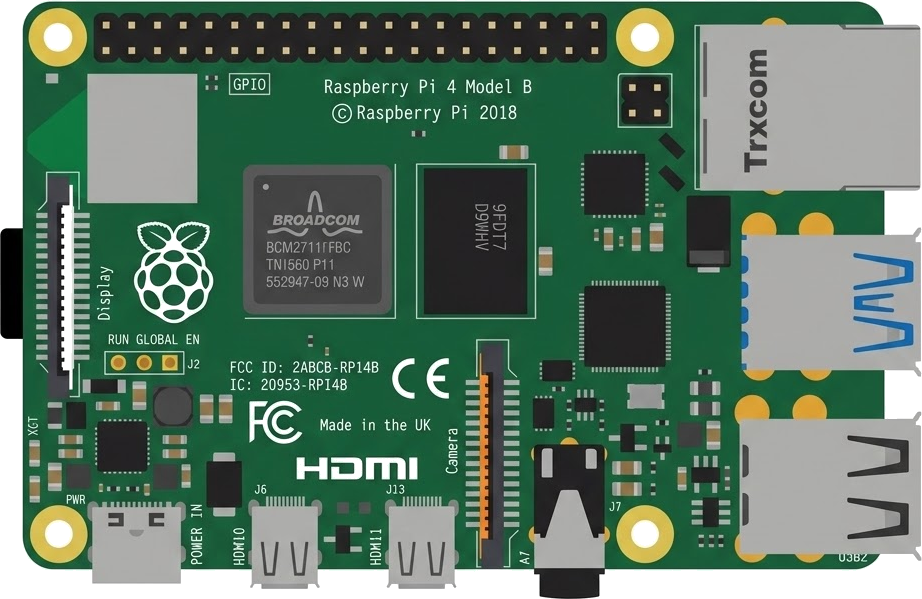
Arduino, ESP32, RP2040, STM32, ATtiny and Raspberry Pi, with SPICE analog solved alongside the firmware. Not a sandboxed mock.
The simulator stays free forever, WiFi with internet included. Paid plans unlock the Linux and STM32 boards, custom WiFi networks and the local network gateway. Maker and Pro add the AI agent; No AI leaves it out.
Discover the simulator + light AI help.
The full workbench, zero AI. You write every line.
For makers shipping real circuits with AI help.
Private projects, GitHub Sync and BOM exports.
Questions, bugs and ideas: the Discord and the issue tracker are open, and so is every line of the simulator.
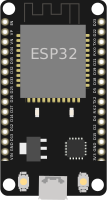
家庭陪伴机器人 V2 – 语音:音量检测(VAD)触发三态机,预设旋律+串口文字回应,不是语音识别/TTS。XIAO ESP32C6 + ReSpeaker Lite。
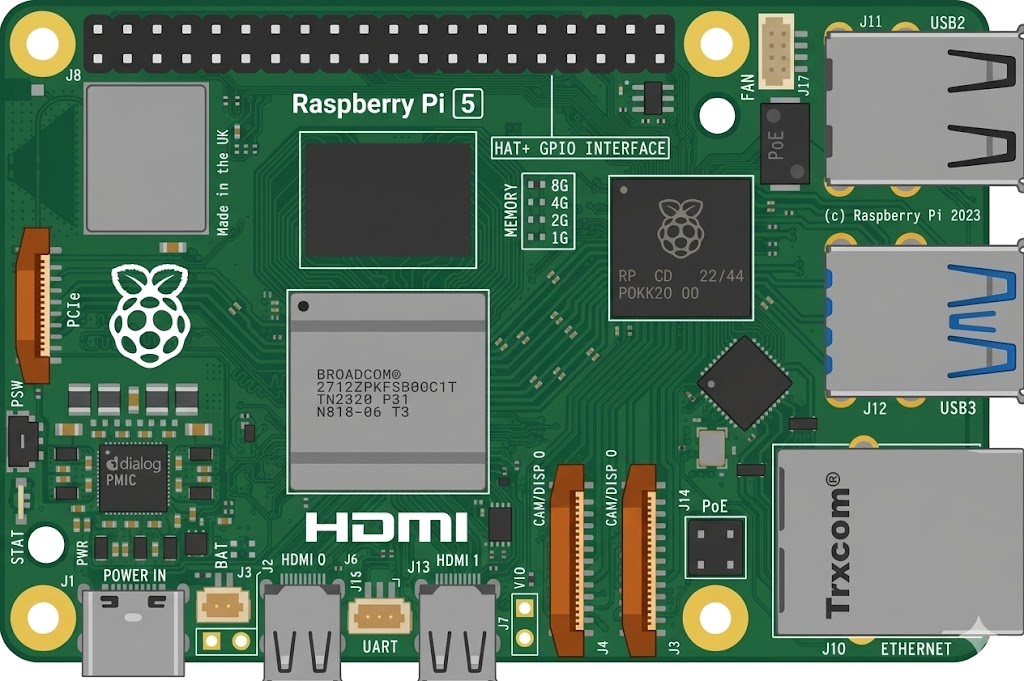
An interactive Xiao Esp32C6 circuit simulation you can run free in your browser on Velxio, by zhouzhi0713.
// reSpeaker Lite + XIAO ESP32-C6 — far-field microphone level meter.
//
// The reSpeaker Lite is an XMOS XU316 audio front-end: two mics, AEC and
// noise suppression, streaming 16 kHz audio over I2S to the XIAO seated on
// its socket. Wiring here follows the socket (silk -> XIAO ESP32-C6 GPIO):
//
//   BCLK  D9  -> GPIO20     DOUT (mic data)  D7 -> GPIO17
//   WS    D8  -> GPIO19     DIN  (playback)  D6 -> GPIO16
//   SDA   D4  -> GPIO22     SCL              D5 -> GPIO23
//
// The XU316 also answers on I2C address 0x42 (Command Transport Protocol):
// this sketch polls the mic-mute status (0xF1/0x81) and the VNR voice
// activity value (0xF1/0x80), so the MUTE button on the board shows up both
// as silence on the meter and as [MUTED] from the control bus.
#include <ESP_I2S.h>
#include <Wire.h>
#include <math.h>
#include <WiFi.h>
#include <HTTPClient.h>

I2SClass I2S;
//V2: XIAO ESP32C6 + ReSpeaker Lite. I2S pins unchanged from the official mic-meter example (20,19,16,17). MUTE=D3=GPIO21 active-LOW (official buttons example). Melody playback per official play-a-melody example (I2S.write sine, 16kHz stereo). NOTE: listening is volume detection (VAD), not speech recognition; speaking is a preset melody + serial text, not real TTS.
static const int TH = 1000;
static const int SR = 16000;
int st = 0;
bool mf = false, lp = false;
unsigned long lc = 0, ls = 0, qs = 0;
int ri = 0;
const char* R[3] = { "你好呀,我在听。", "嗯,我在这儿呢。", "好呀,我们一起玩吧。" };
static const char* WIFI_SSID = "Velxio-GUEST";
static const char* VOICE_URL = "http://host.velxio.internal:8765/voice?raw=1";
static const int REC_MAX_SAMPLES = 80000;
static uint8_t recWav[44 + 80000 * 2];
static int recCount = 0;
static bool wifiOk = false;
void led(bool o) {
#ifdef LED_BUILTIN
digitalWrite(LED_BUILTIN, o ? HIGH : LOW);
#endif
}
void stt(int s) { st = s; led(s != 0); Serial.print("[STATE] "); Serial.print(s == 0 ? "IDLE" : s == 1 ? "LISTENING" : "SPEAKING"); Serial.print(" LED "); Serial.println(s ? "ON" : "OFF"); }
void tone2(float f, int ms) { int n = SR * ms / 1000; int16_t b[512]; float p = 0; for (int i = 0; i < n;) { int k = n - i; if (k > 256) k = 256; for (int j = 0; j < k; j++) { float t = (float)(i + j) / n; float e = t < 0.1f ? t / 0.1f : (t > 0.8f ? (1 - t) / 0.2f : 1); int16_t s = (int16_t)(8000 * e * sinf(p)); p += 6.28319f * f / SR; b[2 * j] = s; b[2 * j + 1] = s; } I2S.write((uint8_t*)b, k * 4); i += k; } }
void mel() { float f[] = {329.63f, 392.0f, 440.0f, 392.0f, 329.63f, 261.63f}; int d[] = {300, 300, 300, 300, 400, 600}; for (int i = 0; i < 6; i++) tone2(f[i], d[i]); }
void v2setup() { pinMode(21, INPUT); pinMode(2, INPUT);
#ifdef LED_BUILTIN
pinMode(LED_BUILTIN, OUTPUT);
#endif
stt(0); }
void v2(int rms) {
    unsigned long n = millis();
      bool mp = digitalRead(21) == LOW;
        if (mp && !lp && n - lc > 200) { lc = n; mf = !mf; Serial.println(mf ? "[MUTE ON] muted, no LISTENING" : "[MUTE OFF] listening resumed"); if (mf) { recCount = 0; stt(0); } }
          lp = mp;