
XIAO 0.96" IPS Display Simulator
Seeed's smallest display gadget, drawn front and back
Simulate the 0.96" IPS Display powered by XIAO nRF52840 Plus in your browser: the 80 x 160 ST7789 panel, both buttons, the IMU and the battery. Seeed_GFX2 sketches run unchanged. Free.
Free plan · No install, no account · Runs in your browser
XIAO 0.96" IPS Display at a glance
An ST7789 80 x 160 IPS panel on a carrier with a pre-soldered XIAO nRF52840 Plus, two user buttons on D6 and D7, a 6-axis IMU and a battery connector. The canvas shows the board front and back; the glass is the emulated controller's frame memory, filled by whatever the sketch sends over SPI, and the buttons are clickable.
- Processor
- XIAO nRF52840 Plus (Cortex-M4F at 64 MHz), pre-soldered
- Memory
- 256 KB RAM · 1 MB flash · ST7789 80 x 160 IPS panel
- Emulation
- nrf52840js (in-browser)
- Languages
- Arduino C++
- Plan
- Free
What you can do with the XIAO 0.96" IPS Display simulator
The board on the canvas is the real thing as far as your code is concerned: the same pins, the same buses, the same peripherals, wired to the same 100+ sensors, displays and actuators every other Velxio board talks to.
Display rendered live
The glass is the emulated panel controller's frame memory: whatever the sketch draws over SPI shows on the board art at the real resolution, frame by frame.
Clickable buttons
The on-board buttons are clickable on the canvas and read on their real GPIOs, active-low as on the hardware.
Live 6-axis IMU
Press Sensors on the canvas toolbar and drag the Tilt pad: the part reports that gravity at its real I2C address, and your orientation code reacts.
Battery
Set the battery level from the Sensors popover; the fuel gauge and the power-management chip answer the way the board's firmware expects.
Arduino C++ sketches
Write a sketch in the Monaco editor with library completion, compile it against the board's own Arduino core and run the real firmware binary. The Serial Monitor is the USB port.
No wiring needed
Every peripheral lives on the board itself, so a project is: place the board, press Run. Wire more when you want to.
What is not emulated
The radio (Bluetooth, Zigbee, Thread or WiFi, depending on the chip) is not modelled. Everything wired to the pins is; the wireless part of a project stays on the bench.
XIAO 0.96" IPS Display examples
Ready-to-run projects for this board from the gallery. Open one, read the sketch, press Run.
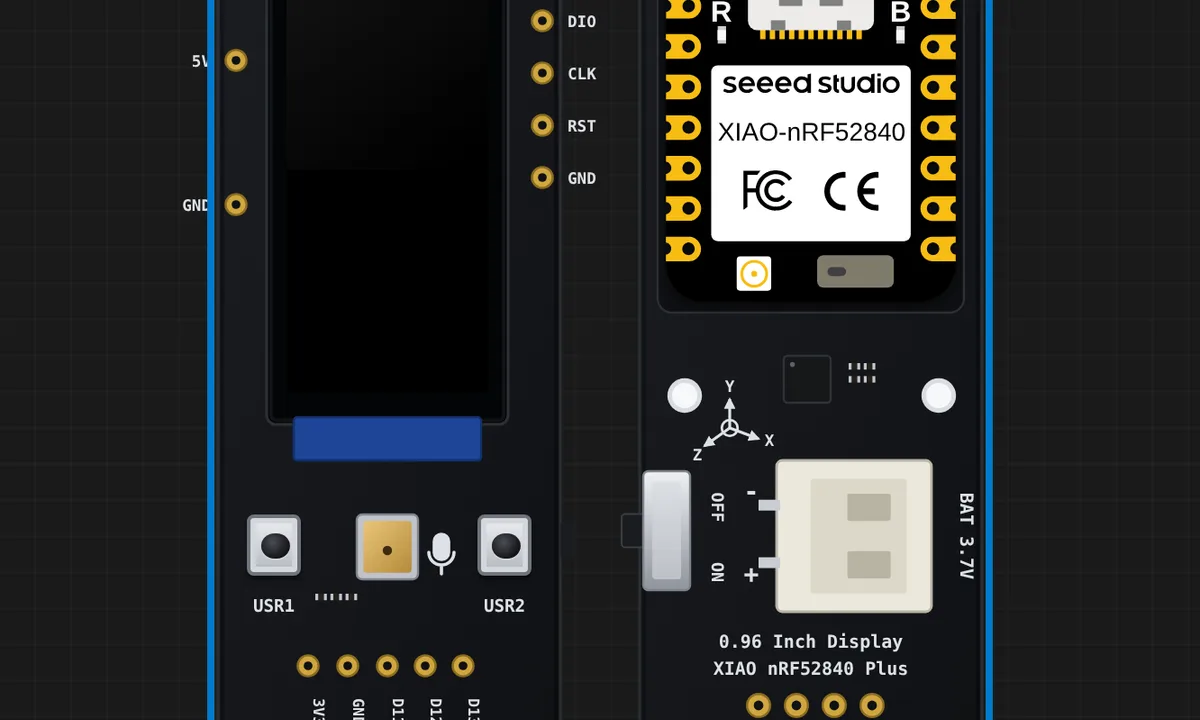 XIAO 0.96" Display: GraphicTestSeeed's own screen test for the 0.96" board: ten drawing primitives on the 80x160 ST7789, each one timed and printed on the serial monitor, ending on a Finished screen. The fastest way to see the panel working.
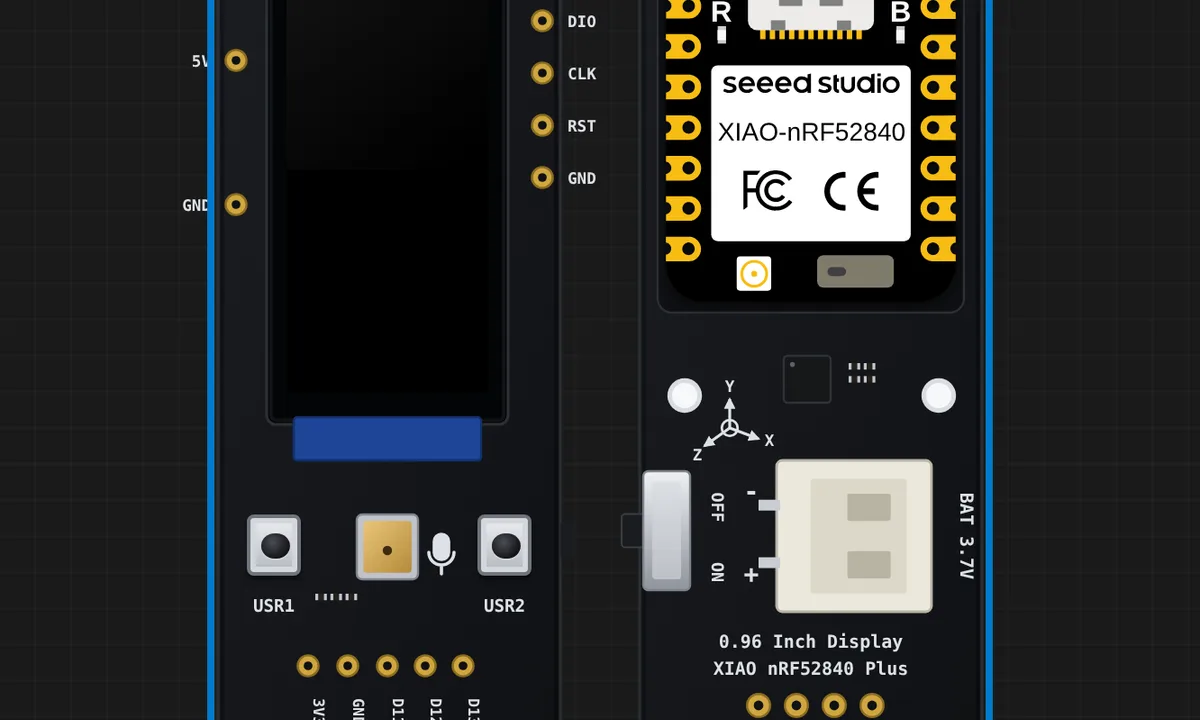 XIAO 0.96" Display: Electronic QuicksandSeeed's IMU demo: a few hundred grains fall towards whichever way the board is tilted, read from the on-board LSM6DS3TR-C at I2C 0x6A. Press Sensors on the canvas toolbar, drag the Tilt pad - the sand runs the other way.
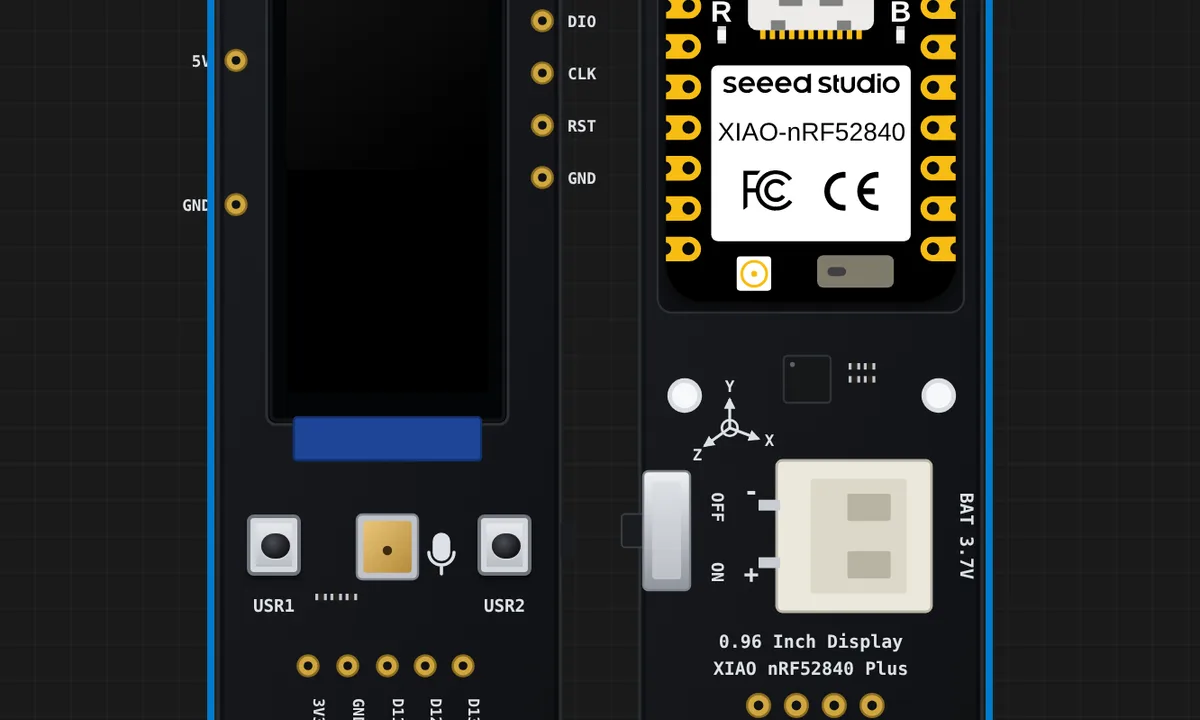 XIAO 0.96" Display: battery statusSeeed's battery demo: the cell through the module's own divider on P0.31 behind the active-low enable on P0.14, with the charger's status line on P0.17. It starts on USB PWR on purpose - the sketch will not call a battery present until it sees a sustained drop from its USB baseline, so pull the battery slider down a tenth of a volt and the percentage appears.
Related simulators
Frequently asked questions
- Which graphics library should I use?
- Seeed_GFX2, which the board declares for you. Seeed's own demo sketches for the display run unchanged.
- Can I tilt the board and change the battery level?
- Yes. Both come from Sensors on the canvas toolbar: drag the Tilt pad for the IMU and set the battery slider for the gauge.
- What is not modelled on the 0.96" display board?
- The PDM microphone and the I2S pads, and the nRF52840's Bluetooth radio.
- Is the XIAO 0.96" IPS Display simulator free?
- Yes. The XIAO 0.96" IPS Display runs on the free plan: open the editor, place the board and press Run. No install and no account are needed, and Velxio's editor and simulator core are open source under the GNU AGPLv3.
- Which languages can I use on the XIAO 0.96" IPS Display?
- Arduino C++. The language is switched from the toolbar; the circuit on the canvas stays the same.
Ready to simulate the XIAO 0.96" IPS Display?
Open the editor, place the XIAO 0.96" IPS Display from the picker, wire what you need and press Run.
Launch the XIAO 0.96" IPS Display simulator →