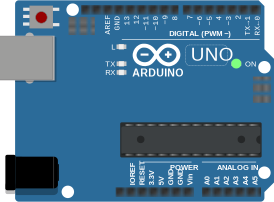
Arduino, running the sketch you wrote
arduino-cli compiles it, an AVR8 core executes it instruction by instruction, and the LCD shows what the ATmega328P actually put on the bus. Uno, Nano, Mega and ATtiny85, no board on your desk.

Hardware is all about iteration. Velxio lets you wire a circuit, program the board and run it in seconds, real firmware on a real solver, right in the browser.





DFRobot · M5Stack links on this page are affiliate links: a purchase through them earns Velxio a small commission at no extra cost to you.
Nothing on this page is a scripted animation: the firmware is compiled and executed, and the circuit around it is solved.
arduino-cli compiles it, an AVR8 core executes it instruction by instruction, and the LCD shows what the ATmega328P actually put on the bus. Uno, Nano, Mega and ATtiny85, no board on your desk.
arduino-cli or ESP-IDF compiles the sketch, then AVR8, RP2040, RISC-V, Xtensa or ARM executes it instruction by instruction. What the OLED draws and what the serial monitor prints is what the chip actually did.

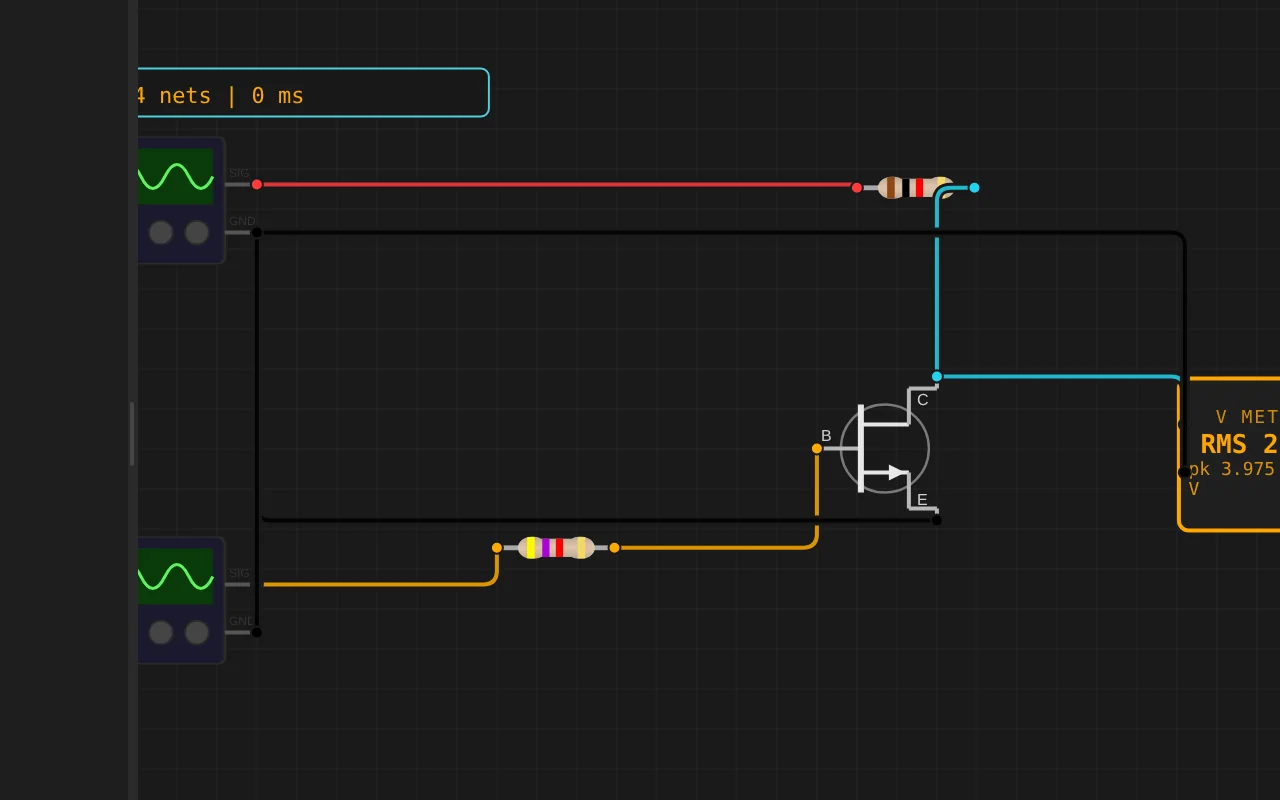
ngspice compiled to WebAssembly runs a full nodal analysis about 60 times a second. GPIO pins drive real nets, ADC inputs read solved node voltages, and probes report RMS, DC and current wherever you drop them.
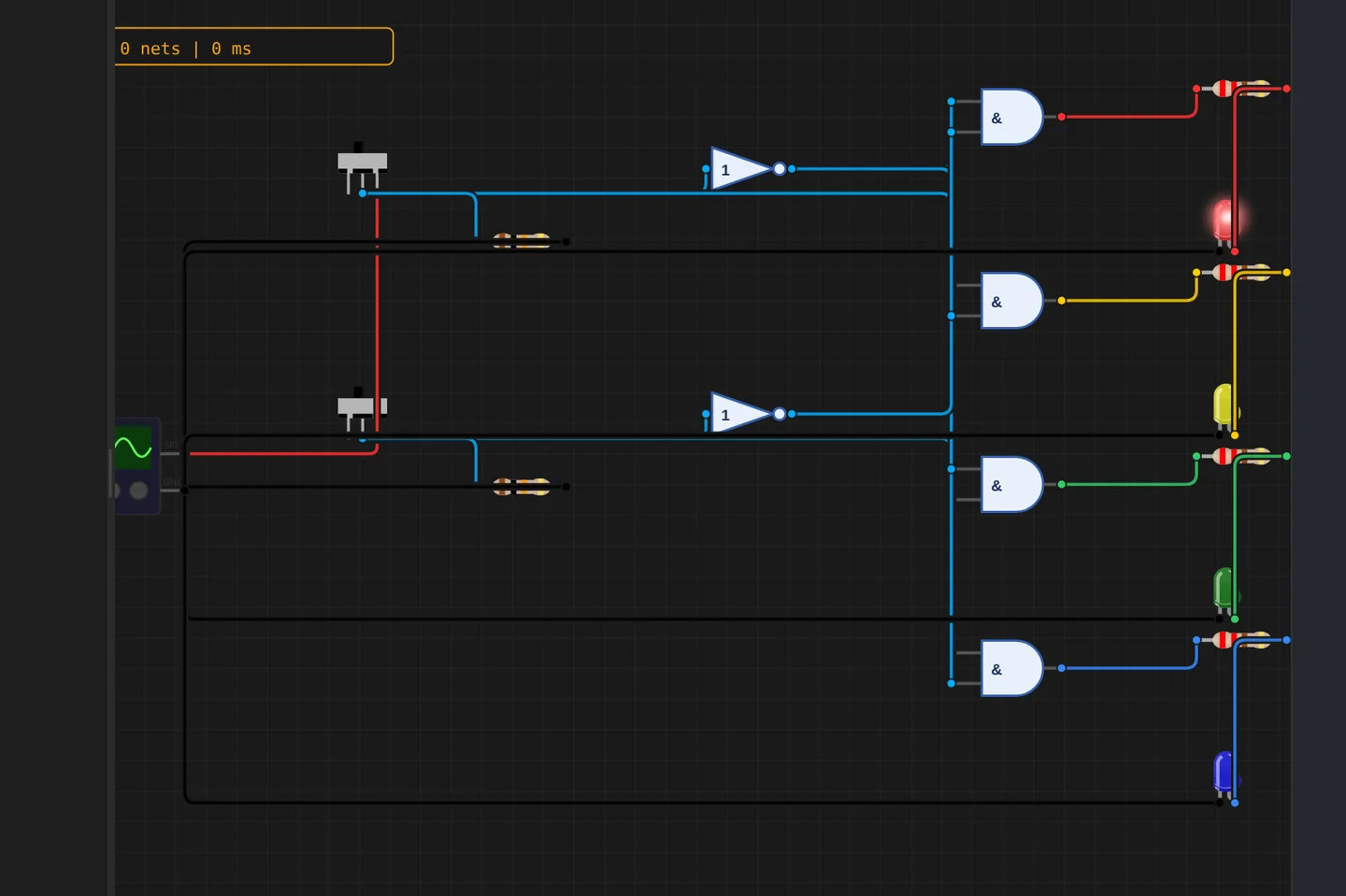
Adders, comparators, decoders, flip-flops and a 1-bit ALU slice: no microcontroller anywhere, just gates, switches and LEDs solved as a real net. The classroom half of electronics, without the breadboard.
The M5Stack Cardputer with its keyboard, Seeed's round display keeping time, Pimoroni's Badger 2350 driving e-paper, and DFRobot's UNIHIKER M10 in the catalogue alongside them. Their makers sent the hardware so the emulation could be checked against the real thing.
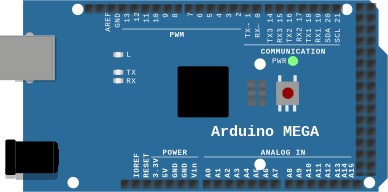
35 boards across 6 CPU architectures — AVR8, ARM Cortex-M, ARM Cortex-A, RISC-V, Xtensa, and Linux. Including partner boards from Pimoroni, M5Stack, Seeed Studio and DFRobot. All running locally, no cloud needed.






One institution contract gives every student in the class a full Pro account. No per-seat checkout, no card details in a classroom.
Private projects, BOM and schematic exports and GitHub Sync, for everyone enrolled.
Billed once to your institution, per semester or per year. Volume pricing on request for large cohorts.
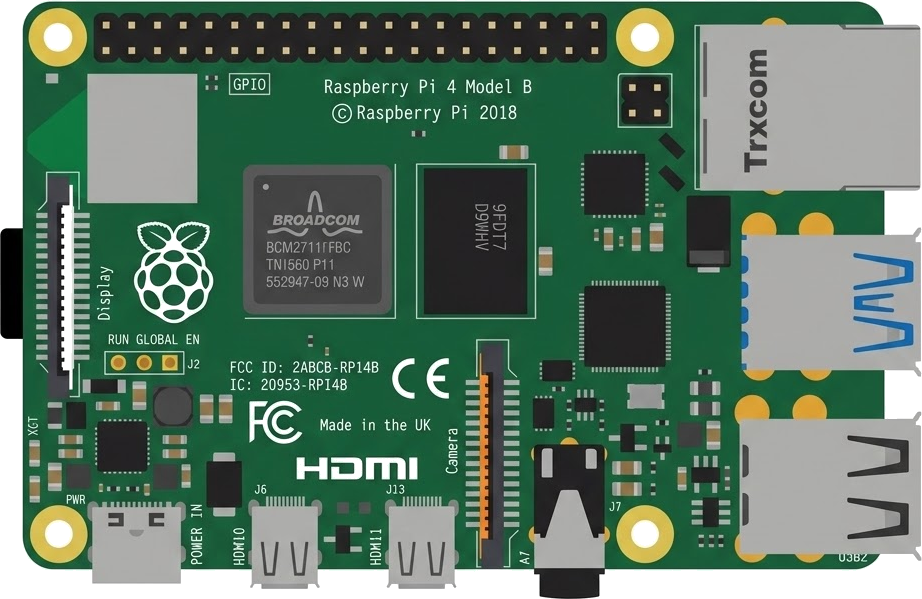
Arduino, ESP32, RP2040, STM32, ATtiny and Raspberry Pi, with SPICE analog solved alongside the firmware. Not a sandboxed mock.
The simulator stays free forever, WiFi with internet included. Paid plans unlock the Linux and STM32 boards, custom WiFi networks and the local network gateway. Maker and Pro add the AI agent; No AI leaves it out.
Discover the simulator + light AI help.
The full workbench, zero AI. You write every line.
For makers shipping real circuits with AI help.
Private projects, GitHub Sync and BOM exports.
Questions, bugs and ideas: the Discord and the issue tracker are open, and so is every line of the simulator.
An interactive ESP32 circuit simulation you can run free in your browser on Velxio, by fisyamska.
/**************************CrowPanel ESP32 HMI Display Example Code************************
Version     :	1.1
Suitable for:	CrowPanel ESP32 HMI Display
Product link:	https://www.elecrow.com/esp32-display-series-hmi-touch-screen.html
Code	  link:	https://github.com/Elecrow-RD/CrowPanel-ESP32-Display-Course-File
Lesson	link:	https://www.youtube.com/watch?v=WHfPH-Kr9XU
Description	:	The code is currently available based on the course on YouTube,
				        if you have any questions, please refer to the course video: Introduction
				        to ask questions or feedback.
**************************************************************/


#include <TFT_eSPI.h>
/**************************TFT_eSPI************************
If you don't know how to configure TFT_eSPI library for the display and touch driver
Please refer to the content of the fifth lesson
**************************************************************/
#include <Arduino.h>
#include <SPI.h>

/**************************LVGL and UI************************
if you want to use the LVGL demo. you need to include <demos/lv_demos.h> and <examples/lv_examples.h>.
if not, please do not include it. It will waste your Flash space.
**************************************************************/
#include <lvgl.h>
// #include <demos/lv_demos.h>
// #include <examples/lv_examples.h>
/**************************LVGL and UI END************************/

/*******************************************************************************
 * Please define the corresponding macros based on the board you have purchased.
 * CrowPanel_24 means CrowPanel ESP32 HMI 2.4inch Board
 * CrowPanel_28 means CrowPanel ESP32 HMI 2.8inch Board
 * CrowPanel_35 means CrowPanel ESP32 HMI 3.5inch Board
 ******************************************************************************/
#define CrowPanel_24
//#define CrowPanel_28
//#define CrowPanel_35

#if defined (CrowPanel_35)
/*screen resolution*/
static const uint16_t screenWidth  = 480;
static const uint16_t screenHeight = 320;
uint16_t calData[5] = { 353, 3568, 269, 3491, 7  };     /*touch caldata*/

#elif defined (CrowPanel_24)
static const uint16_t screenWidth  = 320;
static const uint16_t screenHeight = 240;
uint16_t calData[5] = { 557, 3263, 369, 3493, 3  };

#elif defined (CrowPanel_28)
static const uint16_t screenWidth  = 320;
static const uint16_t screenHeight = 240;
uint16_t calData[5] = { 189, 3416, 359, 3439, 1 };
#endif


TFT_eSPI lcd = TFT_eSPI(); /* TFT entity */

static lv_disp_draw_buf_t draw_buf;
static lv_color_t buf1[ screenWidth * screenHeight / 13 ];

//_______________________
/* display flash */
void my_disp_flush( lv_disp_drv_t *disp, const lv_area_t *area, lv_color_t *color_p )
{
  uint32_t w = ( area->x2 - area->x1 + 1 );
  uint32_t h = ( area->y2 - area->y1 + 1 );

  lcd.startWrite();
  lcd.setAddrWindow( area->x1, area->y1, w, h );
  lcd.pushColors( ( uint16_t * )&color_p->full, w * h, true );
  lcd.endWrite();

  lv_disp_flush_ready( disp );
}

uint16_t tou