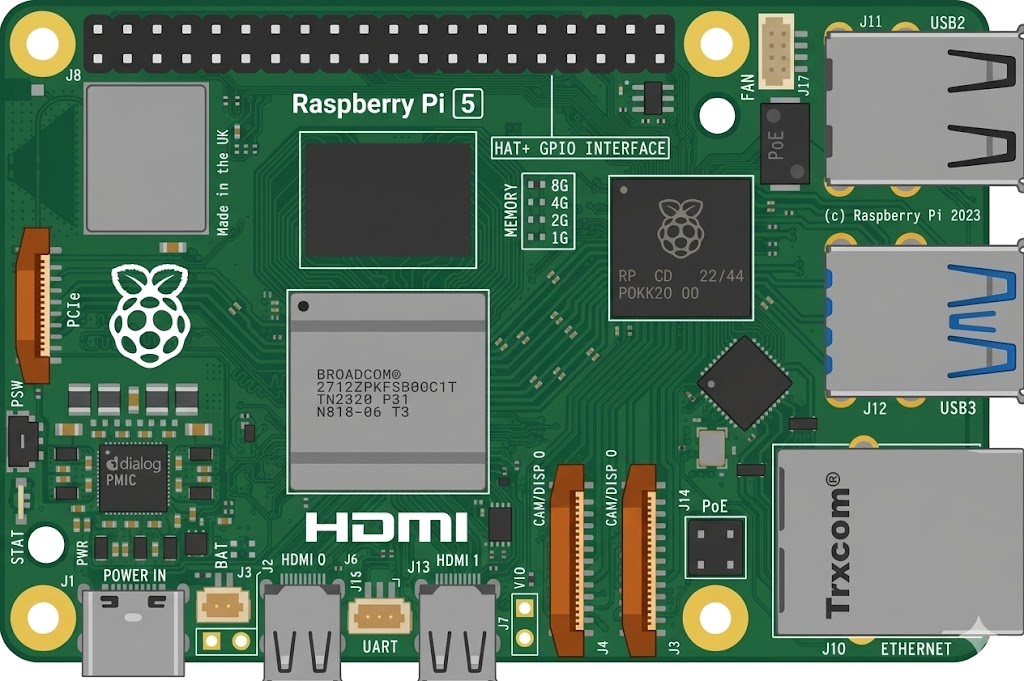
Arduino, running the sketch you wrote
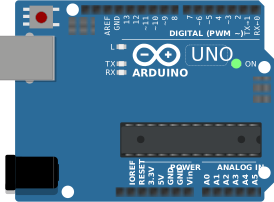
arduino-cli compiles it, an AVR8 core executes it instruction by instruction, and the LCD shows what the ATmega328P actually put on the bus. Uno, Nano, Mega and ATtiny85, no board on your desk.

Hardware is all about iteration. Velxio lets you wire a circuit, program the board and run it in seconds, real firmware on a real solver, right in the browser.





DFRobot · M5Stack links on this page are affiliate links: a purchase through them earns Velxio a small commission at no extra cost to you.
Nothing on this page is a scripted animation: the firmware is compiled and executed, and the circuit around it is solved.
arduino-cli compiles it, an AVR8 core executes it instruction by instruction, and the LCD shows what the ATmega328P actually put on the bus. Uno, Nano, Mega and ATtiny85, no board on your desk.
arduino-cli or ESP-IDF compiles the sketch, then AVR8, RP2040, RISC-V, Xtensa or ARM executes it instruction by instruction. What the OLED draws and what the serial monitor prints is what the chip actually did.

ngspice compiled to WebAssembly runs a full nodal analysis about 60 times a second. GPIO pins drive real nets, ADC inputs read solved node voltages, and probes report RMS, DC and current wherever you drop them.
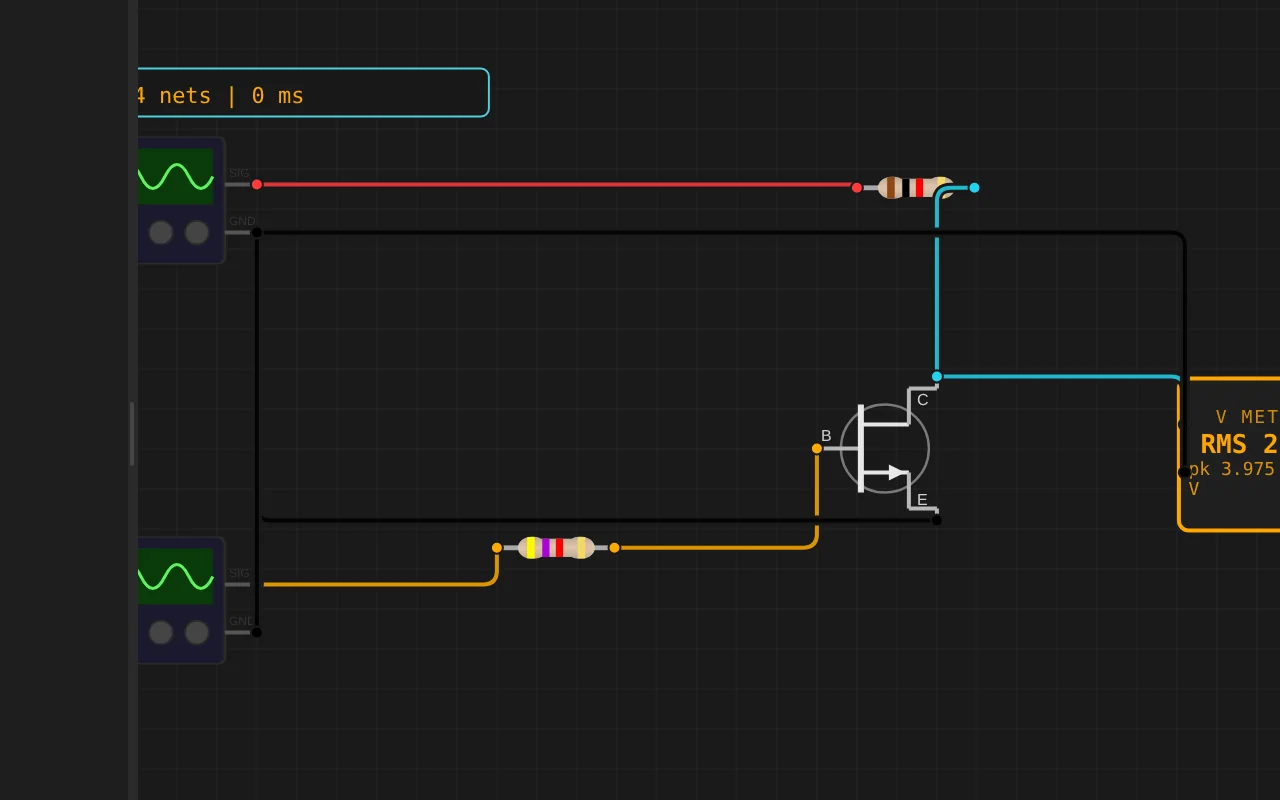
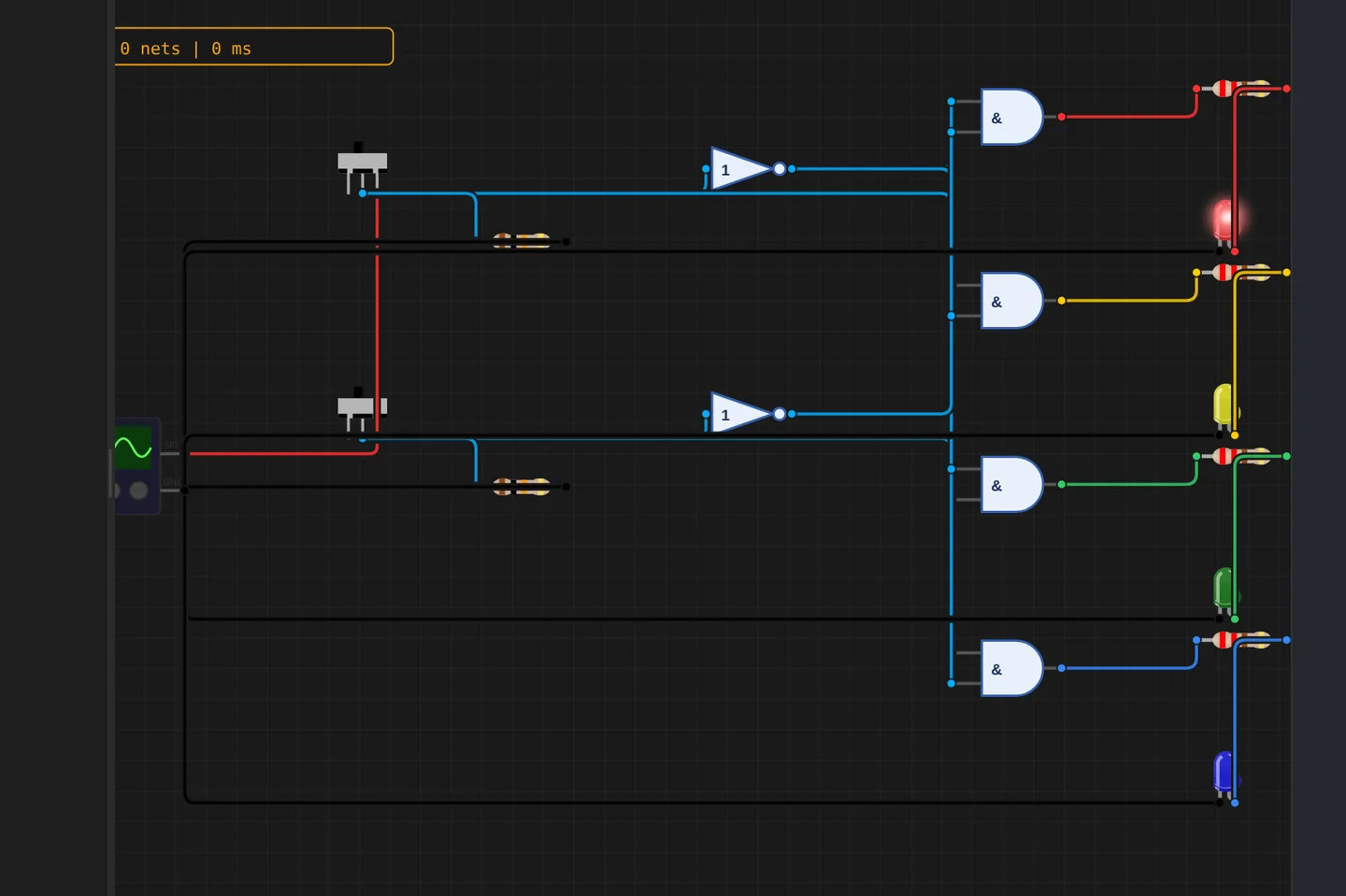
Adders, comparators, decoders, flip-flops and a 1-bit ALU slice: no microcontroller anywhere, just gates, switches and LEDs solved as a real net. The classroom half of electronics, without the breadboard.
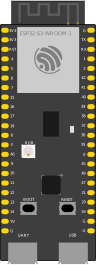
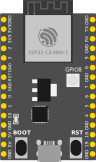
The M5Stack Cardputer with its keyboard, Seeed's round display keeping time, Pimoroni's Badger 2350 driving e-paper, and DFRobot's UNIHIKER M10 in the catalogue alongside them. Their makers sent the hardware so the emulation could be checked against the real thing.
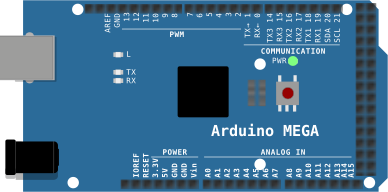
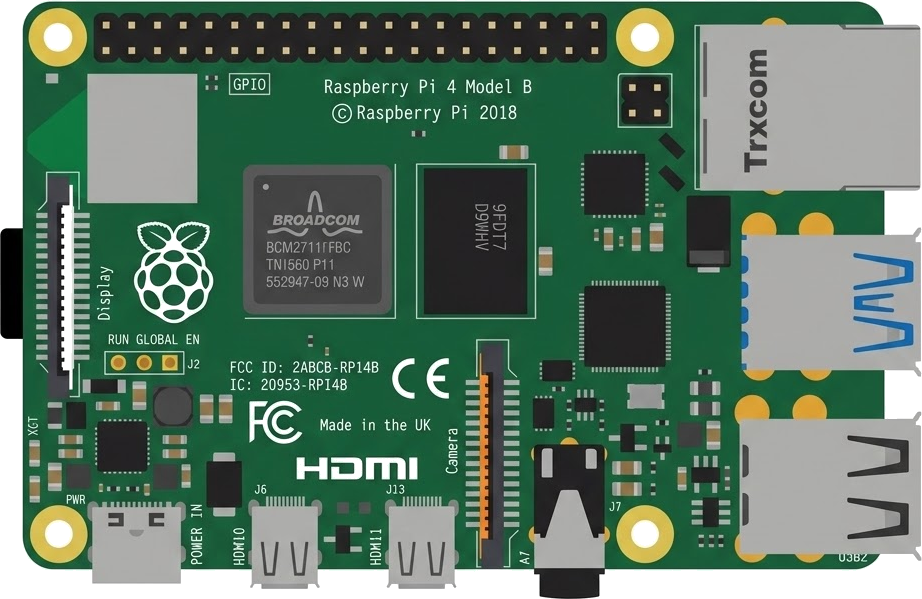
35 boards across 6 CPU architectures — AVR8, ARM Cortex-M, ARM Cortex-A, RISC-V, Xtensa, and Linux. Including partner boards from Pimoroni, M5Stack, Seeed Studio and DFRobot. All running locally, no cloud needed.






One institution contract gives every student in the class a full Pro account. No per-seat checkout, no card details in a classroom.
Private projects, BOM and schematic exports and GitHub Sync, for everyone enrolled.
Billed once to your institution, per semester or per year. Volume pricing on request for large cohorts.
Arduino, ESP32, RP2040, STM32, ATtiny and Raspberry Pi, with SPICE analog solved alongside the firmware. Not a sandboxed mock.
The simulator stays free forever, WiFi with internet included. Paid plans unlock the Linux and STM32 boards, custom WiFi networks and the local network gateway. Maker and Pro add the AI agent; No AI leaves it out.
Discover the simulator + light AI help.
The full workbench, zero AI. You write every line.
For makers shipping real circuits with AI help.
Private projects, GitHub Sync and BOM exports.
Questions, bugs and ideas: the Discord and the issue tracker are open, and so is every line of the simulator.
Proyecto de secador de filamento con Arduino Uno, sensores de temperatura, relés y pantalla.
An interactive Arduino Uno circuit simulation you can run free in your browser on Velxio, by axeldissnewcool.
#include <Wire.h>
#include <Adafruit_GFX.h>
#include <Adafruit_SSD1306.h>
#include <DHT.h>
#include <avr/pgmspace.h>

// ============================================================
// PROYECTO: SECADORA DE FILAMENTO 2KG PROFESIONAL (V3.0)
// ============================================================
// Características:
// - Interfaz gráfica completa en OLED 128x64 con iconos animados
// - Gráfica térmica en tiempo real (curva de calentamiento)
// - Presets automáticos por tipo de filamento (PLA, PETG, ABS, TPU, NYLON, MANUAL)
// - Temporizador con apagado automático y ciclo de enfriamiento (cooldown)
// - Control de histeresis protegido contra conmutación rápida de relé
// - Pantalla secundaria LCD 1602 con caracteres personalizados y animaciones
// ============================================================

// ------------------------------------------------------------
// DEFINICIÓN DE PINES
// ------------------------------------------------------------
#define DHTPIN 2
#define DHTTYPE DHT11

#define BTN_UP    4
#define BTN_OK    5
#define BTN_DOWN  6
#define BTN_BACK  7

#define RELAY_HEATER 8  // Calentadores (2x) + Motor 1
#define RELAY_FANS   9  // Ventiladores de circulación (3x)

#define NTC_PIN A0

// OLED I2C Hardware (A4=SDA, A5=SCL)
#define OLED_ADDR 0x3C
#define OLED_WIDTH 128
#define OLED_HEIGHT 64

// LCD 1602 Software I2C (A3=SDA, A2=SCL)
#define LCD_SDA A3
#define LCD_SCL A2
#define LCD_ADDR 0x27

// Comandos LCD
#define LCD_RS 0x01
#define LCD_EN 0x04
#define LCD_BL 0x08

// ------------------------------------------------------------
// ICONOS DE 8x8 (Guardados en memoria Flash PROGMEM)
// ------------------------------------------------------------
const unsigned char PROGMEM icon_fan0[] = {
  0b00100100,
  0b01100110,
  0b11111111,
  0b00111100,
  0b00111100,
  0b11111111,
  0b01100110,
  0b00100100
};

const unsigned char PROGMEM icon_fan1[] = {
  0b00011000,
  0b00111100,
  0b01011010,
  0b11111111,
  0b11111111,
  0b01011010,
  0b00111100,
  0b00011000
};

const unsigned char PROGMEM icon_flame[] = {
  0b00010000,
  0b00111000,
  0b01010100,
  0b01111100,
  0b11011110,
  0b11111110,
  0b01111100,
  0b00111000
};

const unsigned char PROGMEM icon_drop[] = {
  0b00010000,
  0b00010000,
  0b00111000,
  0b01111100,
  0b11101110,
  0b11111110,
  0b01111100,
  0b00111000
};

const unsigned char PROGMEM icon_therm[] = {
  0b00110000,
  0b01001000,
  0b01001000,
  0b01111000,
  0b01111000,
  0b11111100,
  0b11111100,
  0b01111000
};

const unsigned char PROGMEM icon_clock[] = {
  0b00111100,
  0b01000010,
  0b10001001,
  0b10001101,
  0b10000001,
  0b10000001,
  0b01000010,
  0b00111100
};

// ------------------------------------------------------------
// CARACTERES ESPECIALES LCD 1602 (5x8)
// ------------------------------------------------------------
const byte char_therm[8] PROGMEM = {
  0b00100, 0b01010, 0b01010, 0b01110, 0b01110, 0b11111, 0b11111, 0b01110
};
const byte char_drop[8] PROGMEM = {
  0b00100, 0b00100, 0b0