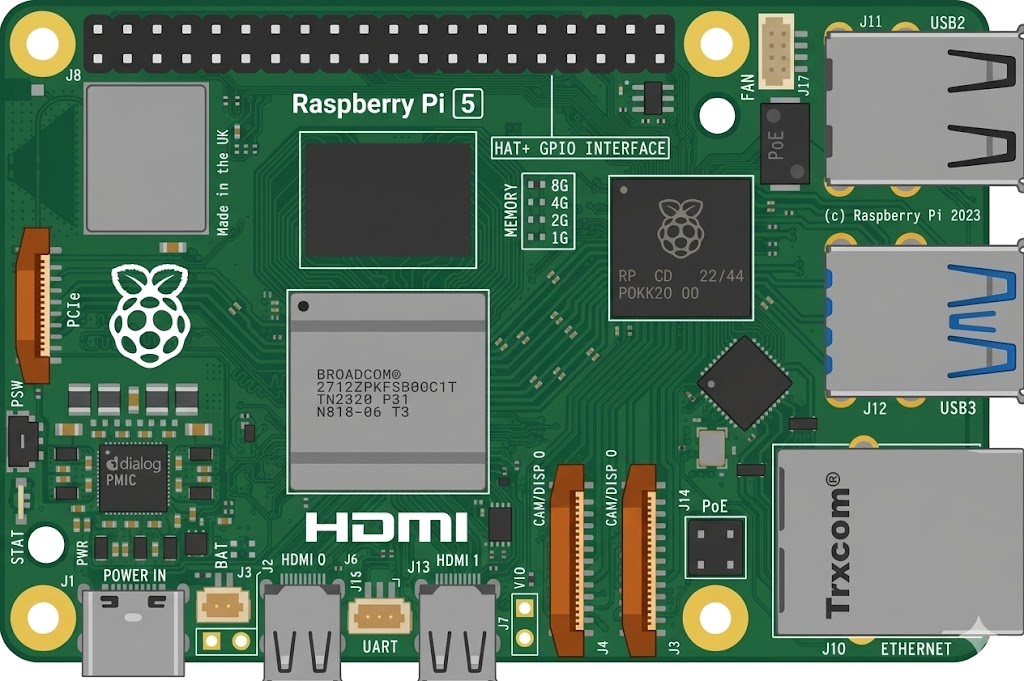
Arduino, running the sketch you wrote
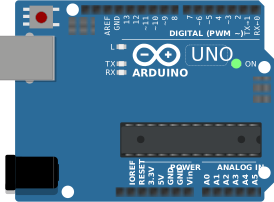
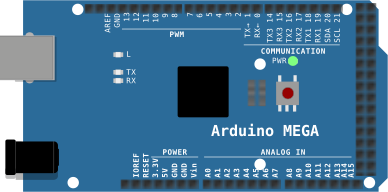
arduino-cli compiles it, an AVR8 core executes it instruction by instruction, and the LCD shows what the ATmega328P actually put on the bus. Uno, Nano, Mega and ATtiny85, no board on your desk.

Hardware is all about iteration. Velxio lets you wire a circuit, program the board and run it in seconds, real firmware on a real solver, right in the browser.





DFRobot · M5Stack links on this page are affiliate links: a purchase through them earns Velxio a small commission at no extra cost to you.
Nothing on this page is a scripted animation: the firmware is compiled and executed, and the circuit around it is solved.
arduino-cli compiles it, an AVR8 core executes it instruction by instruction, and the LCD shows what the ATmega328P actually put on the bus. Uno, Nano, Mega and ATtiny85, no board on your desk.
arduino-cli or ESP-IDF compiles the sketch, then AVR8, RP2040, RISC-V, Xtensa or ARM executes it instruction by instruction. What the OLED draws and what the serial monitor prints is what the chip actually did.

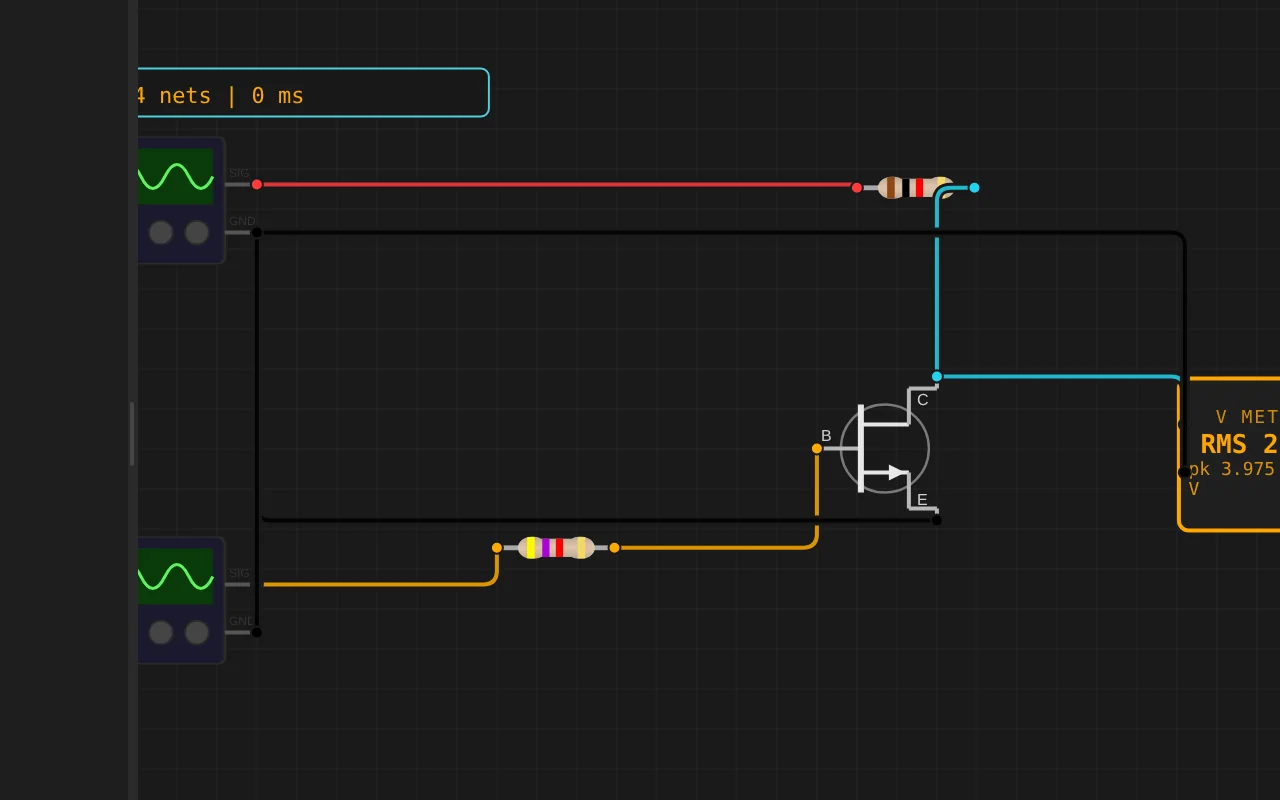
ngspice compiled to WebAssembly runs a full nodal analysis about 60 times a second. GPIO pins drive real nets, ADC inputs read solved node voltages, and probes report RMS, DC and current wherever you drop them.
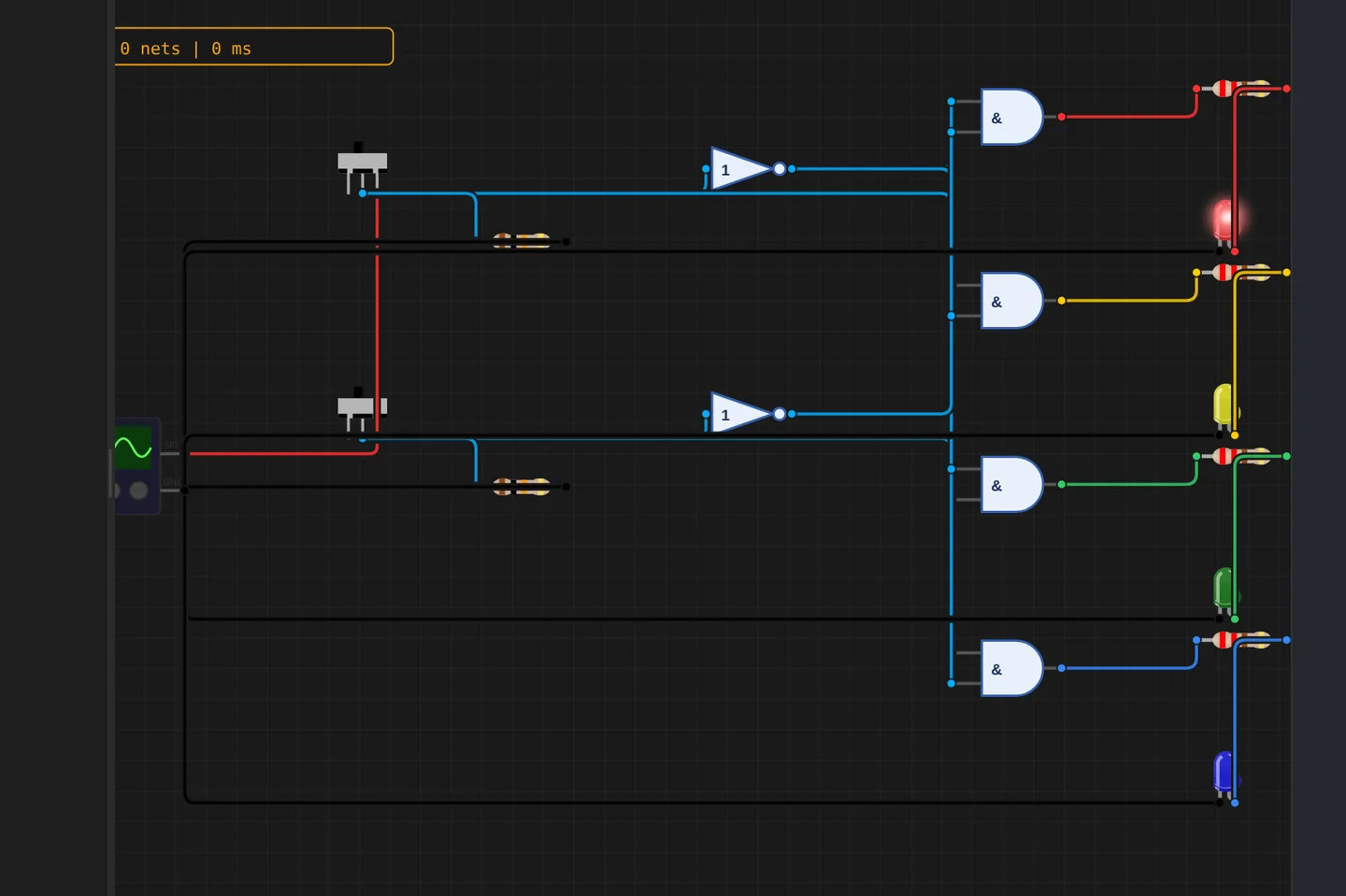
Adders, comparators, decoders, flip-flops and a 1-bit ALU slice: no microcontroller anywhere, just gates, switches and LEDs solved as a real net. The classroom half of electronics, without the breadboard.
The M5Stack Cardputer with its keyboard, Seeed's round display keeping time, Pimoroni's Badger 2350 driving e-paper, and DFRobot's UNIHIKER M10 in the catalogue alongside them. Their makers sent the hardware so the emulation could be checked against the real thing.
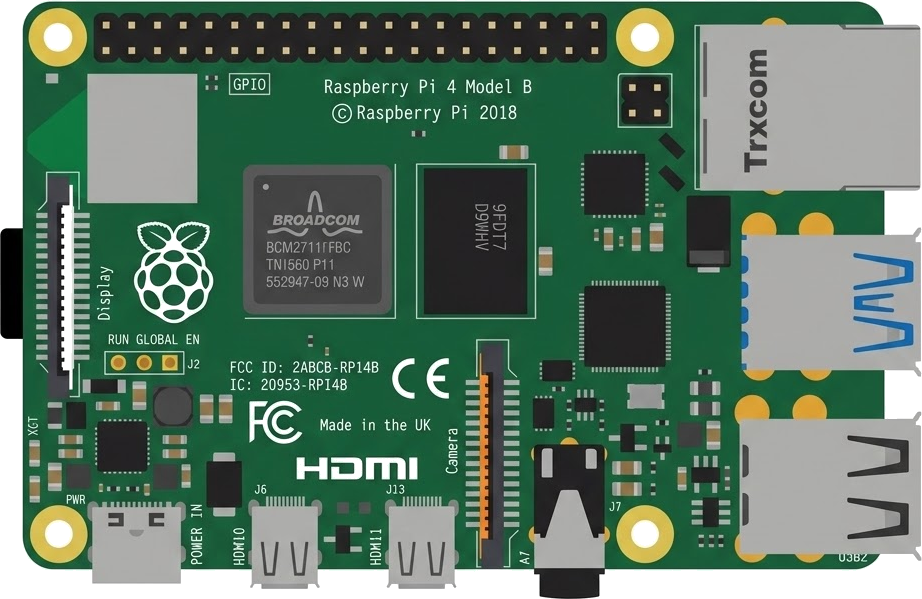
35 boards across 6 CPU architectures — AVR8, ARM Cortex-M, ARM Cortex-A, RISC-V, Xtensa, and Linux. Including partner boards from Pimoroni, M5Stack, Seeed Studio and DFRobot. All running locally, no cloud needed.






One institution contract gives every student in the class a full Pro account. No per-seat checkout, no card details in a classroom.
Private projects, BOM and schematic exports and GitHub Sync, for everyone enrolled.
Billed once to your institution, per semester or per year. Volume pricing on request for large cohorts.
Arduino, ESP32, RP2040, STM32, ATtiny and Raspberry Pi, with SPICE analog solved alongside the firmware. Not a sandboxed mock.
The simulator stays free forever, WiFi with internet included. Paid plans unlock the Linux and STM32 boards, custom WiFi networks and the local network gateway. Maker and Pro add the AI agent; No AI leaves it out.
Discover the simulator + light AI help.
The full workbench, zero AI. You write every line.
For makers shipping real circuits with AI help.
Private projects, GitHub Sync and BOM exports.
Questions, bugs and ideas: the Discord and the issue tracker are open, and so is every line of the simulator.
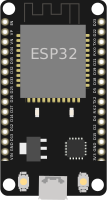
An interactive Esp32 Devkit C V4 circuit simulation you can run free in your browser on Velxio, by zenos-vn0.
#include <Arduino.h>
#include <SPI.h>
#include <SD.h>
#include <Adafruit_GFX.h>
#include <Adafruit_ILI9341.h>

#define TFT_CS   15
#define TFT_DC   2
#define TFT_RST  4
#define SD_CS    5

#define DISP_W   320
#define DISP_H   240

Adafruit_ILI9341 tft = Adafruit_ILI9341(TFT_CS, TFT_DC, TFT_RST);

// Bang mau co dinh
#define C_BLUE      0x001F
#define C_GREEN     0x07E0
#define C_ORANGE    0xFD20
#define C_CYAN      0x07FF
#define C_PURPLE    0x781F
#define C_YELLOW    0xFFE0
#define C_RED       0xF800
#define C_GRAY      0x8410
#define C_WHITE     0xFFFF
#define C_BLACK     0x0000
#define SPOT_GREEN  0x07E0

// Custom Accent Color (0: Cyan, 1: Blue, 2: Green, 3: Red, 4: Yellow, 5: Orange, 6: Gray, 7: Purple)
int accentPreset = 0;
const int ACCENT_COUNT = 8;
const uint16_t accentPalette[ACCENT_COUNT] = {
  0x07FF, // Cyan
  0x03DF, // Sky Blue
  0x07E0, // Neon Green
  0xF800, // Red
  0xFFE0, // Yellow
  0xFD20, // Orange
  0x9492, // Silver Gray
  0xC81F  // Vivid Purple
};
const char* accentNamesEN[ACCENT_COUNT] = {
  "Cyan", "Blue", "Green", "Red", "Yellow", "Orange", "Gray", "Purple"
};
const char* accentNamesVI[ACCENT_COUNT] = {
  "Xanh Ngoc", "Xanh Duong", "Xanh La", "Do", "Vang", "Cam", "Xam", "Tim"
};

// Bang mau dong theo Light / Dark Mode + Custom Accent
bool darkMode = true;
uint16_t C_BG     = 0x0000;
uint16_t C_PANEL  = 0x18E3;
uint16_t C_HEADER = 0x294A;
uint16_t C_TEXT   = 0xFFFF;
uint16_t C_MUTED  = 0xBDF7;
uint16_t C_DARK   = 0x0000;
uint16_t C_ACCENT = 0x07FF;

// Ngon ngu: false = English, true = Tieng Viet
bool langVI = false;

// Chan dieu khien
#define ENC_CLK        14
#define ENC_DT         34
#define ENC_SW         33
#define PIN_HOME       13
#define PIN_VOLUP      16
#define PIN_VOLDN      17
#define PIN_BUZZER     25
#define PIN_WASD_A     26
#define PIN_WASD_W     32
#define PIN_WASD_S     27
#define PIN_WASD_D     21
#define PIN_E_TUONGTAC 22

enum ScreenState {
  SCR_MENU,
  SCR_MUSIC,
  SCR_PLAYER,
  SCR_PHOTOS,
  SCR_VIDEOS,
  SCR_FILES,
  SCR_BLUETOOTH,
  SCR_SETTINGS,
  SCR_WALLPAPER,
  SCR_SET_TIME,
  SCR_CLOCK,
  SCR_OFF
};

ScreenState currentScreen = SCR_CLOCK;
ScreenState lastDrawnScreen = SCR_OFF;

// Menu chinh
int menuIndex = 0;
int lastMenuIndex = 0;
const int MENU_COUNT = 6;
const char* menuItemsEN[MENU_COUNT] = {"Music", "Photos", "Videos", "Files", "Bluetooth", "Settings"};
const char* menuItemsVI[MENU_COUNT] = {"Nghe Nhac", "Hinh Anh", "Video", "Tep Tin", "Bluetooth", "Cai Dat"};

// Danh sach nhac that doc tu the SD
const int MAX_TRACKS = 16;
String trackTitles[MAX_TRACKS];
int trackLengthsSec[MAX_TRACKS];
int trackCount = 0;
int selectedTrack = 0;
bool isPlaying = false;
int trackElapsedSec = 0;
unsigned long lastPlayTick = 0;

// Danh sach anh that doc tu the SD (khong chua anh nen he thong)
const int MAX_PHOTOS = 16;
String sdPhotoList[MAX_PHOTOS];
int sdPhotoCount = 0;
int selectedPhoto = 0;

// Anh nen he thong chi dung cho Lock Screen & Wallpaper Settings
const char* wallpaperName = "WinXP