
XIAO ESP32S3 Sense Simulator
camera, microphone and microSD, all emulated
Simulate the XIAO ESP32S3 Sense in your browser: the camera, the PDM microphone and the microSD slot are emulated, so vision, audio and logging sketches produce real data instead of placeholders.
Free plan · No install, no account · Runs in your browser
XIAO ESP32S3 Sense at a glance
The Sense is the XIAO people buy for tiny vision and voice projects, and those projects are only worth prototyping if the peripherals do something. On Velxio the camera delivers frames, the microphone delivers samples with a live level meter, and the microSD is a FAT image your sketch reads and writes. The ESP32-S3 underneath runs Arduino C++, MicroPython or ESP-IDF on the in-browser engine.
- Processor
- ESP32-S3, dual-core Xtensa LX7 at 240 MHz
- Memory
- 512 KB SRAM · 8 MB PSRAM · 8 MB flash
- Emulation
- esp32s3js (in-browser)
- Languages
- Arduino C++ · MicroPython · ESP-IDF
- Plan
- Free
What you can do with the XIAO ESP32S3 Sense simulator
The board on the canvas is the real thing as far as your code is concerned: the same pins, the same buses, the same peripherals, wired to the same 100+ sensors, displays and actuators every other Velxio board talks to.
Camera
The camera is emulated: point it at an image or a synthetic scene and the sketch receives real frames, so vision and streaming projects run end to end.
Microphone
The microphone delivers a real sample stream, with a live level meter on the canvas, so audio capture and voice projects have something to hear.
microSD slot
The card is a real FAT image, filled with your workspace files automatically; load your own files from the SD Card panel and read them back from the sketch.
Arduino C++ sketches
Write a sketch in the Monaco editor with library completion, compile it against the board's own Arduino core and run the real firmware binary. The Serial Monitor is the USB port.
MicroPython
Switch the board to MicroPython from the toolbar and run main.py against the same circuit. Drivers are plain .py files in the workspace, copied onto the board's filesystem before your script starts.
ESP-IDF projects
Build a full ESP-IDF project (v5.5.4) with FreeRTOS tasks, sdkconfig and components, and run it on the emulated chip without a devkit on your desk.
WiFi against a virtual access point
The emulator advertises the Velxio-GUEST network: HTTP servers, MQTT clients and NTP sync in your sketch connect and answer, without leaving the browser.
XIAO footprint
The thumbnail-sized XIAO pinout: D0 to D10 with the I2C, SPI and UART pads where every XIAO has them, so projects move between XIAO boards with a pin map check.
XIAO ESP32S3 Sense examples
Ready-to-run projects for this board from the gallery. Open one, read the sketch, press Run.
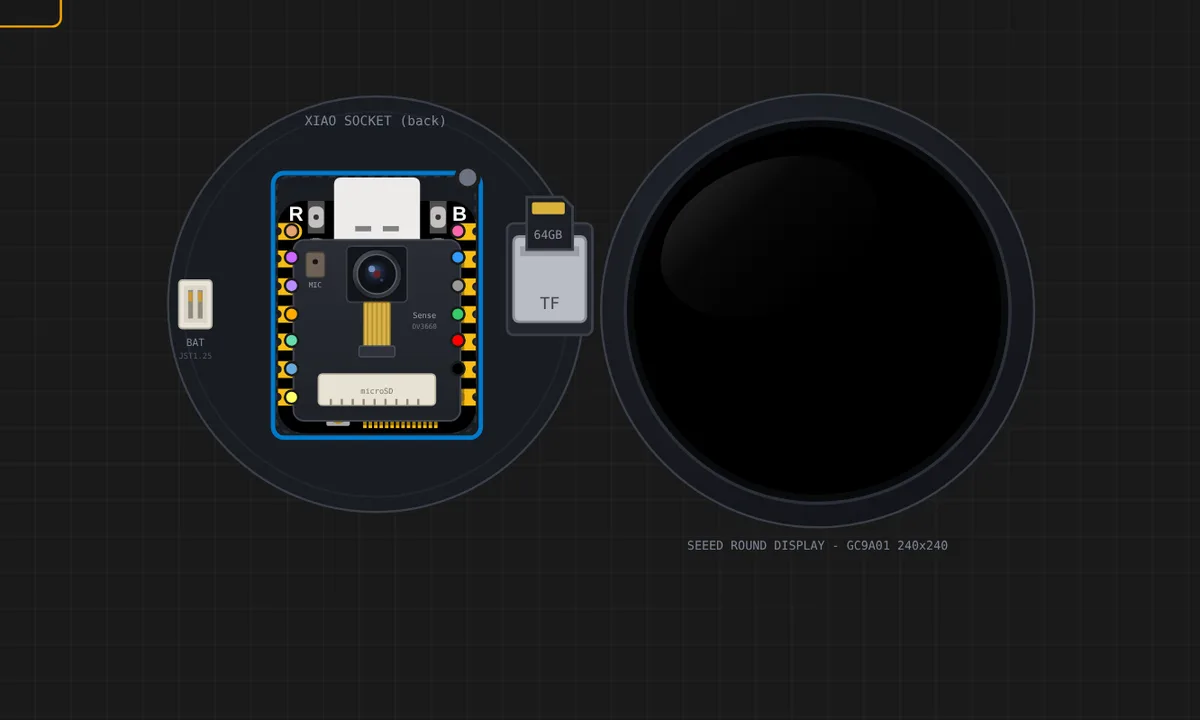 Round Display: analogue clock (GC9A01 + RTC)The shield as it is meant to be used: a XIAO ESP32S3 draws an analogue face on the 1.28 inch GC9A01 and takes the time from the PCF8563 on the same board, so the clock keeps its own time instead of counting millis(). The pins are Seeed's own (CS=D1 DC=D3 BL=D6 SCK=D8 MOSI=D10), written as raw GPIO numbers so the sketch says what it means. Note the backlight: drive D6 low and the glass goes dark, exactly as the hardware does.
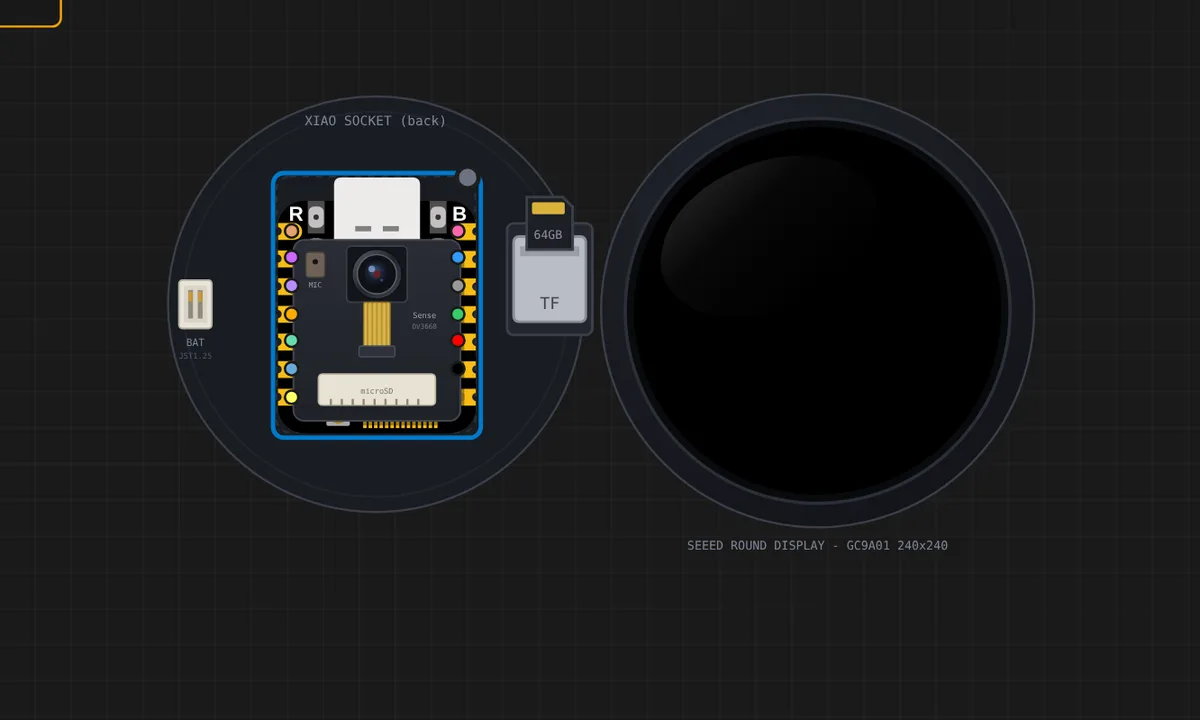 Round Display: files on the microSD (TF slot)The shield's TF slot is a real FAT card in the simulator: the project's data files are auto-copied onto it, and clicking the shield opens an SD Card panel where you upload your own (images, audio, data). This example ships saludo.txt already on the card; the sketch mounts the slot (same SPI bus as the glass, CS=D2), lists the root and paints the file on the round glass.
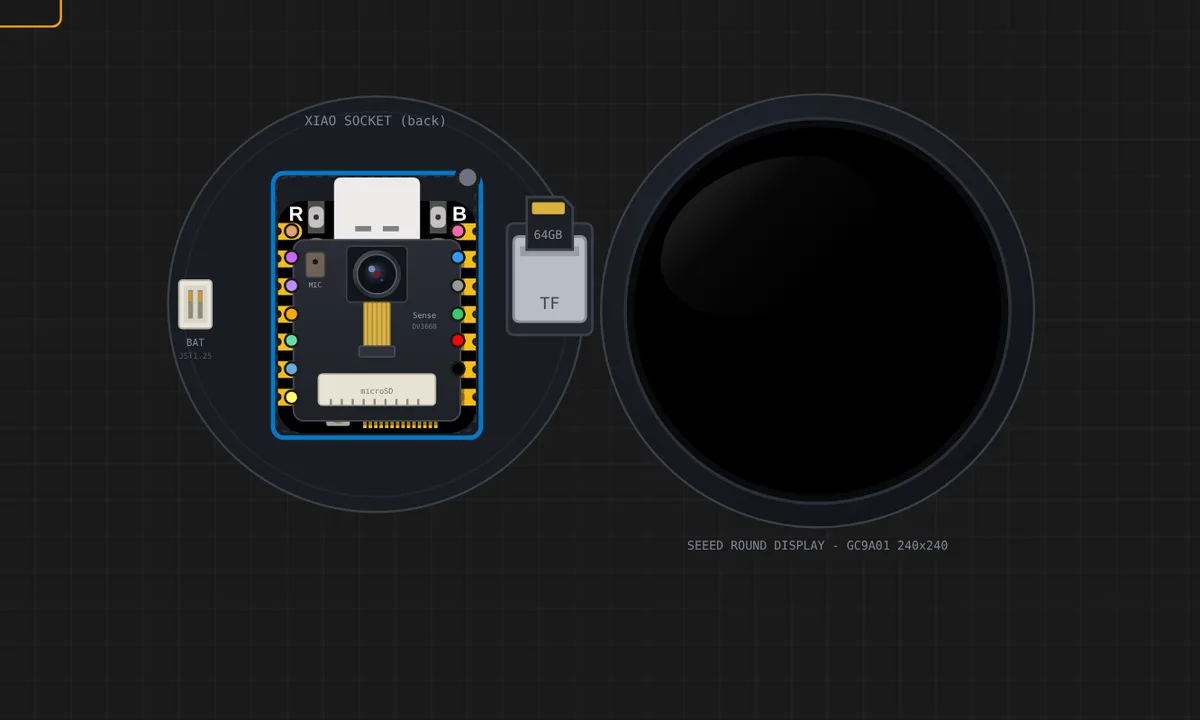 Round Display: battery gauge (ETA3410 divider)The shield's battery path, end to end: the v1.1 board reads the pack through a 100k/100k divider into A0 when the KE switch sits on the battery side, so analogReadMilliVolts(A0) x 2 IS the pack voltage - Seeed's own recipe. The sketch draws a round gauge on the GC9A01 and follows the Battery slider in the shield's control panel; flip the KE switch slider to 0 and the gauge honestly reports there is nothing to measure.
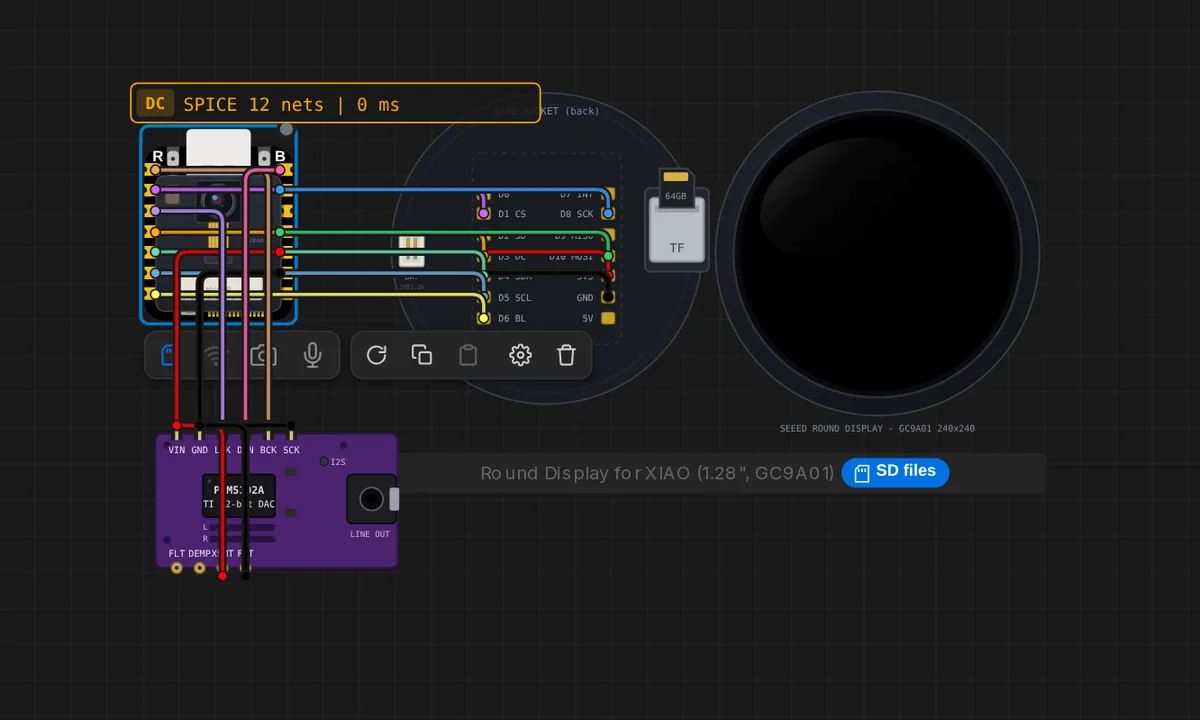 XIAO Pod: iPod-style MP3 player (Round Display + PCM5102A)A pocket music player: the XIAO ESP32S3 Sense reads MP3 files from its own microSD, decodes them with the Helix decoder that ships with the ESP32 core and streams stereo PCM over I2S to a PCM5102A DAC, whose line out plays on your computer's speakers. The round display is the click wheel: tap MENU, previous, next or play/pause on the rim, tap the centre to pause, drag around the rim for volume or to scroll the track list. Three original tracks ship on the card; add your own MP3s from the board's SD Card panel.
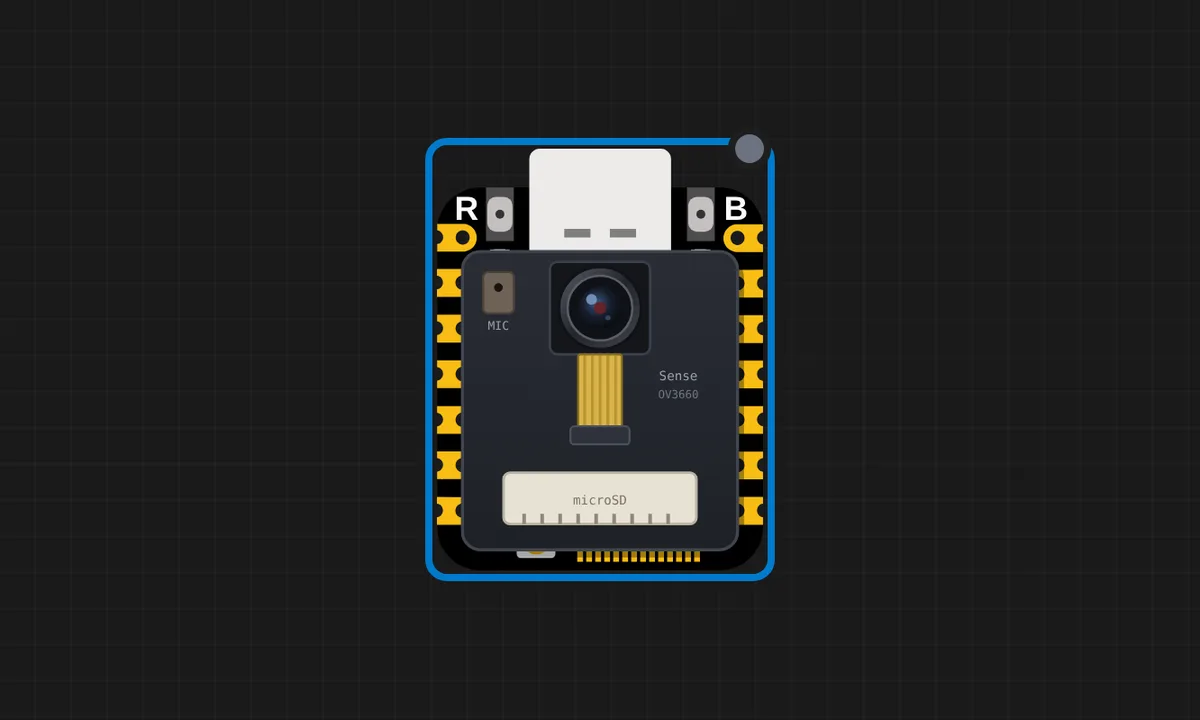 XIAO ESP32S3 Sense: HelloSerial hello-world on the Seeed Studio XIAO ESP32S3 Sense (in-browser esp32s3js engine - the camera, PDM mic and microSD examples build on this).
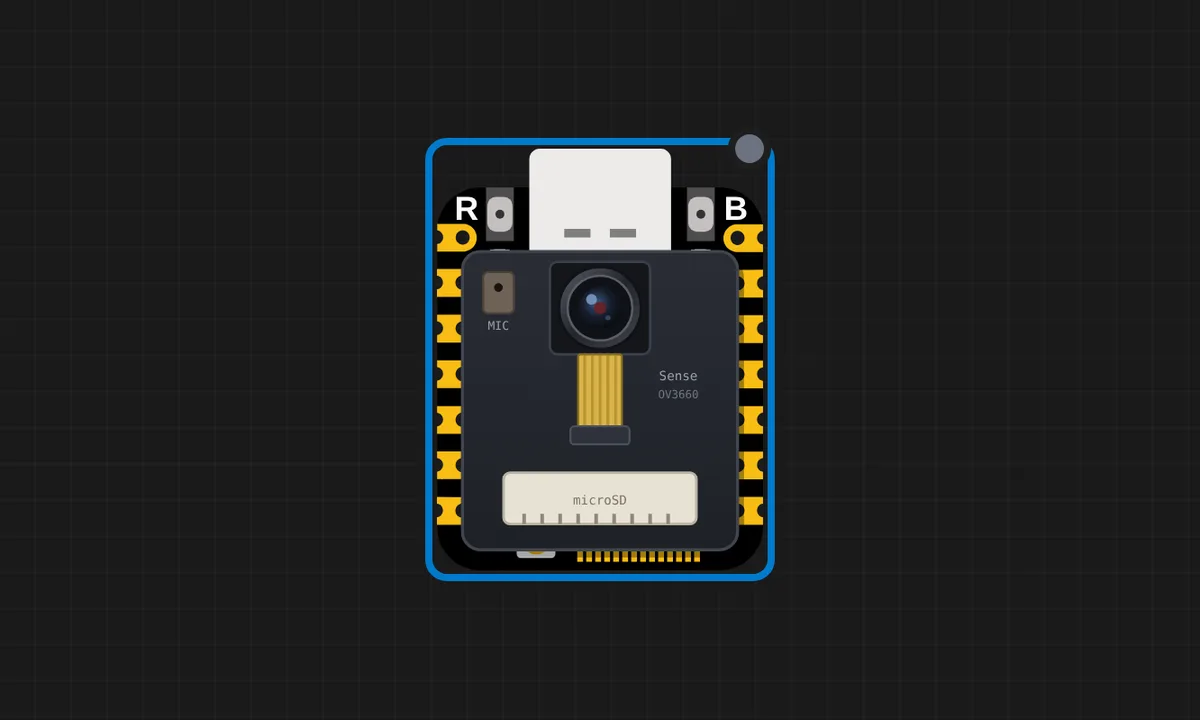 XIAO ESP32S3 Sense: onboard microSDThe Sense expansion board's TF slot as a real FAT card: the project data files are auto-copied onto it (source files stay off the card), and right-clicking the board opens an SD Card panel to upload your own (the card travels with the project). CS is GPIO21 on the shared SPI bus, exactly as Seeed wires it.
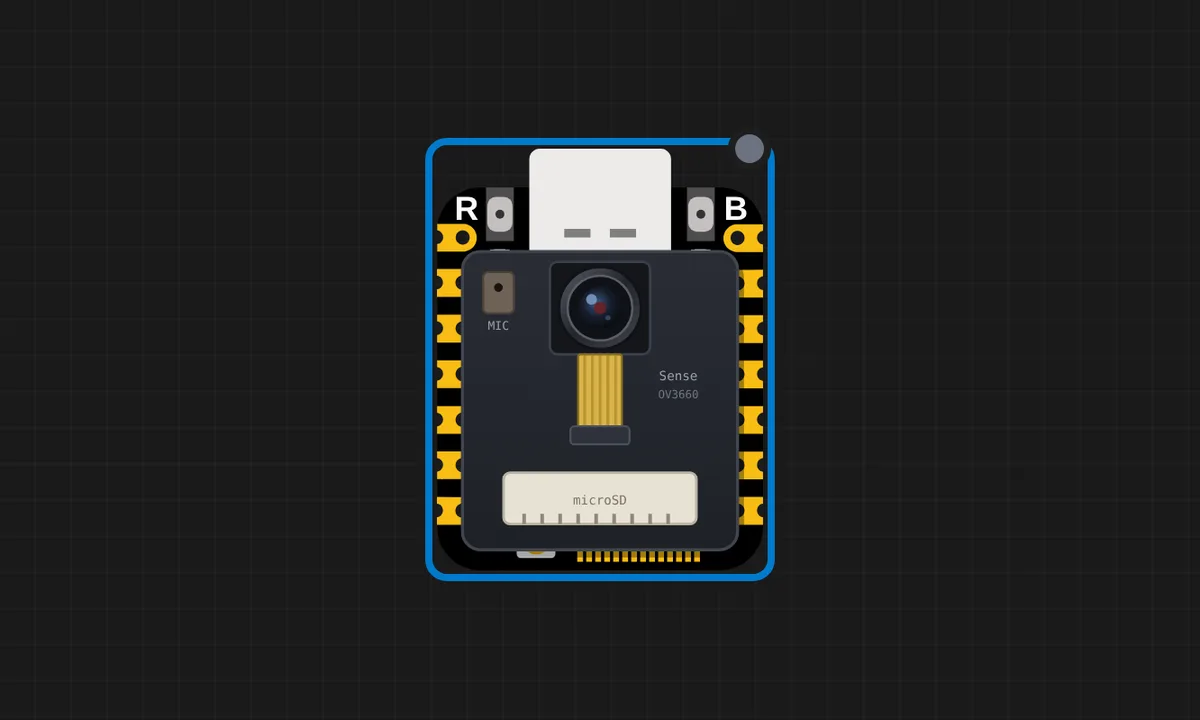 XIAO ESP32S3 Sense: PDM microphone levelThe Sense's digital microphone over I2S PDM RX (clock GPIO42, data GPIO41, 16 kHz mono - Seeed's own wiring). Click the Mic button in the canvas toolbar to stream your computer's microphone; while it is off, a steady 440 Hz test tone keeps the level meter alive.
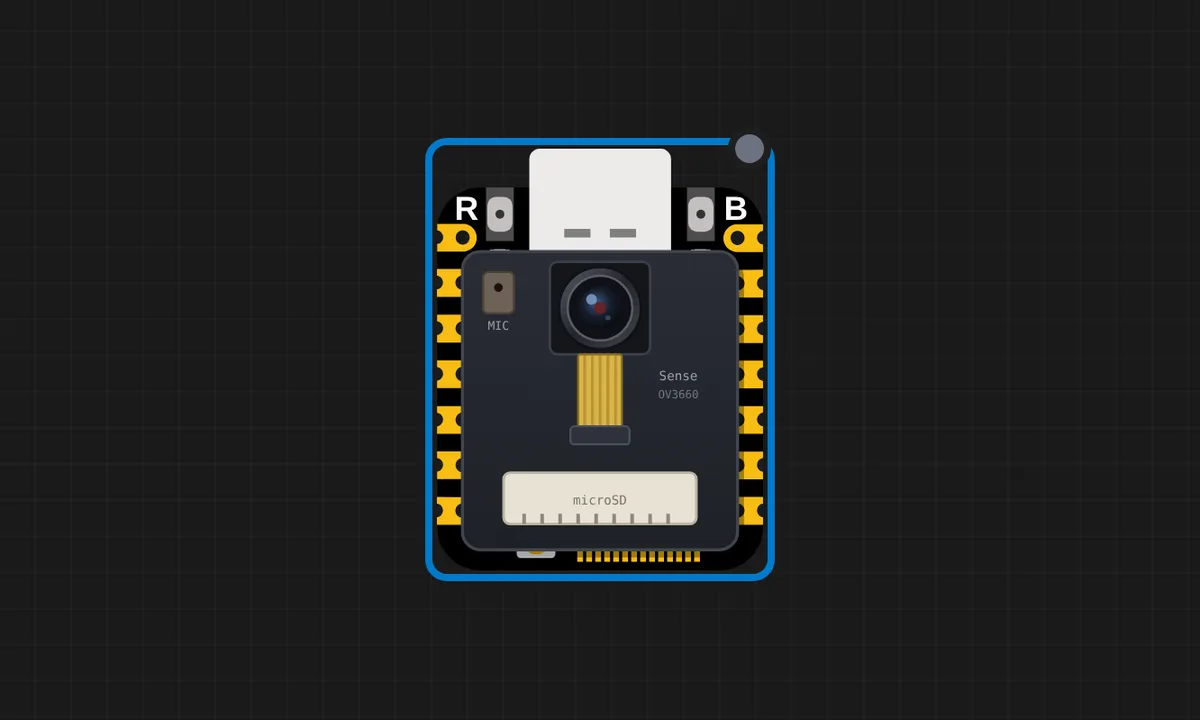 XIAO ESP32S3 Sense: camera photos to microSDThe Sense as a camera: esp_camera_init runs the real esp32-camera driver (SCCB probe, LCD_CAM + DMA), then the sketch shoots three JPEG photos from your webcam and saves them onto the onboard microSD. Turn the Camera button on to shoot - then press the SD files button under the board (or right-click it): the photos are listed under Card contents and can be downloaded.
Related simulators
Frequently asked questions
- How does the camera get its picture?
- Point the emulated camera at an image you upload or at a synthetic scene; the sketch receives real frames over the camera interface, so streaming and recognition code runs end to end.
- Can I record audio from the PDM microphone?
- Yes. The microphone delivers a real sample stream and the canvas shows a level meter, so voice-activity and audio-capture sketches have something to hear.
- Where do the microSD files come from?
- The card holds your project's files automatically; add your own from the SD Card panel and read them back from the sketch with the SD library.
- Is the XIAO ESP32S3 Sense free to simulate?
- Yes. It runs on the free plan, with no install and no account required.
- Is the XIAO ESP32S3 Sense simulator free?
- Yes. The XIAO ESP32S3 Sense runs on the free plan: open the editor, place the board and press Run. No install and no account are needed, and Velxio's editor and simulator core are open source under the GNU AGPLv3.
- Which languages can I use on the XIAO ESP32S3 Sense?
- Arduino C++, MicroPython, ESP-IDF. The language is switched from the toolbar; the circuit on the canvas stays the same.
Ready to simulate the XIAO ESP32S3 Sense?
Open the editor, place the XIAO ESP32S3 Sense from the picker, wire what you need and press Run.
Launch the XIAO ESP32S3 Sense simulator →