
XIAO ESP32C6 Simulator
the XIAO that carries the Grove catalog
Simulate Seeed Studio's XIAO ESP32C6 in your browser: Arduino C++, MicroPython and ESP-IDF on the in-browser ESP32-C6 engine, with Grove gesture sensors and the ReSpeaker Lite in the gallery.
Free plan · No install, no account · Runs in your browser
XIAO ESP32C6 at a glance
Beyond the board itself, the XIAO ESP32C6 is the one that carries the Grove and ReSpeaker ecosystem on Velxio: more than two hundred Grove modules from the catalog have a ready project on this XIAO, and the ReSpeaker Lite brings a far-field microphone, speaker output and direction-of-arrival tracking. The RISC-V C6 underneath runs on an in-browser engine.
- Processor
- ESP32-C6, RISC-V at 160 MHz plus a low-power RISC-V core
- Memory
- 512 KB SRAM · 4 MB flash
- Emulation
- esp32c6js (in-browser)
- Languages
- Arduino C++ · MicroPython · ESP-IDF
- Plan
- Free
What you can do with the XIAO ESP32C6 simulator
The board on the canvas is the real thing as far as your code is concerned: the same pins, the same buses, the same peripherals, wired to the same 100+ sensors, displays and actuators every other Velxio board talks to.
Grove ecosystem
Grove modules from the catalog plug into the board's I2C, analog and digital ports, and the gallery ships one ready project per module.
Arduino C++ sketches
Write a sketch in the Monaco editor with library completion, compile it against the board's own Arduino core and run the real firmware binary. The Serial Monitor is the USB port.
MicroPython
Switch the board to MicroPython from the toolbar and run main.py against the same circuit. Drivers are plain .py files in the workspace, copied onto the board's filesystem before your script starts.
ESP-IDF projects
Build a full ESP-IDF project (v5.5.4) with FreeRTOS tasks, sdkconfig and components, and run it on the emulated chip without a devkit on your desk.
GPIO, PWM and ADC
Drive LEDs, relays and servos, read buttons and potentiometers, dim with PWM. Every pin follows the board's real pin map, so what works here works on the hardware.
I2C, SPI and UART
Talk to OLEDs, IMUs, ADCs, RTCs and SD cards over the buses the board really has. Bus traffic runs through emulated peripherals, not through a shortcut.
XIAO footprint
The thumbnail-sized XIAO pinout: D0 to D10 with the I2C, SPI and UART pads where every XIAO has them, so projects move between XIAO boards with a pin map check.
SPICE analog parts
Op-amps, transistors, regulators and passives simulate in real time with ngspice in the browser; the board's pins drive them and read the solved voltages back.
XIAO ESP32C6 examples
Ready-to-run projects for this board from the gallery. Open one, read the sketch, press Run.
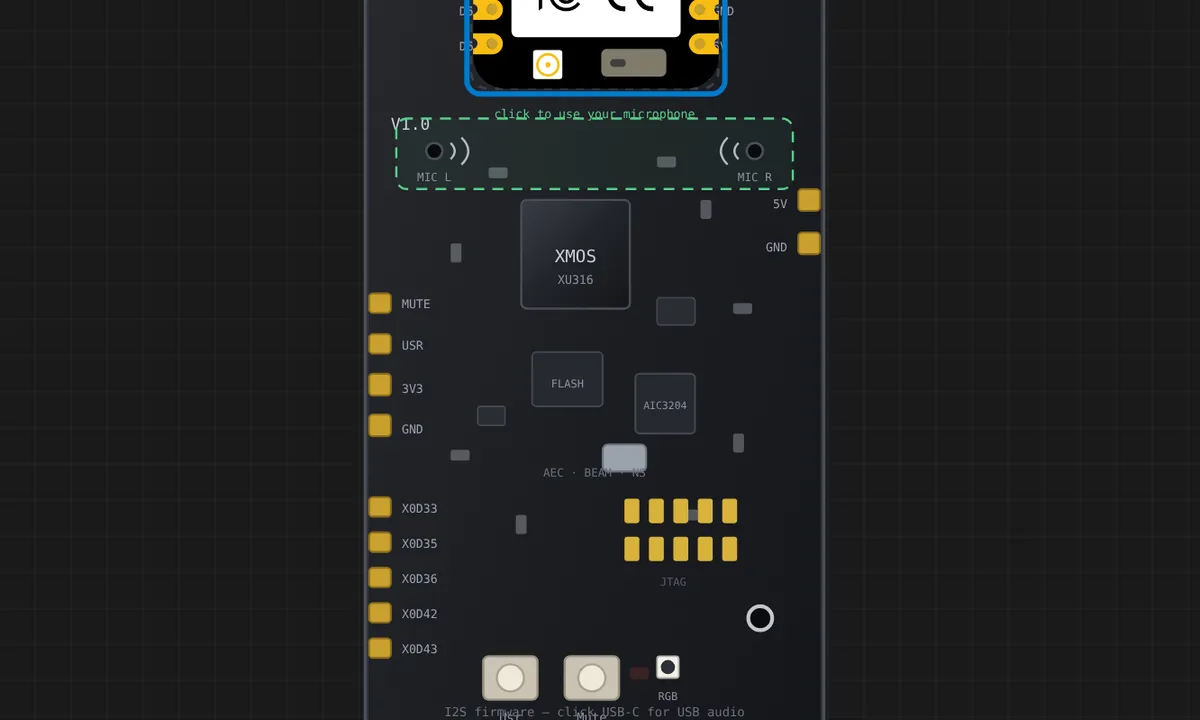 ReSpeaker Lite: far-field mic level meter (I2S)A XIAO ESP32-C6 seated on the reSpeaker Lite socket (drag it off and back to feel the magnet) reads the mic array over I2S (16 kHz, 16-bit stereo) and prints a live VU meter, RMS and peak to the serial monitor, plus the VNR and mute status from the XU316 I2C control surface at 0x42. Drive the mic level and tone from the control panel; click MUTE on the board and the meter drops to silence while the red LED lights — the I2C status follows.
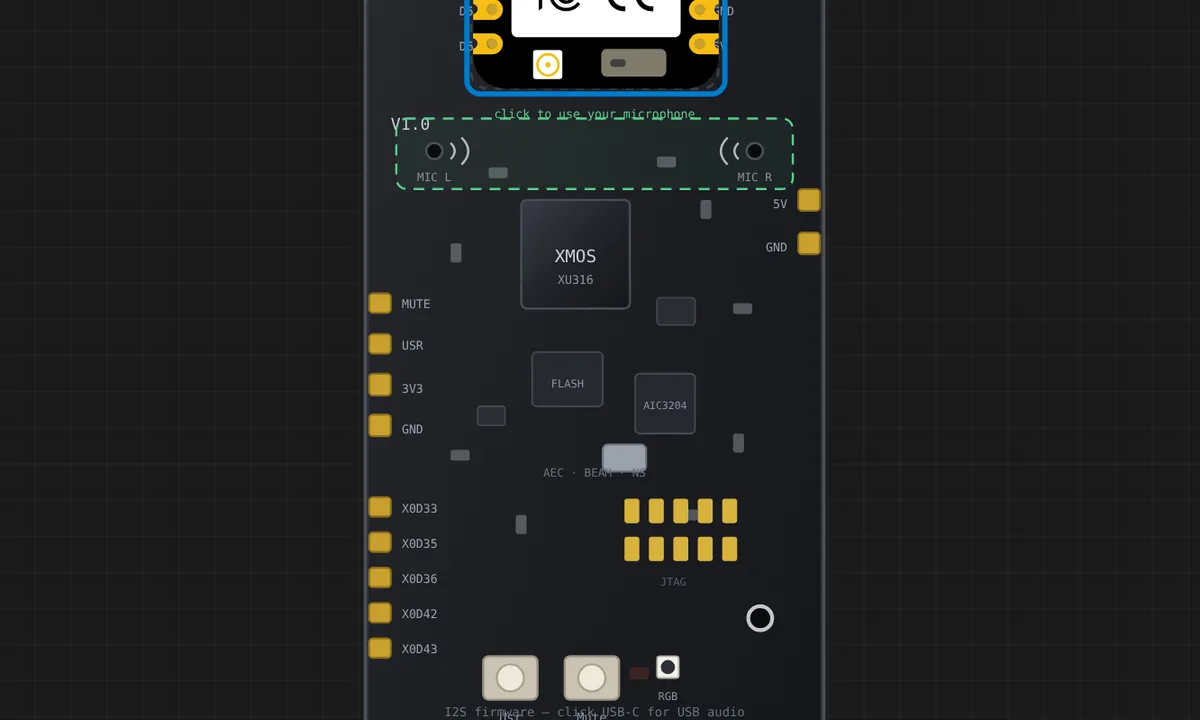 ReSpeaker Lite: play a melody through your speakersThe reSpeaker drives a speaker on the real board, so in the simulator it plays through YOUR computer: a XIAO ESP32-C6 seated on the socket writes notes to I2S and the browser sounds them, with the board's playback meter lighting as it goes. Nothing is wired to the speaker connector because nothing should be — plugging the real board into a speaker is exactly what this models. Press Run and turn your volume up.
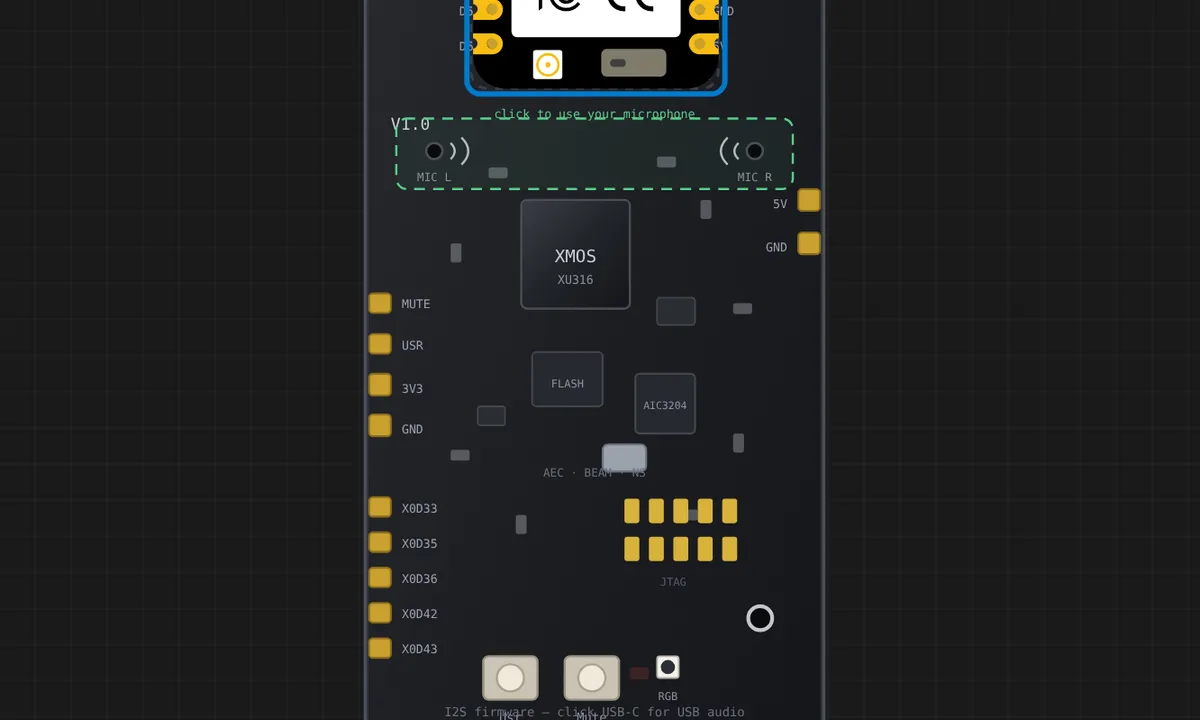 ReSpeaker Lite: track the talker (DOA + VNR over I2C)The XU316's processing, watched from the sketch: a XIAO ESP32-C6 seated on the socket polls the control surface at 0x42 and prints where the talker stands (direction of arrival), how clean the voice is (VNR) and which algorithms are running. Move the Talker angle slider and the needle follows while VNR falls off-beam; switch beamforming or noise suppression off in the panel and watch the numbers tell you what each one was buying. DOA and the algorithm flags are Velxio-extension registers — the shipping firmware exposes VNR and mute only.
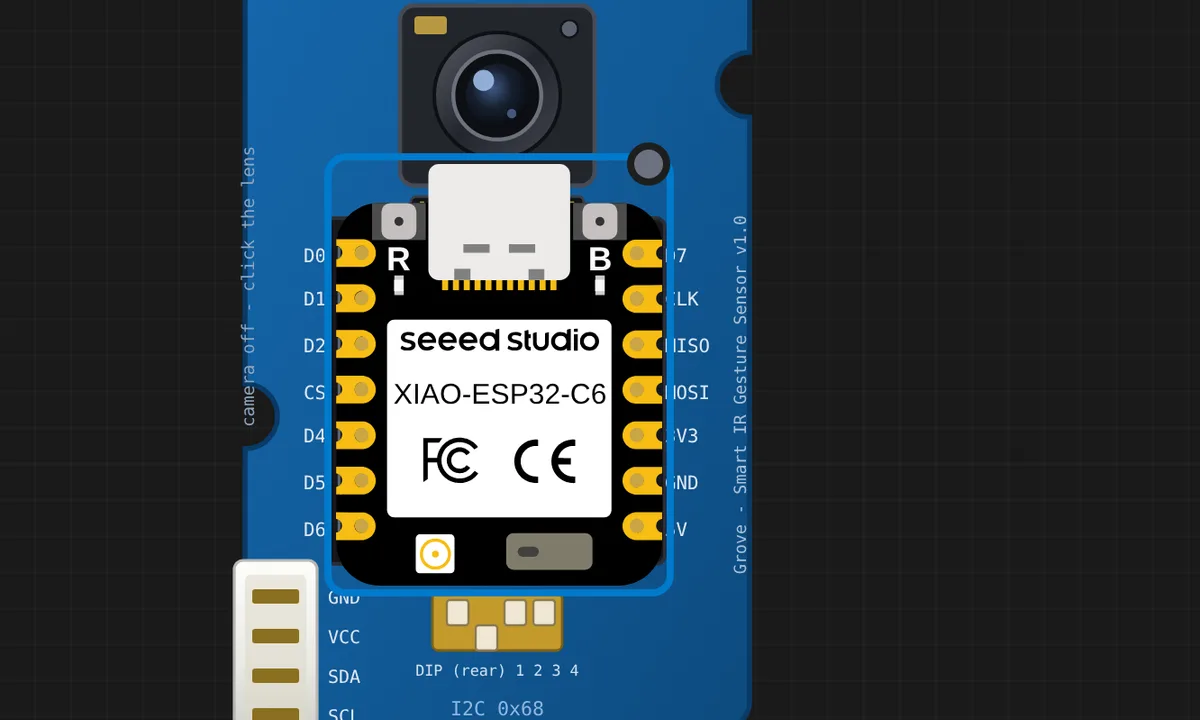 Grove Smart IR Gesture: a XIAO on the socket, no wiresThe Grove Smart IR Gesture Sensor is a XIAO carrier: seat a XIAO on its socket (drag it off and back to feel the magnet) and the I2C bus is made by the header itself, exactly like the hardware. The sketch reads the PAG7661QN gesture processor at 0x68 the way Seeed's driver does and names the gesture. Pick one in the sensor slider panel; flip the 4-way DIP to SPI or USB and the board says the chip is no longer on I2C, because it is not.
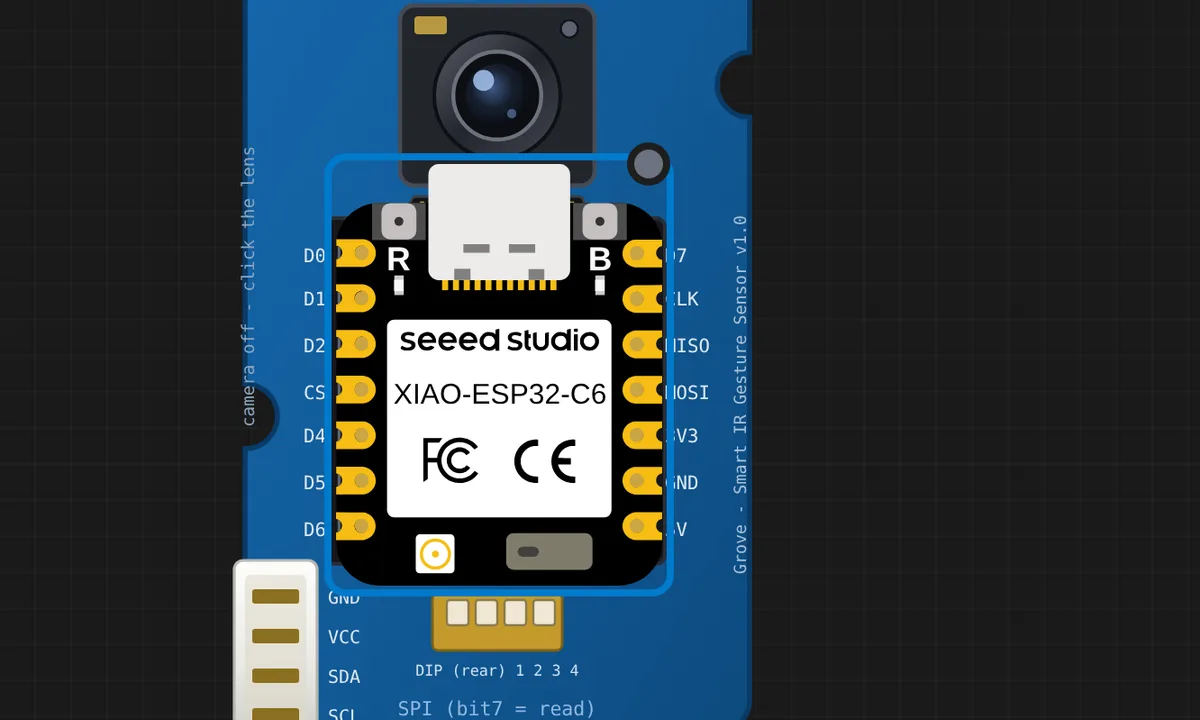 Grove Smart IR Gesture over SPI (flip the DIP)The same sensor, the other bus. Slide the 4-way DIP to all-ON and the chip leaves I2C for SPI exactly as the hardware does — the model follows it, so this sketch talks to the same registers through SPI.transfer(): address byte with bit 7 set to read, and a burst that auto-increments. CS is socket D3, the pad Seeed's own example uses. Flip the DIP back to I2C while it runs and the sketch stops getting answers, because the chip is no longer there.
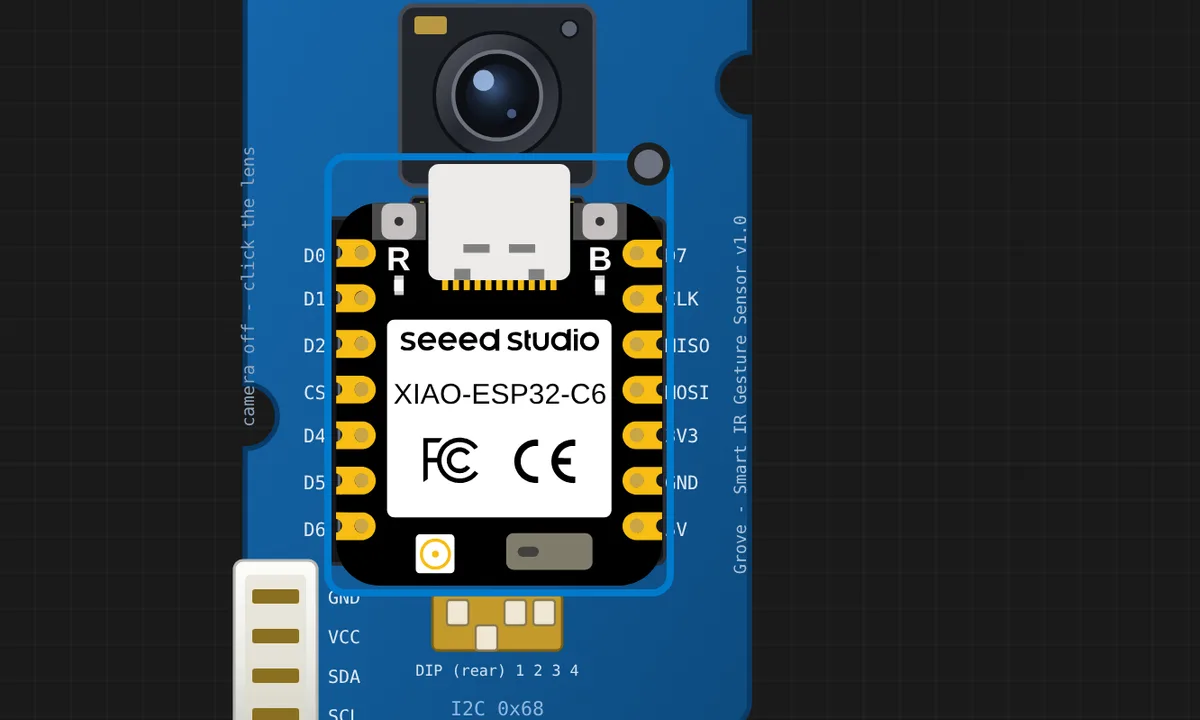 Grove Smart IR Gesture: read the actual IR imageThe chip is a camera, not just a gesture oracle: besides the result it keeps the frame itself, and I2C can read it. This sketch does the datasheet's dance — lock the frame buffer, spin on the read-back, burst-read the pixels from the data port at 0x0F, unlock — and prints the image as ASCII in the serial monitor. Turn the board's camera on (click the lens) and you are looking at your own webcam through the sensor's eyes, one frozen frame at a time.
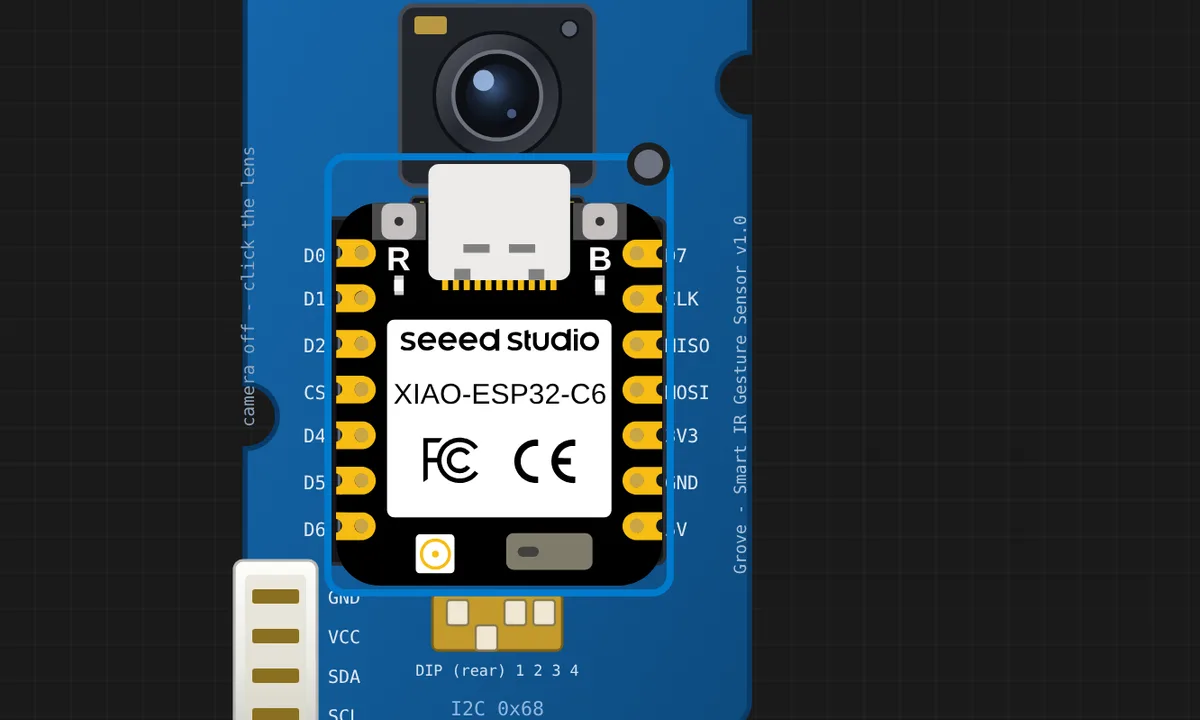 Grove Smart IR Gesture: thumb mode (and the tuning registers)Seeed ships a thumb-mode example, and the chip really does change what it reports: write 2 to R_Gesture_Mode and swipes, fingers and pinches all go quiet — only thumb up and thumb down come back. This sketch also walks the tuning registers the hardware exposes: the IR illuminator (0x69), sensor gain and exposure (0x67/0x68), and MaxDetectDist (0x6D), which is a minimum brightness — wind it down and a hand that is too dim or too far stops being seen at all, camera included.
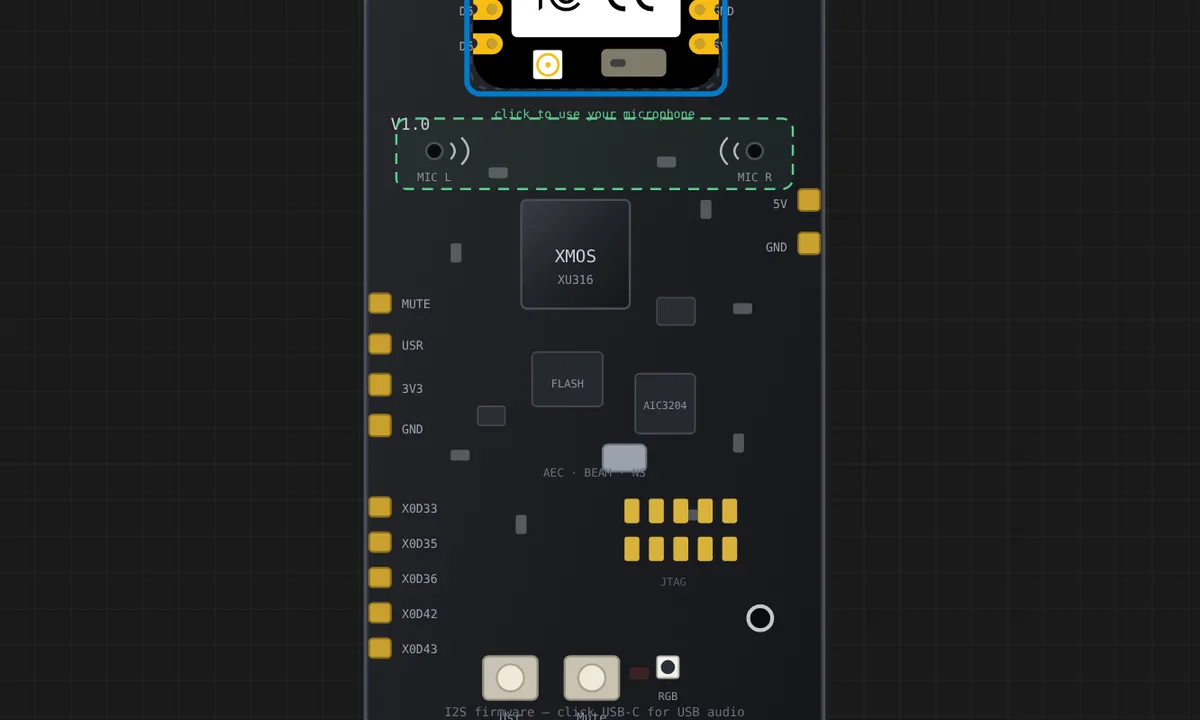 ReSpeaker Lite: buttons and the XU316 control busThe board's own wiring, no audio involved: the MUTE and USR buttons reach the seated XIAO through the socket (active-LOW, exactly as the hardware wires them), and the XU316 answers on I2C 0x42. The sketch reports every button edge, cross-checks MUTE against the mute status the control bus publishes (0xF1/0x81), and reads the firmware version at boot. Click the buttons on the board while it runs.
Related simulators
Frequently asked questions
- Why are there so many XIAO ESP32C6 examples?
- Every Grove module in the catalog ships with one ready project, and the XIAO ESP32C6 is the board those projects are written for. Search the gallery for the module's name to find its example.
- Is the ESP32-C6's WiFi 6 or Zigbee emulated?
- The board is in the catalog so projects targeting the newer radio can be prototyped on the right part. Everything wired to the pins is emulated; treat the radio as bench-only.
- Can I use ESP-IDF on the XIAO ESP32C6?
- Yes. The language trio is the same as the rest of the ESP32 family: Arduino C++, MicroPython and ESP-IDF, switched from the toolbar.
- Is the XIAO ESP32C6 simulator free?
- Yes. The XIAO ESP32C6 runs on the free plan: open the editor, place the board and press Run. No install and no account are needed, and Velxio's editor and simulator core are open source under the GNU AGPLv3.
- Which languages can I use on the XIAO ESP32C6?
- Arduino C++, MicroPython, ESP-IDF. The language is switched from the toolbar; the circuit on the canvas stays the same.
Ready to simulate the XIAO ESP32C6?
Open the editor, place the XIAO ESP32C6 from the picker, wire what you need and press Run.
Launch the XIAO ESP32C6 simulator →