Arduino, running the sketch you wrote
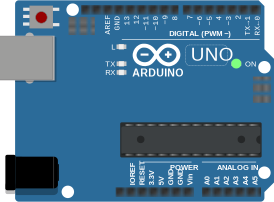
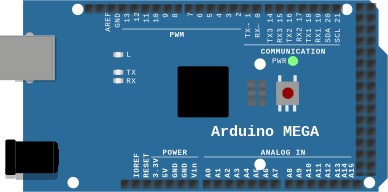
arduino-cli compiles it, an AVR8 core executes it instruction by instruction, and the LCD shows what the ATmega328P actually put on the bus. Uno, Nano, Mega and ATtiny85, no board on your desk.

Hardware is all about iteration. Velxio lets you wire a circuit, program the board and run it in seconds, real firmware on a real solver, right in the browser.





DFRobot · M5Stack links on this page are affiliate links: a purchase through them earns Velxio a small commission at no extra cost to you.
Nothing on this page is a scripted animation: the firmware is compiled and executed, and the circuit around it is solved.
arduino-cli compiles it, an AVR8 core executes it instruction by instruction, and the LCD shows what the ATmega328P actually put on the bus. Uno, Nano, Mega and ATtiny85, no board on your desk.
arduino-cli or ESP-IDF compiles the sketch, then AVR8, RP2040, RISC-V, Xtensa or ARM executes it instruction by instruction. What the OLED draws and what the serial monitor prints is what the chip actually did.

ngspice compiled to WebAssembly runs a full nodal analysis about 60 times a second. GPIO pins drive real nets, ADC inputs read solved node voltages, and probes report RMS, DC and current wherever you drop them.
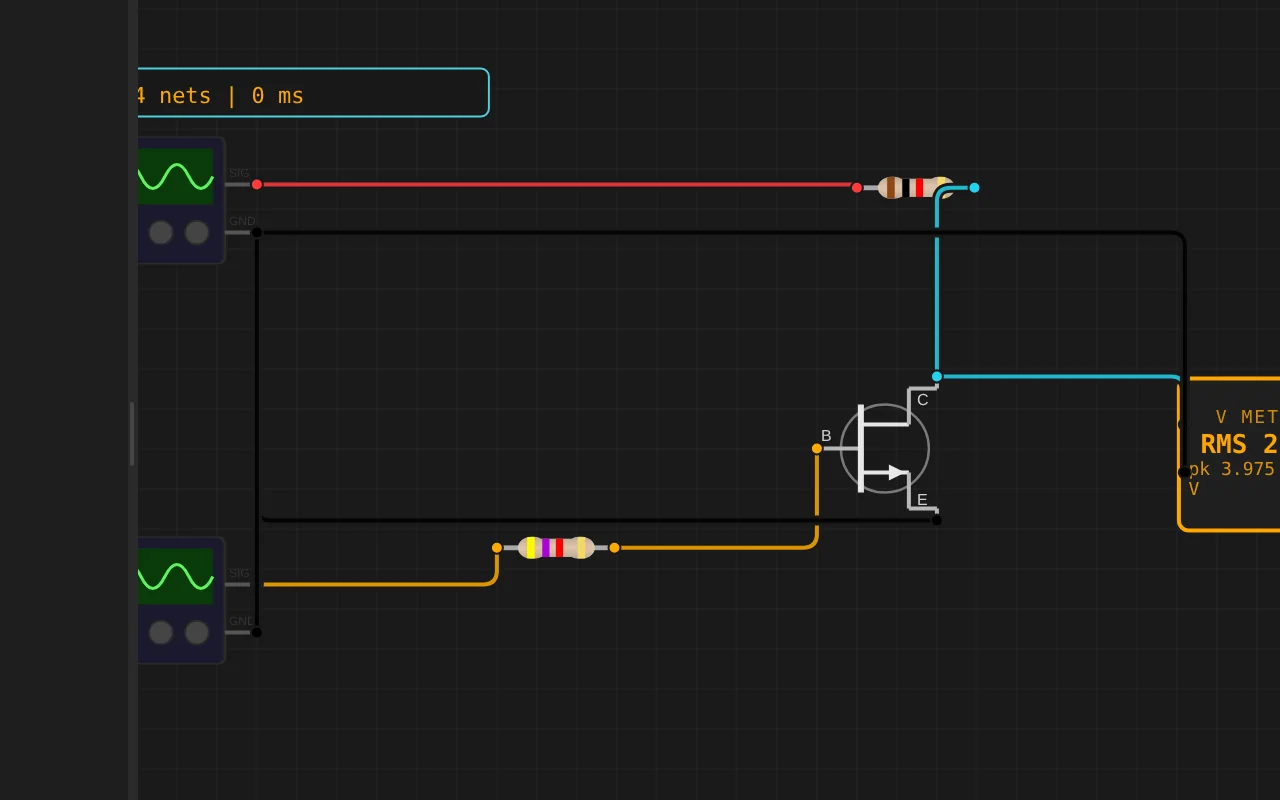
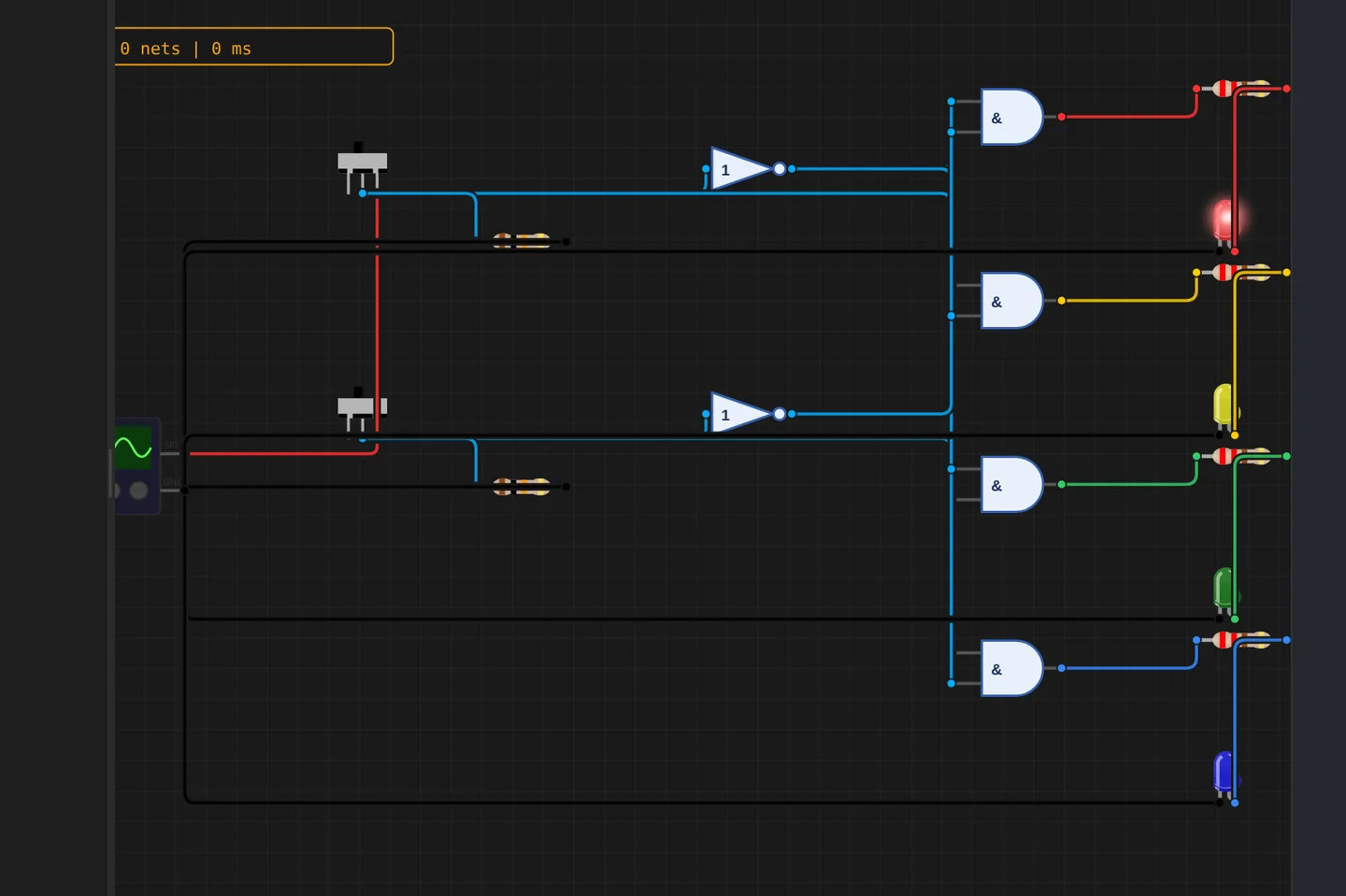
Adders, comparators, decoders, flip-flops and a 1-bit ALU slice: no microcontroller anywhere, just gates, switches and LEDs solved as a real net. The classroom half of electronics, without the breadboard.
The M5Stack Cardputer with its keyboard, Seeed's round display keeping time, Pimoroni's Badger 2350 driving e-paper, and DFRobot's UNIHIKER M10 in the catalogue alongside them. Their makers sent the hardware so the emulation could be checked against the real thing.
35 boards across 6 CPU architectures — AVR8, ARM Cortex-M, ARM Cortex-A, RISC-V, Xtensa, and Linux. Including partner boards from Pimoroni, M5Stack, Seeed Studio and DFRobot. All running locally, no cloud needed.






One institution contract gives every student in the class a full Pro account. No per-seat checkout, no card details in a classroom.
Private projects, BOM and schematic exports and GitHub Sync, for everyone enrolled.
Billed once to your institution, per semester or per year. Volume pricing on request for large cohorts.
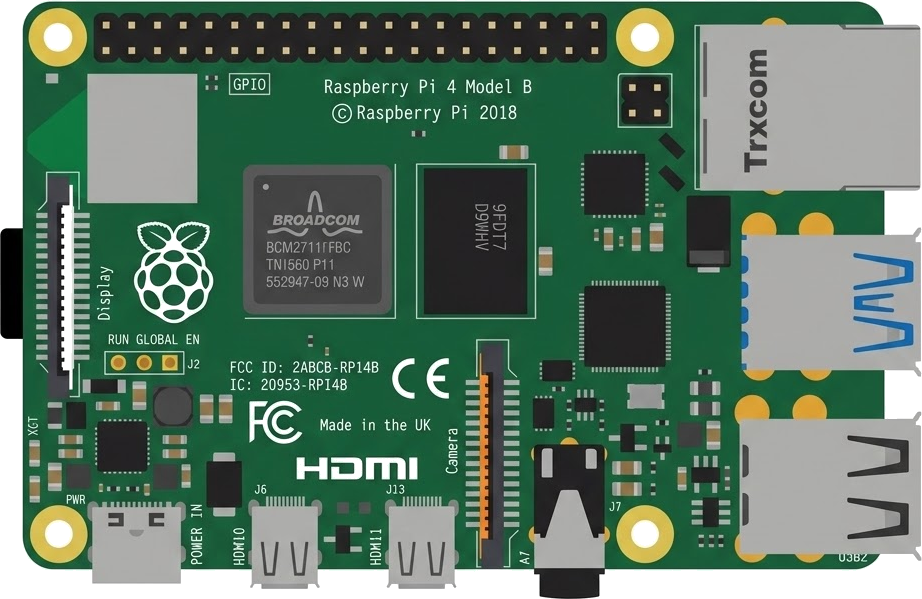
Arduino, ESP32, RP2040, STM32, ATtiny and Raspberry Pi, with SPICE analog solved alongside the firmware. Not a sandboxed mock.
The simulator stays free forever, WiFi with internet included. Paid plans unlock the Linux and STM32 boards, custom WiFi networks and the local network gateway. Maker and Pro add the AI agent; No AI leaves it out.
Discover the simulator + light AI help.
The full workbench, zero AI. You write every line.
For makers shipping real circuits with AI help.
Private projects, GitHub Sync and BOM exports.
Questions, bugs and ideas: the Discord and the issue tracker are open, and so is every line of the simulator.
An interactive Arduino Uno circuit simulation you can run free in your browser on Velxio, by tcflm.
#include <Wire.h>
#include <U8g2lib.h>
#include <stdio.h>
#define PIN 8 //按键引脚
#define PINEND 12//按键引脚
#define FONT_BIG u8g2_font_10x20_tr
#define FONT_SM u8g2_font_8x13_tr
U8G2_SSD1306_128X64_NONAME_1_HW_I2C u8g2(U8G2_R0,U8X8_PIN_NONE);
enum KeyEv :uint8_t{EV_NONE,EV_SHORT,EV_LONG};//按键三种事件,无0,短按1,长按2
void paintClock();//主界面
void drawMenuList();//一级菜单界面
void paintEdit();//编辑界面
void setTime();//设置时间
void handleEdit(KeyEv evM,KeyEv evS,unsigned long now );
/*
void withPage(DrawFunc paint){
      u8g2.firstPage();
      do{
            paint();
      }while (u8g2.nextPage());
}
*/
const char * digitFmt[4]={
      "[%d]%d:%d%d","%d[%d]:%d%d","%d%d:[%d]%d","%d%d:%d[%d]"};//编辑格式模板
typedef void (*DrawFunc)();//函数指针
const DrawFunc drawTbl[4]={paintClock,drawMenuList,paintEdit,setTime};//
typedef void (*StatHandler)(KeyEv evM,KeyEv evS, unsigned long now);
const StatHandler staHL[1]={handleEdit};//按键设置时间
struct key{
        int pin;
        bool rwaPress;//刚按下的电平;
        bool stabPress;//稳定消抖后稳定电平;
        bool lonDone;//长按状态
        unsigned long chMs;//按下准备消抖开始时间
        unsigned long dowMs;//确认按下,长按开始记时
};

enum sysState :uint8_t
{
      ST_CLOCK,//0:待机界面
      ST_MENU,//1:一级菜单选择界面
      ST_EDIT,//2:数值编辑界面
      ST_ALARM//3:闹钟足响铃界面
};
enum EditField : uint8_t {
    F_HT = 0,                      // 0:小时十位
    F_HU = 1,                      // 1:小时个位
    F_MT = 2,                      // 2:分钟十位
    F_MU = 3,                      // 3:分钟个位
    FIELD_CNT = 4                  // 数位总数,用于数组边界
};
struct AppCtx {
      sysState  state;//当前所处系界面状态
      uint8_t menusel;//菜单索引
      uint8_t menu;//当前正在编辑的菜单项 1时间,2闹钟
      uint8_t swH,swM,swS;//软件走时间,时,分,秒
      EditField field; // 时间编辑时当前选中的数位


      unsigned long swLast; // 软件时钟上一次秒进位的基准时刻
      sysState drawstate;

     // EditField len;//当前编辑的时间位数

      uint8_t LswH,LswM;//闹钟时候

      uint8_t snoozeM ;//贪睡分钟钏
};
AppCtx ctx={ST_CLOCK,0,0,14,52,0,0,0,0,8,30,10};//初始化

void tickSoft (unsigned long now){//软件走时间
      while(now- ctx.swLast >= 1000UL){
            ctx.swLast+=1000UL;
            ctx.swS++;
            if(ctx.swS >= 60){
                  ctx.swS=0;
                  ctx.swM++;
                  if(ctx.swM>=60){
                        ctx.swM=0;
                        ctx.swH = (ctx.swH+1)%24;
                  }
            }
      }
}
void fmtTime(char * out,int h,int m){
      snprintf(out ,6,"%02d:%02d",h,m);
}
int centerX(const char *s){//显示中间
      return(128-u8g2.getStrWidth(s))/2;
}
void readTime(int &h,int &m,int &s){
      h=ctx.swH;m=ctx.swM;s=ctx.swS;
}
//设置时间,根据功能,显示在当前位置
void setTime()
{
      Serial.print("ctx.state:");
       Serial.println(ctx.state);
       Serial.println("ctx.menusel:");Serial.print(ctx.menusel);
       Serial.println("ctx.drawstate");Serial.print(ctx.drawstate);
      if(ctx.state !=ctx.drawstate){
            ctx.drawstate = ctx.state;
            return;//屏蔽掉第一次短按点进去就自加1个数
      }

      if (ctx.state == ST_EDIT && ctx.menusel == 1) {