
STM32 Blue Pill Simulator
The STM32F103C8 board every STM32 tutorial assumes
Simulate the STM32 Blue Pill (STM32F103C8) in your browser: the STM32duino Arduino core on a QEMU Cortex-M3, with GPIO, I2C, SPI and UART wired to a live circuit and a Serial Monitor.
Three free 15-minute trial sessions · Then Maker and Pro plans · Runs in your browser
STM32 Blue Pill at a glance
The Blue Pill is the cheapest way into ARM and the board most STM32 tutorials assume: a Cortex-M3 at 72 MHz with 64 KB of flash. Velxio emulates it at the SoC level under QEMU, and projects compile with the real STM32duino core, so register-level code (HAL_ calls, direct peripheral access) builds the same way it would in the IDE. The flash size is modeled: a sketch that overflows here is the same sketch that would overflow on your desk.
- Processor
- STM32F103C8, Arm Cortex-M3 at 72 MHz
- Memory
- 20 KB SRAM · 64 KB flash
- Emulation
- QEMU (libqemu-arm) on Velxio's servers
- Languages
- Arduino C++ (STM32duino core)
- Made by
- STMicroelectronics (STM32F103C8)
- Plan
- Trial, then Maker or Pro
What you can do with the STM32 Blue Pill simulator
The board on the canvas is the real thing as far as your code is concerned: the same pins, the same buses, the same peripherals, wired to the same 100+ sensors, displays and actuators every other Velxio board talks to.
Arduino C++ sketches
Write a sketch in the Monaco editor with library completion, compile it against the board's own Arduino core and run the real firmware binary. The Serial Monitor is the USB port.
GPIO, PWM and ADC
Drive LEDs, relays and servos, read buttons and potentiometers, dim with PWM. Every pin follows the board's real pin map, so what works here works on the hardware.
I2C, SPI and UART
Talk to OLEDs, IMUs, ADCs, RTCs and SD cards over the buses the board really has. Bus traffic runs through emulated peripherals, not through a shortcut.
Serial Monitor
USB CDC serial reaches the Serial Monitor at the sketch's baud rate, with input, timestamps and a plotter.
Multi-board canvas
Mix this board with an Arduino, an ESP32 or a Pico on the same canvas and let them talk over serial or I2C, each running its own firmware.
Try it before you subscribe
A free account gets three 15-minute trial sessions on this board family; every run inside a session is free. Unlimited runs are part of the Maker and Pro plans and of Velxio Desktop.
STM32 Blue Pill examples
Ready-to-run projects for this board from the gallery. Open one, read the sketch, press Run.
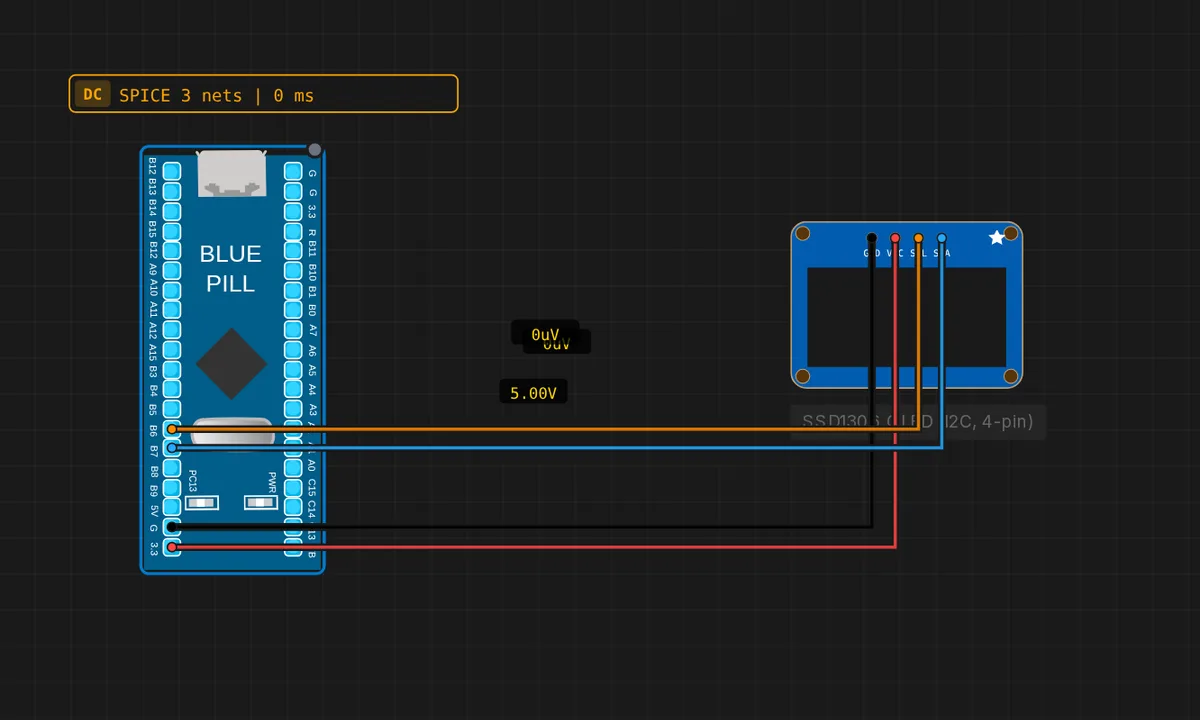 STM32 Blue Pill: SSD1306 OLED (4-pin I2C)Drive the cheap 4-pin SSD1306 OLED module (GND/VCC/SCL/SDA) over I2C1 from an STM32 Blue Pill (SDA=PB7, SCL=PB6).
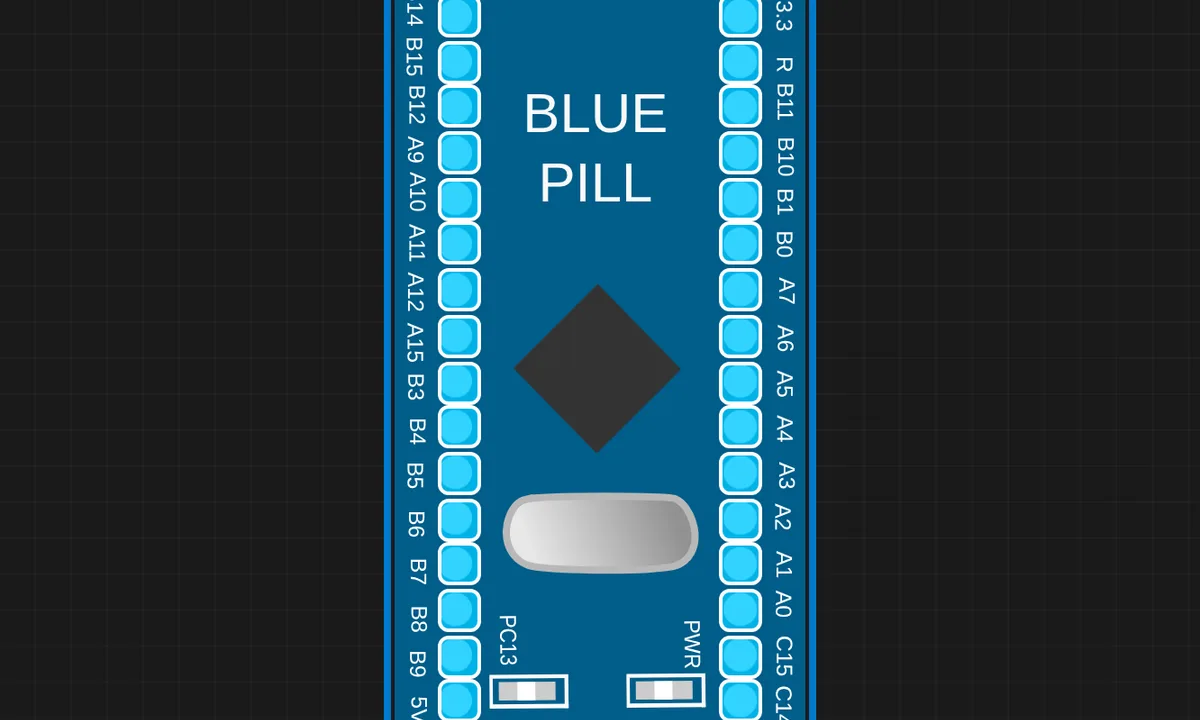 STM32 Blue Pill BlinkBlink the onboard PC13 LED and print to Serial on an STM32F103 Blue Pill (QEMU / libqemu-arm)
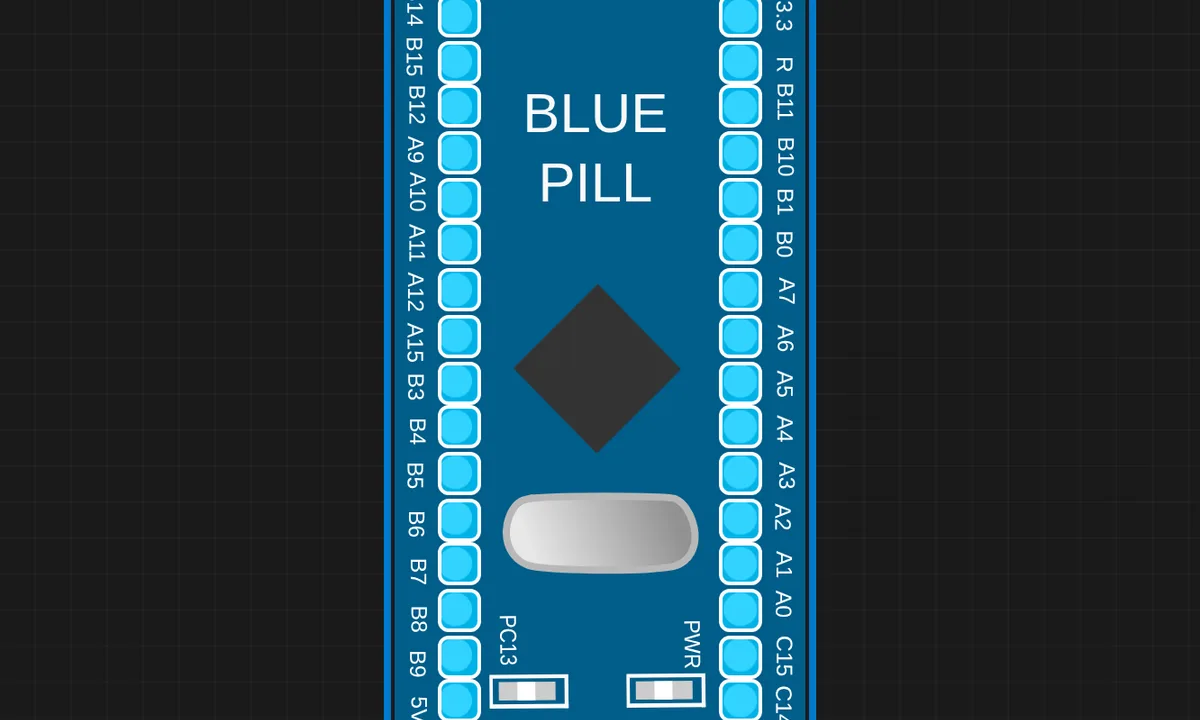 STM32 Serial CounterSTM32 Blue Pill prints an incrementing counter and uptime to Serial every second. Open the Serial Monitor to watch it. Onboard PC13 LED blinks as a heartbeat.
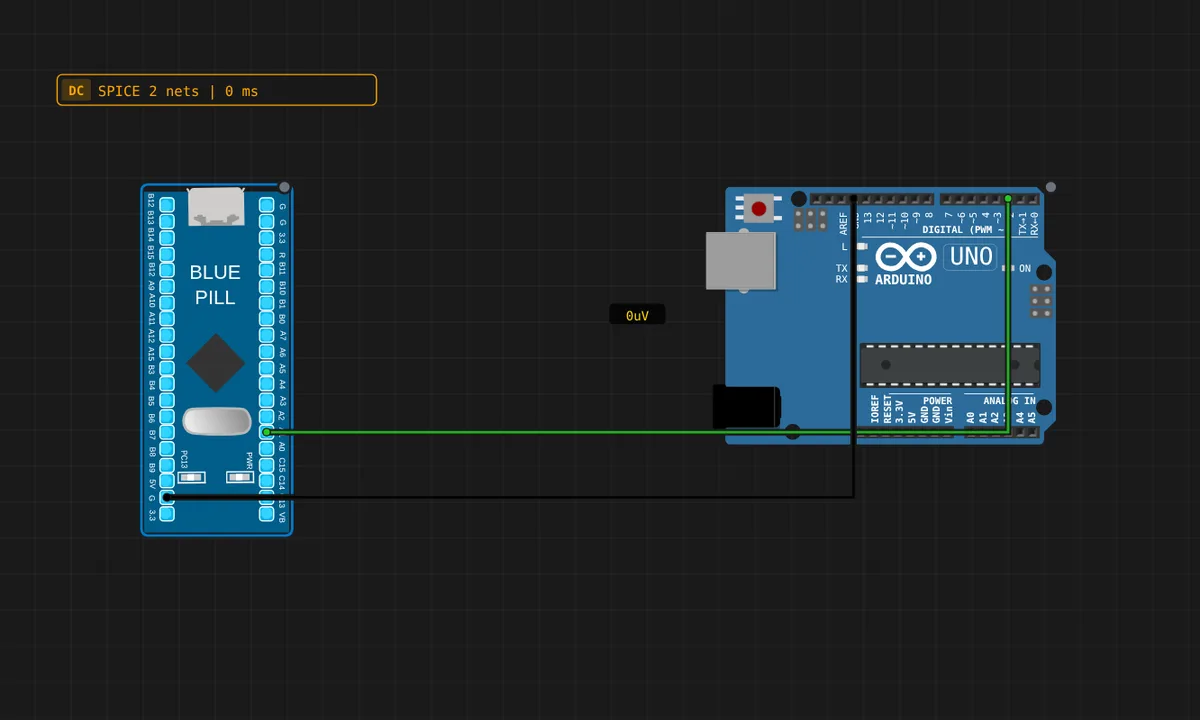 [STM32 + Arduino] GPIO MirrorCross-board demo: the STM32 Blue Pill toggles PA1 every 500 ms (wired to Arduino Uno pin 2). The Uno reads pin 2 and mirrors it to its built-in LED (pin 13). Shows heterogeneous multi-board simulation — QEMU STM32 driving an avr8js Arduino.
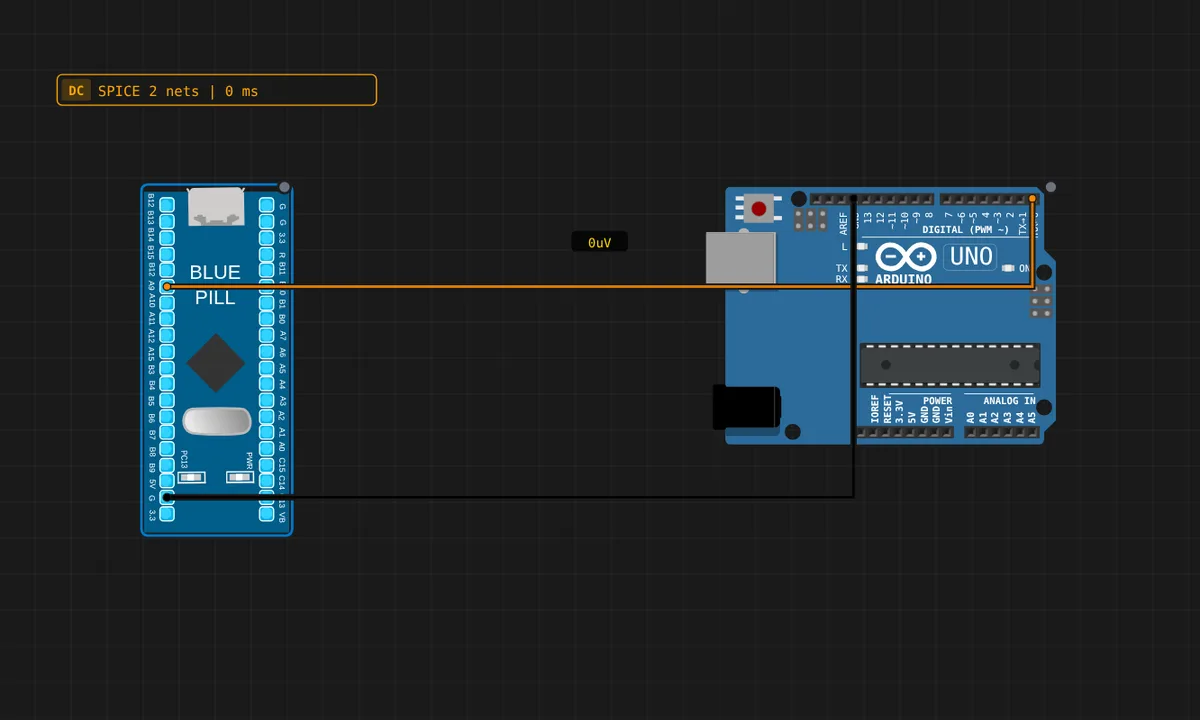 [STM32 + Arduino] Serial LinkCross-board UART: the STM32 Blue Pill sends a "PING n" message over USART1 (PA9 TX) into the Arduino Uno RX (pin 0). The Uno reads each line and blinks LED 13 + echoes "[Uno] got: ..." to its own Serial Monitor. Watch both monitors.
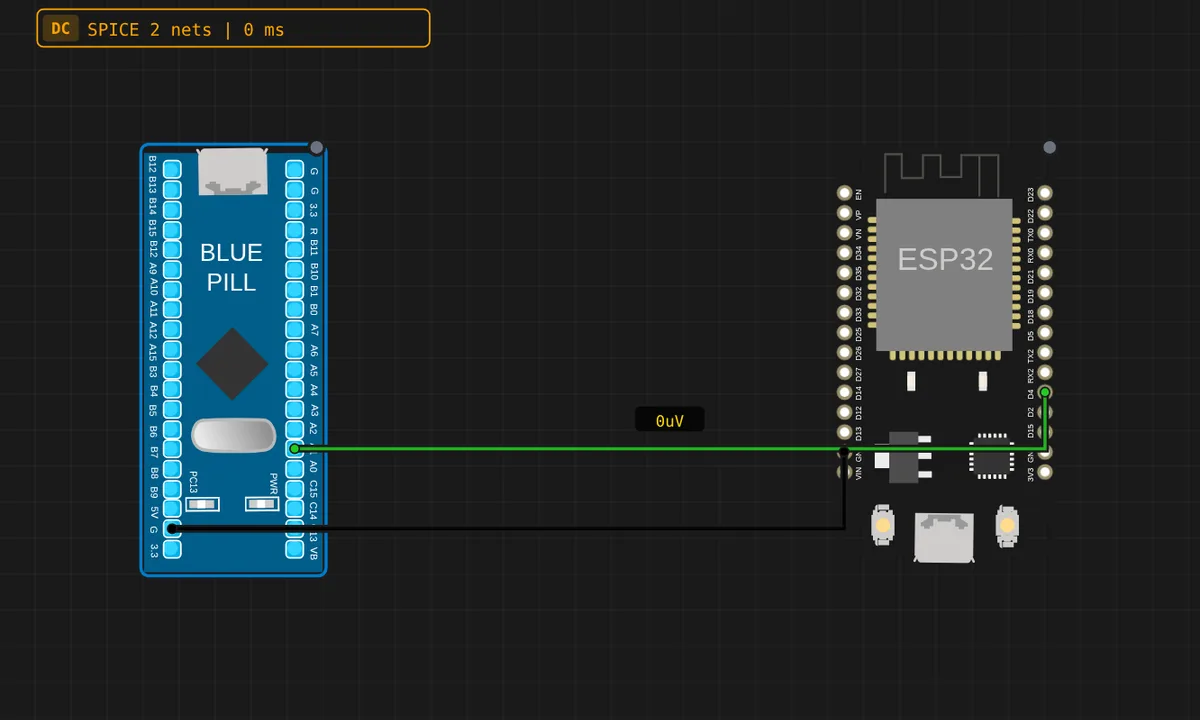 [STM32 + ESP32] GPIO SyncCross-board demo: the STM32 Blue Pill toggles PA1 (wired to ESP32 GPIO4). The ESP32 reads GPIO4 and prints its state + mirrors it onto GPIO2. Two QEMU backends (libqemu-arm + libqemu-xtensa) talking over a wire.
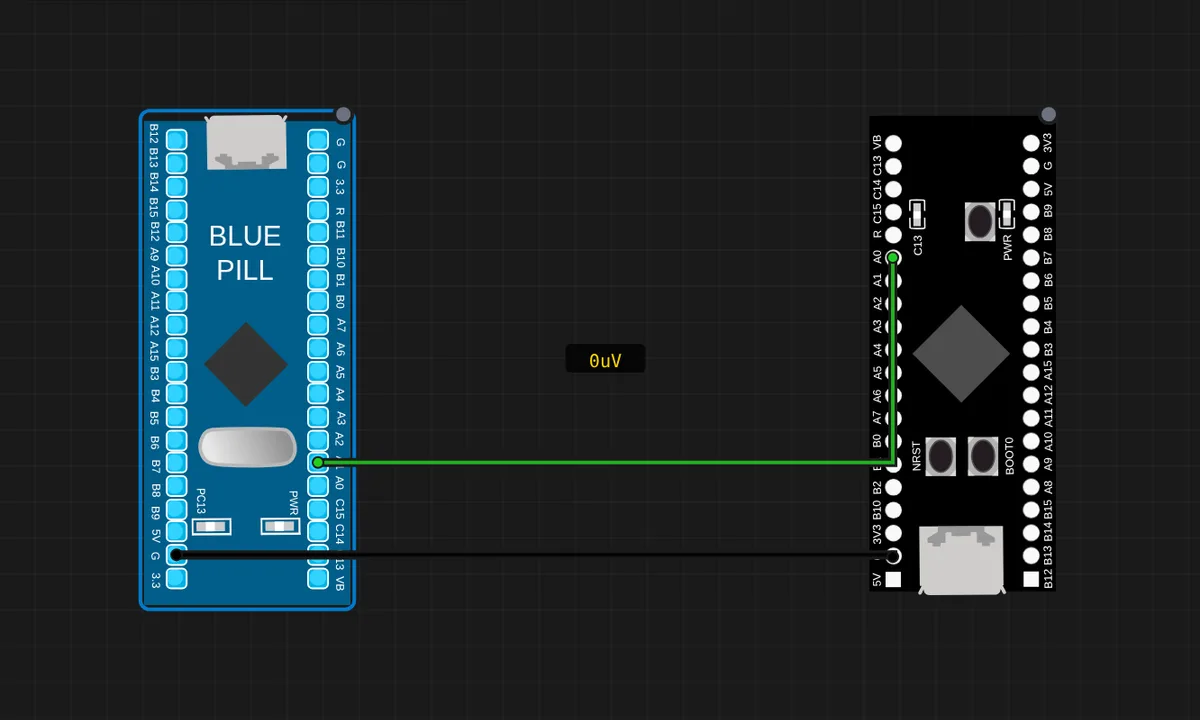 [STM32 + STM32] Blue Pill → Black PillTwo different STM32 boards talking: the Blue Pill (F103) toggles PA1, wired to the Black Pill (F411) PA0. The Black Pill reads PA0 and mirrors it to its onboard PC13 LED. Both run on separate libqemu-arm QEMU instances.
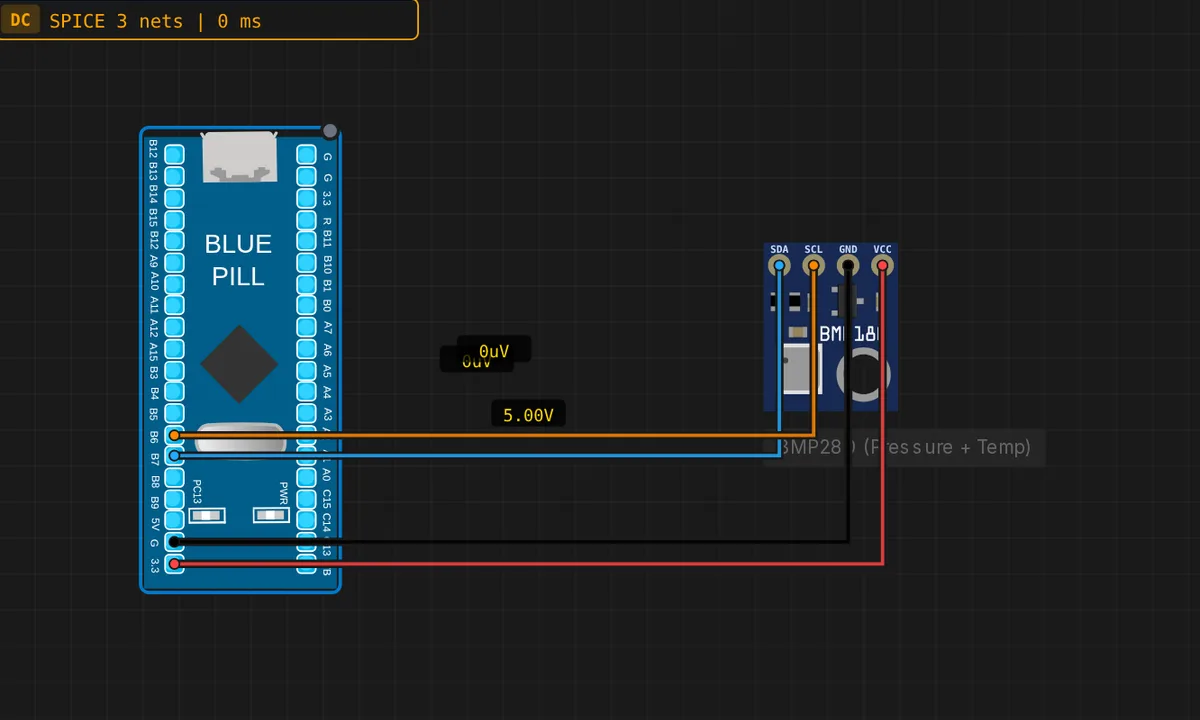 STM32: BMP280 Weather Sensor (I2C)Read temperature and pressure from a BMP280 over I2C1 on an STM32 Blue Pill (SCL=PB6, SDA=PB7). The sensor runs as a QEMU I2C slave; values stream to the Serial Monitor. Demonstrates the STM32 hardware I2C master peripheral end to end.
Related simulators
Frequently asked questions
- Which Blue Pill should I pick, F103C8 or F103CB?
- The one you own. The F103C8 has 64 KB of flash and the F103CB has 128 KB; both are in the catalog and the difference is modeled, so a build that fits on one and not the other tells you the truth about your hardware.
- Can I use STM32 HAL code, not just the Arduino API?
- Yes. The sketch compiles against the real STM32duino core, so HAL_ and LL_ calls and direct register access build and run on the emulated Cortex-M3.
- Does the Blue Pill talk to an Arduino on the same canvas?
- Yes. The gallery's GPIO mirror and serial link examples pair a Blue Pill with an Arduino Uno, each running its own firmware.
- What does the STM32 simulator cost?
- The editor is free, and any account can place the board and wire a circuit. Running it boots a QEMU guest on Velxio's servers: a free account gets three 15-minute trial sessions on the STM32 family, and unlimited runs are part of the Maker and Pro plans.
- Is the STM32 Blue Pill simulator free?
- Partly. You can build and save a STM32 Blue Pill circuit with any account, and a free account gets three 15-minute trial sessions to run it; every run inside a session is free. Unlimited runs boot a Linux guest on our servers, so they are part of the Maker and Pro plans, or of Velxio Desktop with a paid licence.
- Which languages can I use on the STM32 Blue Pill?
- Arduino C++ (STM32duino core). The language is switched from the toolbar; the circuit on the canvas stays the same.
Ready to simulate the STM32 Blue Pill?
Open the editor, place the STM32 Blue Pill from the picker, wire what you need and press Run.
Launch the STM32 Blue Pill simulator →