
Pimoroni Pico Plus 2 W Simulator
RP2350B in the Pico footprint, free in your browser
Simulate the Pimoroni Pico Plus 2 W online for free: the RP2350B in the Pico footprint on the in-browser rp2350js engine, with GPIO, UART, USB serial, I2C and SPI wired to a live circuit canvas.
Free plan · No install, no account · Runs in your browser
Pimoroni Pico Plus 2 W at a glance
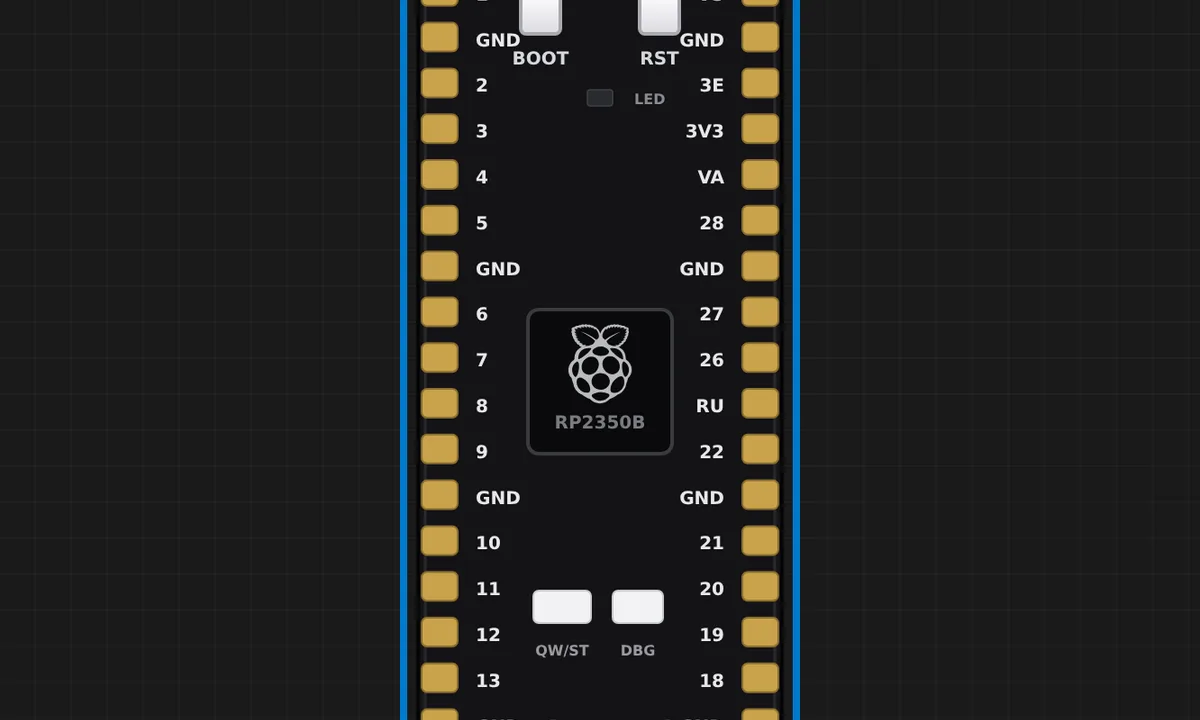
Pimoroni's RP2350B in the standard Pico footprint, GP0 through GP28 plus the power rails, so any wiring you built for a Pico drops straight onto it. Two details survive the trip to the simulator: the user LED hangs off the RM2 module's WL_GPIO0 and still lights, and the pads marked 26, 27 and 28 are two GPIOs each because the RP2350B's ADC lives elsewhere. The CYW43 WiFi coprocessor and the PSRAM are not emulated.
- Processor
- RP2350B, dual-core at 150 MHz
- Memory
- 520 KB SRAM · 16 MB flash · 8 MB PSRAM (PSRAM not emulated)
- Emulation
- rp2350js (in-browser)
- Languages
- Arduino C++
- Made by
- Pimoroni · Product page
- Plan
- Free
What you can do with the Pimoroni Pico Plus 2 W simulator
The board on the canvas is the real thing as far as your code is concerned: the same pins, the same buses, the same peripherals, wired to the same 100+ sensors, displays and actuators every other Velxio board talks to.
Pico footprint
GP0 through GP28 plus the power rails, in the standard Pico pinout, so any wiring you built for a Raspberry Pi Pico drops straight onto it.
Arduino C++ sketches
Write a sketch in the Monaco editor with library completion, compile it against the board's own Arduino core and run the real firmware binary. The Serial Monitor is the USB port.
GPIO, PWM and ADC
Drive LEDs, relays and servos, read buttons and potentiometers, dim with PWM. Every pin follows the board's real pin map, so what works here works on the hardware.
I2C, SPI and UART
Talk to OLEDs, IMUs, ADCs, RTCs and SD cards over the buses the board really has. Bus traffic runs through emulated peripherals, not through a shortcut.
Serial Monitor
USB CDC serial reaches the Serial Monitor at the sketch's baud rate, with input, timestamps and a plotter.
What is not emulated
The radio (Bluetooth, Zigbee, Thread or WiFi, depending on the chip) is not modelled. Everything wired to the pins is; the wireless part of a project stays on the bench.
SPICE analog parts
Op-amps, transistors, regulators and passives simulate in real time with ngspice in the browser; the board's pins drive them and read the solved voltages back.
Multi-board canvas
Mix this board with an Arduino, an ESP32 or a Pico on the same canvas and let them talk over serial or I2C, each running its own firmware.
Pimoroni Pico Plus 2 W examples
Ready-to-run projects for this board from the gallery. Open one, read the sketch, press Run.
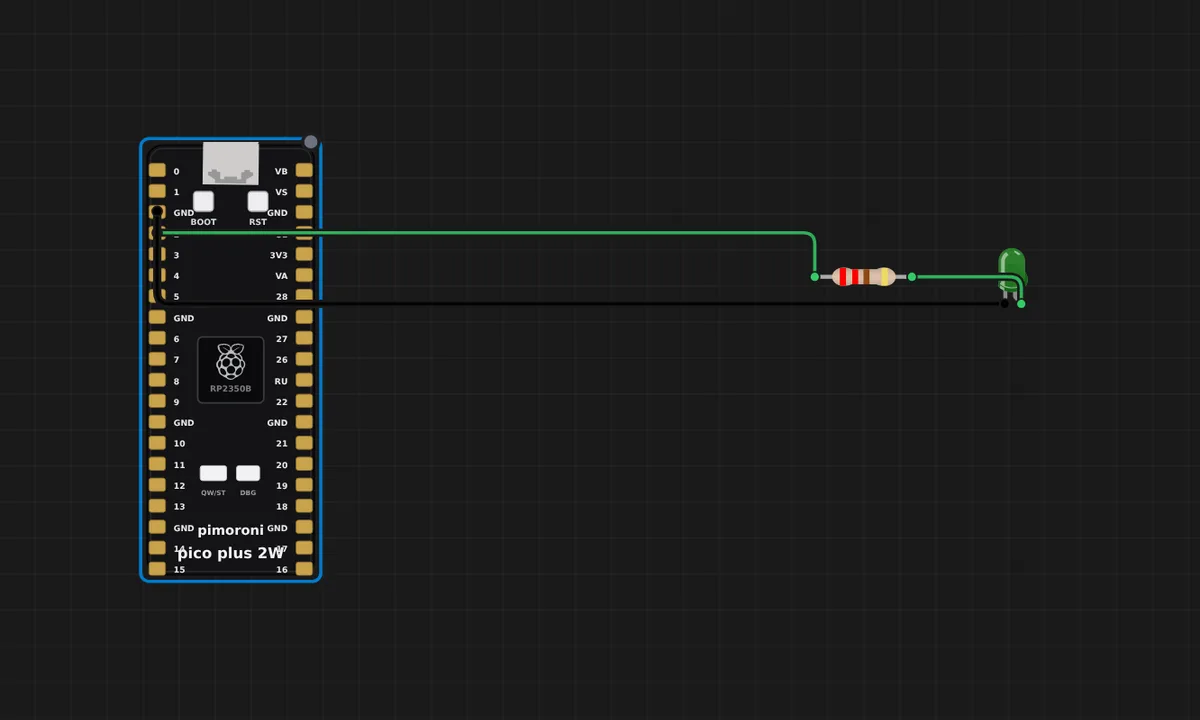 Pimoroni Pico Plus 2 W — Blink + SerialThe Pimoroni Pico Plus 2 W (RP2350, RISC-V) blinks an external LED on GP2 and prints "blink" on Serial1 (GP0). Proves the RP2350 RISC-V core, GPIO output and delay()/UART all run in the browser emulator. Open the Serial Monitor to watch the log.
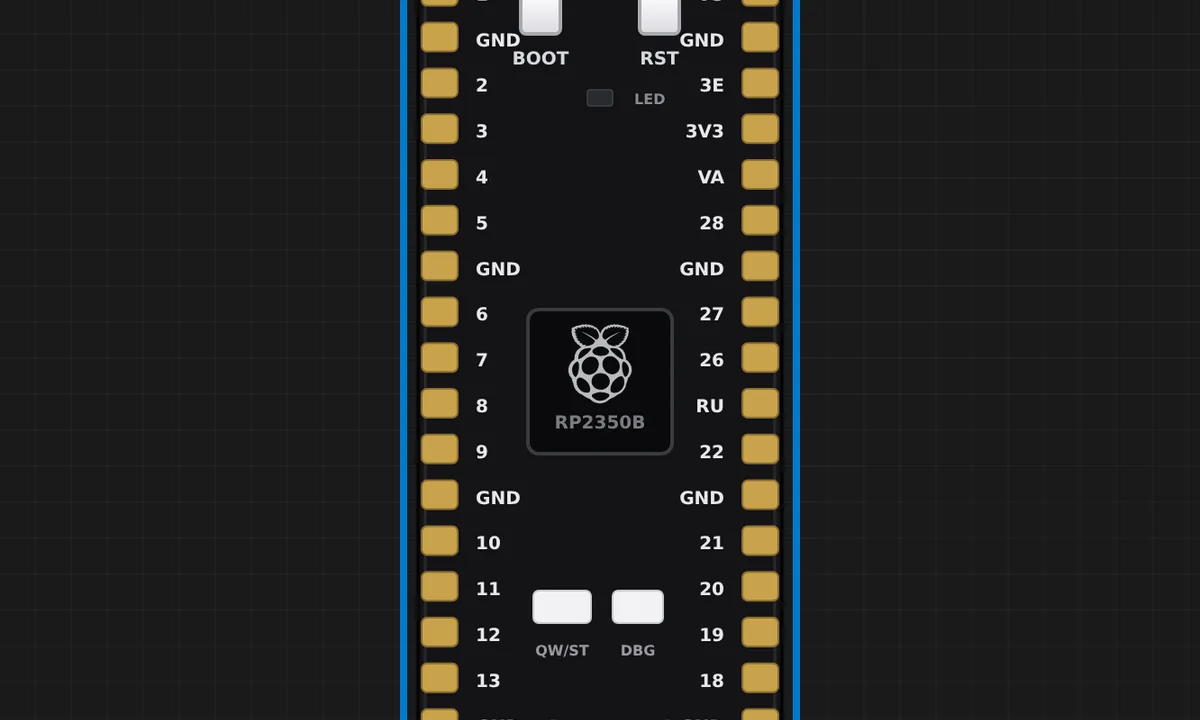 Pimoroni Pico Plus 2 W — onboard LED (official)Pimoroni's own onboard_led example, running in the browser. The Pico Plus 2 W's user LED is not on an RP2350 pin - it hangs off the RM2 wireless module (WL_GPIO0), so the host lights it with a gpioout command over the module's SPI bus. Velxio decodes that command, so the LED on the board blinks exactly like the real one. Ported from examples/pico_plus_2_w/onboard_led.py in github.com/pimoroni/pimoroni-pico-rp2350.
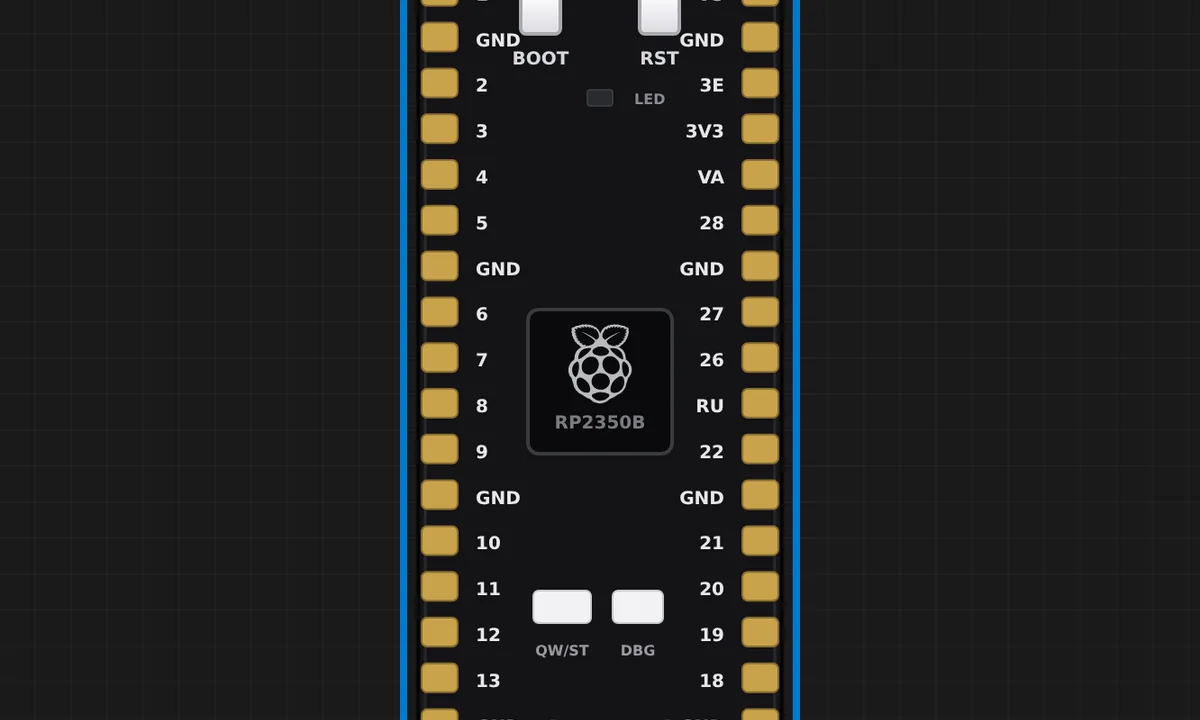 Pimoroni Pico Plus 2 W — who is in space (official)Pimoroni's own astronauts example: the RM2 joins WiFi and the board asks open-notify.org how many humans are in space right now, then prints their names. A real HTTP request over the emulated CYW43439 - the chip associates, gets 10.13.37.42 from the virtual AP and the traffic goes out through Velxio's network bridge. This sketch is a client, not a server: the IoT Gateway link next to the IP opens a page served BY the board, and there is nothing listening here - see the web-server examples for that. Ported from examples/pico_plus_2_w/astronauts.py in github.com/pimoroni/pimoroni-pico-rp2350.
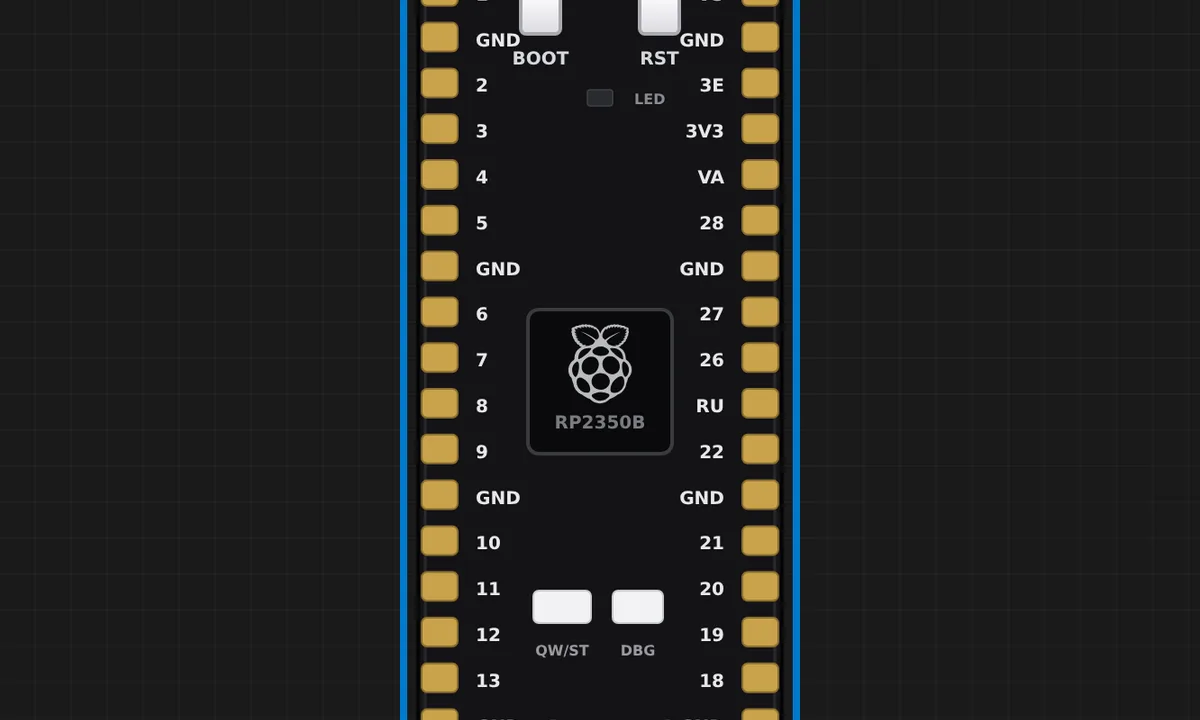 Pimoroni Pico Plus 2 W — the 8 MB PSRAMThe board's headline part after the radio: 8 MB of external PSRAM on the RP2350B's QMI chip-select 1, mapped into the XIP window at 0x11000000. This sketch asks the core how much it found, allocates a megabyte with pmalloc(), writes a pattern across the whole block and reads it back — 1 MB of working memory on a chip whose own SRAM is 520 KB. Compare the pointer it prints (0x11xxxxxx) with a normal malloc() (0x20xxxxxx, SRAM).
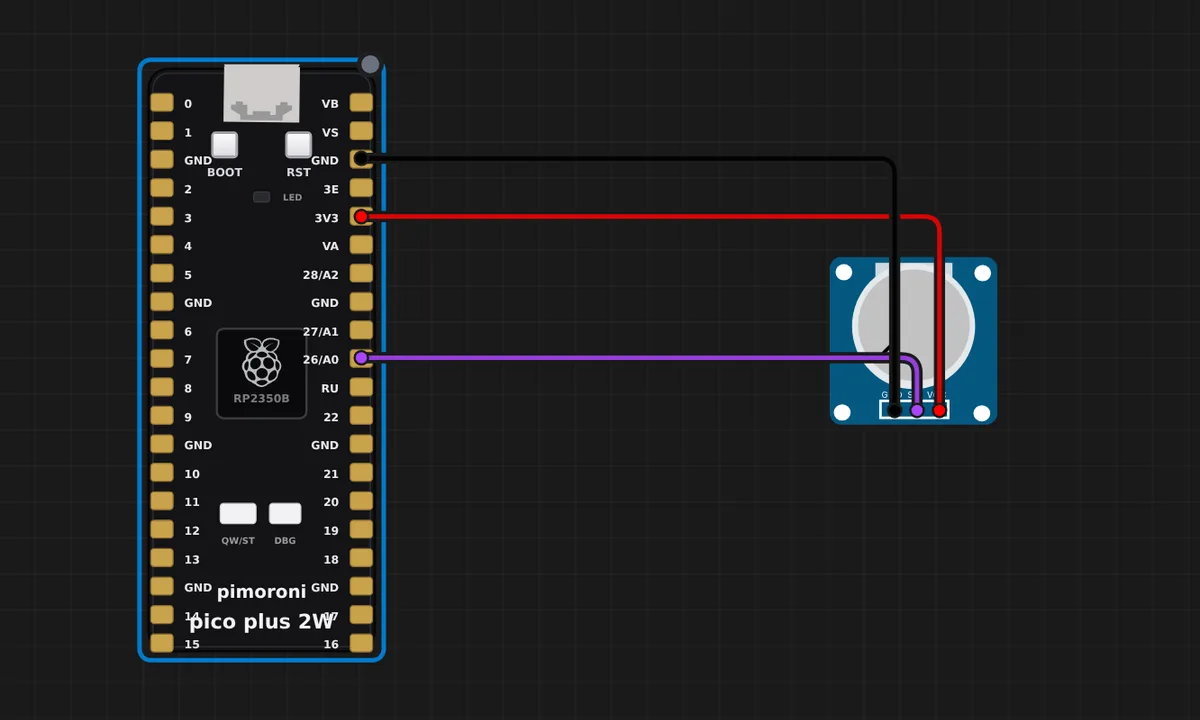 Pimoroni Pico Plus 2 W — analog in on A0Turn the potentiometer and watch the reading follow. This board's analog story is a neat piece of hardware design worth understanding: the RP2350B's ADC lives on GP40-GP47, not on the Pico footprint's GP26-GP28 - so to be Pico-compatible AND analog-capable, Pimoroni ties GP26 to GP40, GP27 to GP41 and GP28 to GP42 through a 1k resistor and silks those pads "26 / A0", "27 / A1", "28 / A2". The potentiometer is wired to the 26 pad; the sketch reads A0. Same pad, two GPIOs.
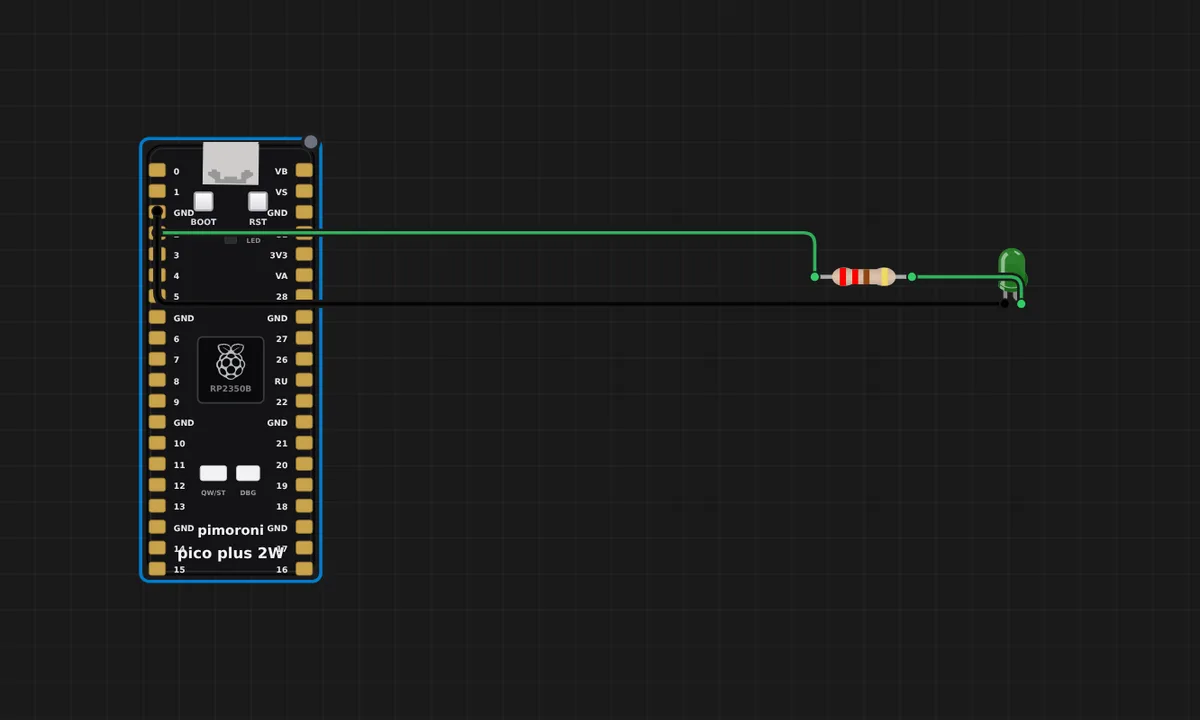 Pimoroni Pico Plus 2 W — BOOT as user button (official)Pimoroni's own button example: the BOOT button doubles as a user switch on GP45 (active-low), and holding it lights the on-board LED - which lives on the RM2 wireless module (WL_GPIO0), not on a chip pin. Click BOOT on the board: press and both the RM2 LED and the wired one come on, release and they go out, with each edge logged on the serial monitor. Ported from examples/pico_plus_2_w/button.py in github.com/pimoroni/pimoroni-pico-rp2350.
 Pimoroni Pico Plus 2 W — Qw/ST breakout busThe Qw/ST (Qwiic / STEMMA QT) connector is I2C0 on SDA=GP4 / SCL=GP5 - the same two pins Pimoroni's breakout examples open with PimoroniI2C(sda=4, scl=5). Three breakouts share it here: a BME280 (0x76), a DS3231 RTC (0x68) and a 24C01 EEPROM (0x50). The sketch scans the bus, checks the EEPROM, then reads temperature, humidity and the time once a second, the way the official breakout examples poll a sensor. Click the BME280 while it runs to change what it measures. Follows examples/pico_plus_2/breakouts/ in github.com/pimoroni/pimoroni-pico-rp2350.
Related simulators
Frequently asked questions
- Why does LED_BUILTIN light if the LED is on the wireless module?
- Because the simulator models the RM2 path: LED_BUILTIN in Arduino and Pin('LEDW') in MicroPython drive the LED over the module's SPI bus, as on the real board.
- Is WiFi emulated on the Pico Plus 2 W?
- No. The RM2 wireless module and the 8 MB PSRAM are not emulated; GPIO, UART, USB serial, I2C and SPI are.
- Can I move a Raspberry Pi Pico project onto the Pico Plus 2 W?
- Yes. The footprint is the Pico's, so the wiring moves unchanged; the chip is an RP2350B, so the sketch compiles against the Pico 2 core.
- Is the Pimoroni Pico Plus 2 W simulator free?
- Yes. The Pimoroni Pico Plus 2 W runs on the free plan: open the editor, place the board and press Run. No install and no account are needed, and Velxio's editor and simulator core are open source under the GNU AGPLv3.
- Which languages can I use on the Pimoroni Pico Plus 2 W?
- Arduino C++. The language is switched from the toolbar; the circuit on the canvas stays the same.
Ready to simulate the Pimoroni Pico Plus 2 W?
Open the editor, place the Pimoroni Pico Plus 2 W from the picker, wire what you need and press Run.
Launch the Pimoroni Pico Plus 2 W simulator →