
M5Stack Core Simulator
LCD, buttons, speaker and microSD, no wiring needed
Simulate the M5Stack Core in your browser for free: the 320 x 240 LCD, the A/B/C buttons, the speaker, the microSD and the battery gauge are emulated. Arduino C++ with M5Unified, MicroPython and ESP-IDF.
Free plan · No install, no account · Runs in your browser
M5Stack Core at a glance
The M5Stack Core Basic is an all-in-one ESP32 device, so its projects need no wiring at all: place the board, press Run. The 2" ILI9342C LCD renders live, the front buttons click, the speaker plays through your computer at the sketch's pitch, the microSD is a real FAT image and the IP5306 power manager answers M5.Power's battery calls. The M-Bus header on all four edges is wireable when a project needs more.
- Processor
- ESP32, dual-core Xtensa LX6 at 240 MHz
- Memory
- 520 KB SRAM · 16 MB flash · 2" ILI9342C 320 x 240 LCD
- Emulation
- esp32js (in-browser)
- Languages
- Arduino C++ · MicroPython · ESP-IDF
- Made by
- M5Stack · Product page
- Plan
- Free
What you can do with the M5Stack Core simulator
The board on the canvas is the real thing as far as your code is concerned: the same pins, the same buses, the same peripherals, wired to the same 100+ sensors, displays and actuators every other Velxio board talks to.
Display rendered live
The glass is the emulated panel controller's frame memory: whatever the sketch draws over SPI shows on the board art at the real resolution, frame by frame.
Clickable buttons
The on-board buttons are clickable on the canvas and read on their real GPIOs, active-low as on the hardware.
Speaker
Audio plays through your computer: the exact samples the firmware writes, from tone() to a codec-driven I2S stream.
microSD slot
The card is a real FAT image, filled with your workspace files automatically; load your own files from the SD Card panel and read them back from the sketch.
Battery
Set the battery level from the Sensors popover; the fuel gauge and the power-management chip answer the way the board's firmware expects.
Arduino C++ sketches
Write a sketch in the Monaco editor with library completion, compile it against the board's own Arduino core and run the real firmware binary. The Serial Monitor is the USB port.
MicroPython
Switch the board to MicroPython from the toolbar and run main.py against the same circuit. Drivers are plain .py files in the workspace, copied onto the board's filesystem before your script starts.
ESP-IDF projects
Build a full ESP-IDF project (v5.5.4) with FreeRTOS tasks, sdkconfig and components, and run it on the emulated chip without a devkit on your desk.
No wiring needed
Every peripheral lives on the board itself, so a project is: place the board, press Run. Wire more when you want to.
M5Stack Core examples
Ready-to-run projects for this board from the gallery. Open one, read the sketch, press Run.
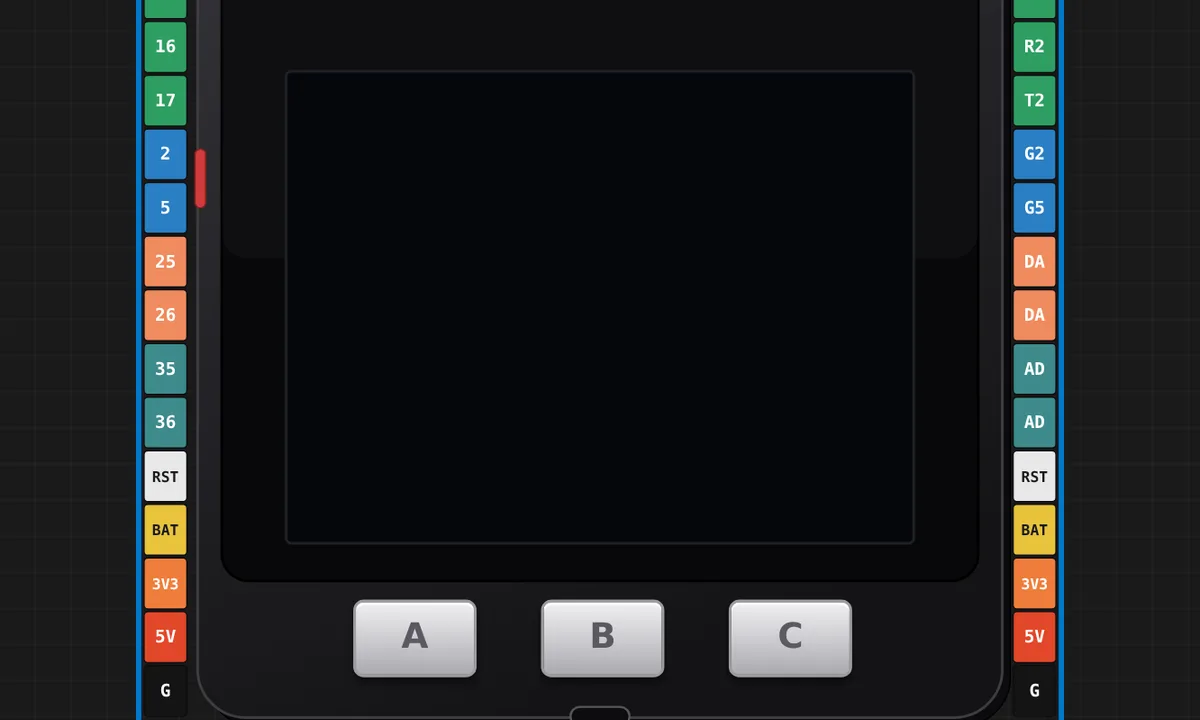 M5Stack Core: Claude usage dashboard (m5claude)The Claude usage dashboard from the Velxio blog, running its real firmware (github.com/velxio/m5claude) on the M5Stack Core: plan limits for Pro and Max accounts, API spend and tokens per day, drawn with LovyanGFX. It starts on demo accounts. Paste a snapshot line into the serial monitor (the sketch's first comment has one, or print your own with m5claude-bridge snapshot) and the screen shows those numbers. A and C pick the account, B steps through the four views, hold C for settings.
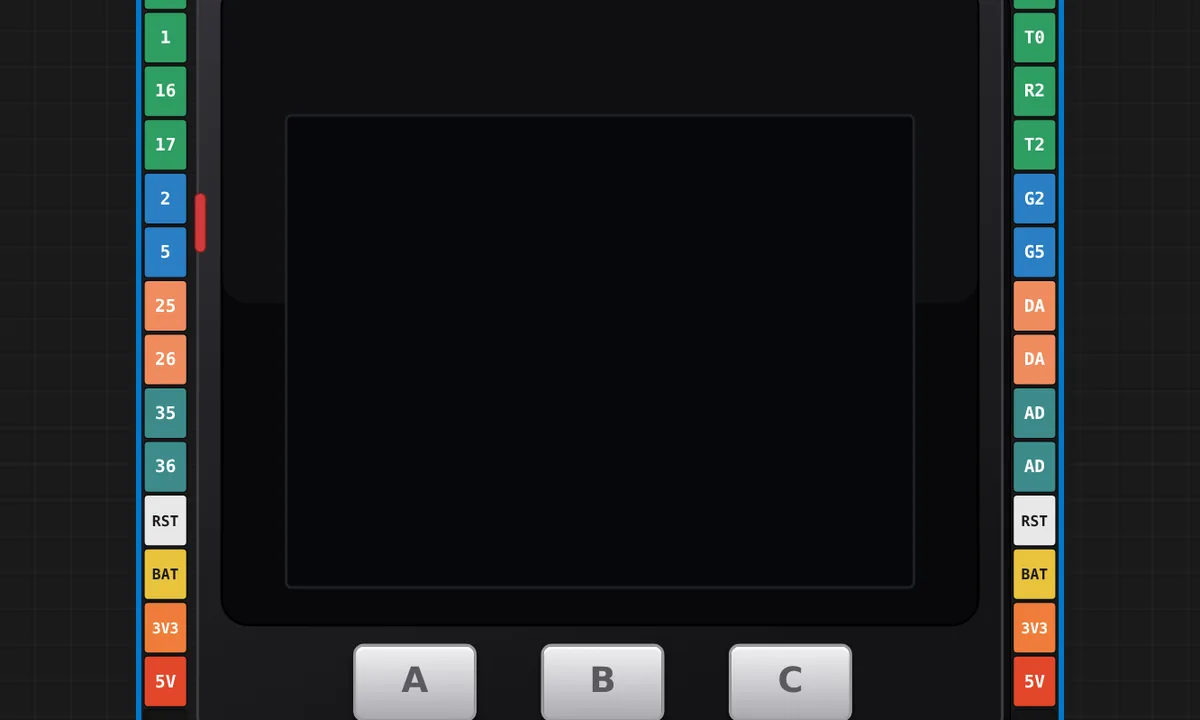 M5Stack Core — Hello LCD + ButtonsThe all-in-one M5Stack Core Basic (ESP32): draw to the built-in 2\" ILI9342 LCD with M5.Lcd and read the three front buttons (BtnA/B/C) with M5Unified — a self-contained board, no wiring needed. Press the buttons to change the on-screen counter.
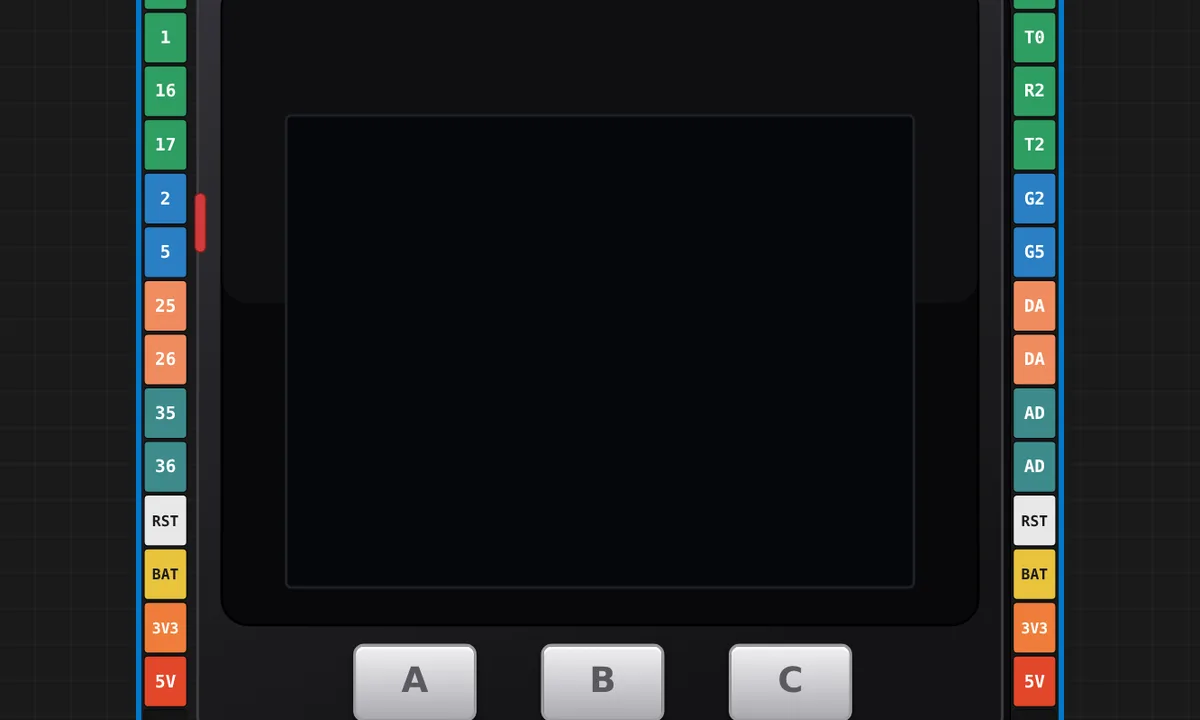 M5Stack Core — LCD (Adafruit_ILI9341)Drive the M5Stack Core Basic's built-in 320x240 LCD with the lightweight Adafruit_ILI9341 library (the Core's ILI9342C is 9341-compatible), read the three front buttons, and beep the built-in speaker (GPIO25) on each press. A self-contained ESP32 board — screen, buttons and speaker on-board, no wiring.
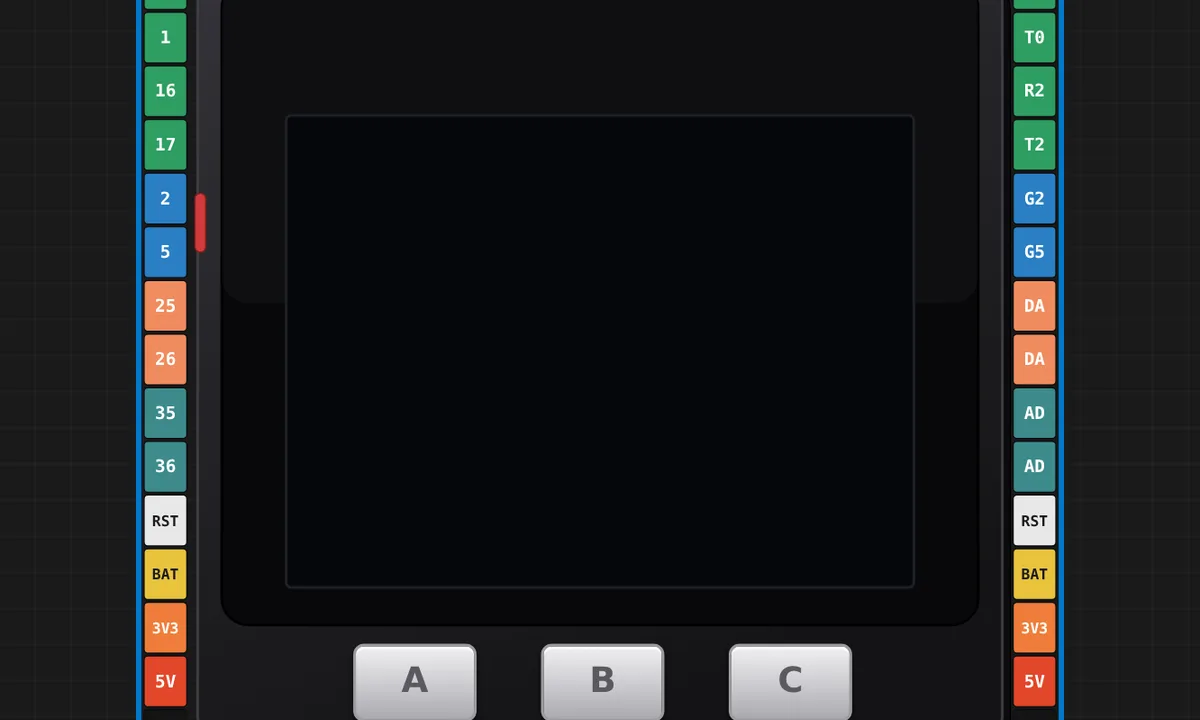 M5Stack Core — built-in microSD + LCDRead the M5Stack Core Basic's built-in microSD card (CS=GPIO4, shared VSPI bus with the LCD) and list its files on the built-in 320x240 screen. The card is emulated automatically — Velxio auto-copies your workspace files onto it — so no wiring and no card component needed.
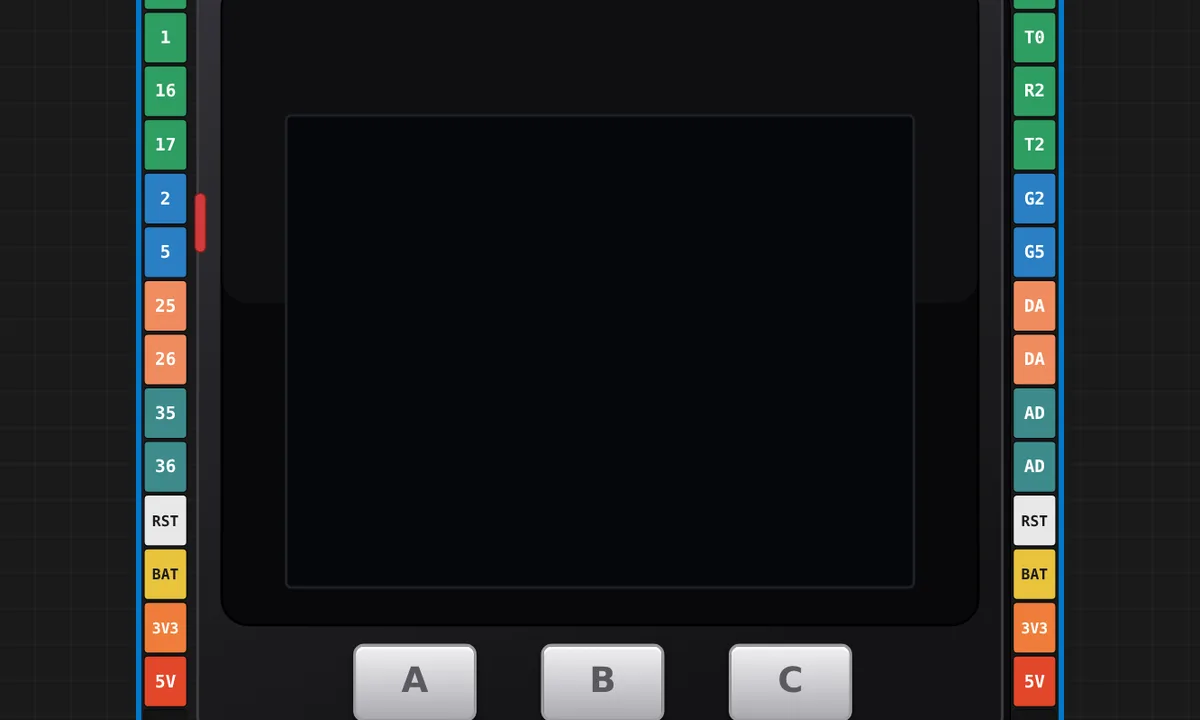 M5Stack Core — button piano (speaker)The three front buttons as a tiny instrument: BtnA/B/C each play a note on the built-in GPIO25 speaker (heard through your computer) while the LCD shows which key is down. Hold a button and the note holds; a self-contained board, no wiring.
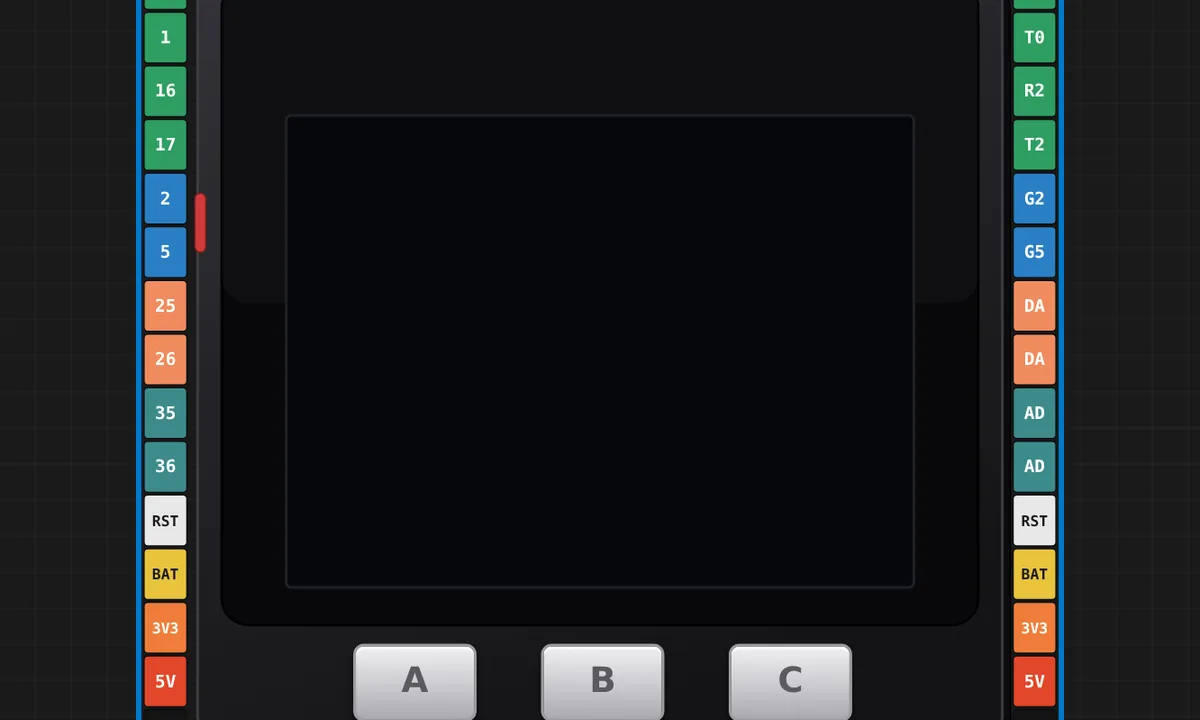 M5Stack Core - HelloWorld (official example)The canonical first sketch: Hello World on the 320x240 ILI9342C panel. Ported from the official M5Stack example to M5Unified - the classic M5Stack library needs arduino-esp32 2.x and no longer compiles on the 3.x core, in the Arduino IDE too.
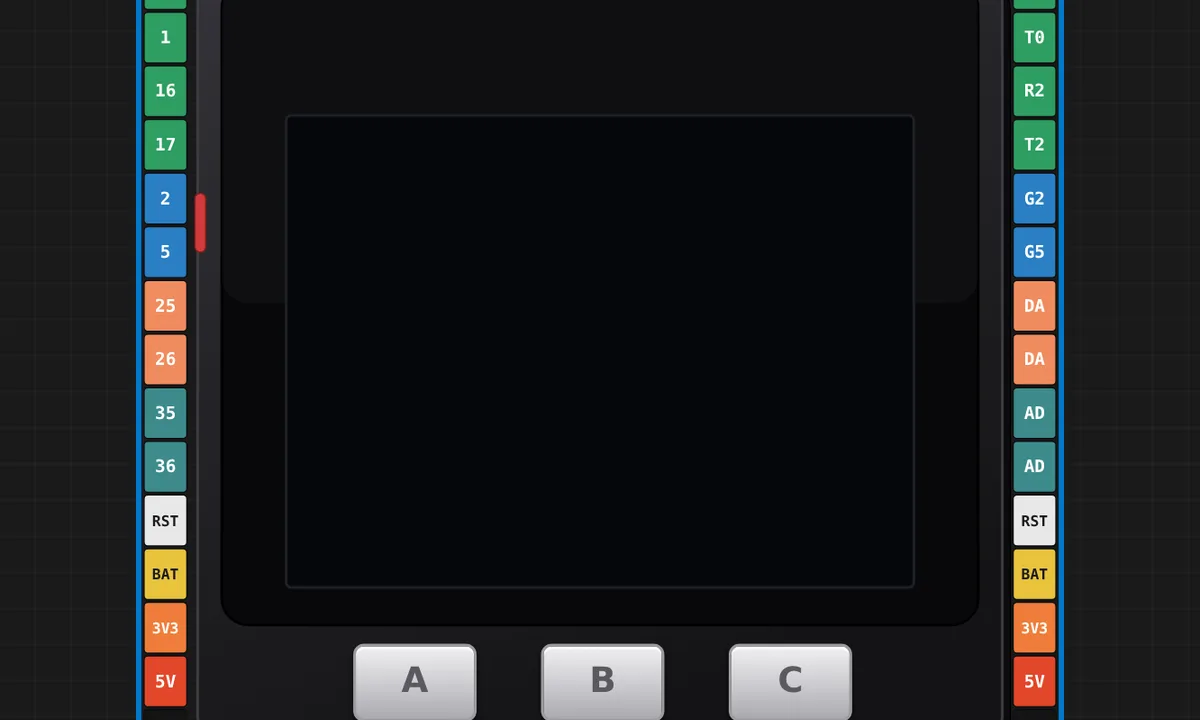 M5Stack Core - Button (official example)Press A, B or C and the letter prints on screen; holding B for 700 ms clears it. The three front buttons, exactly as the vendor demos them. Ported from the official M5Stack example to M5Unified - the classic M5Stack library needs arduino-esp32 2.x and no longer compiles on the 3.x core, in the Arduino IDE too.
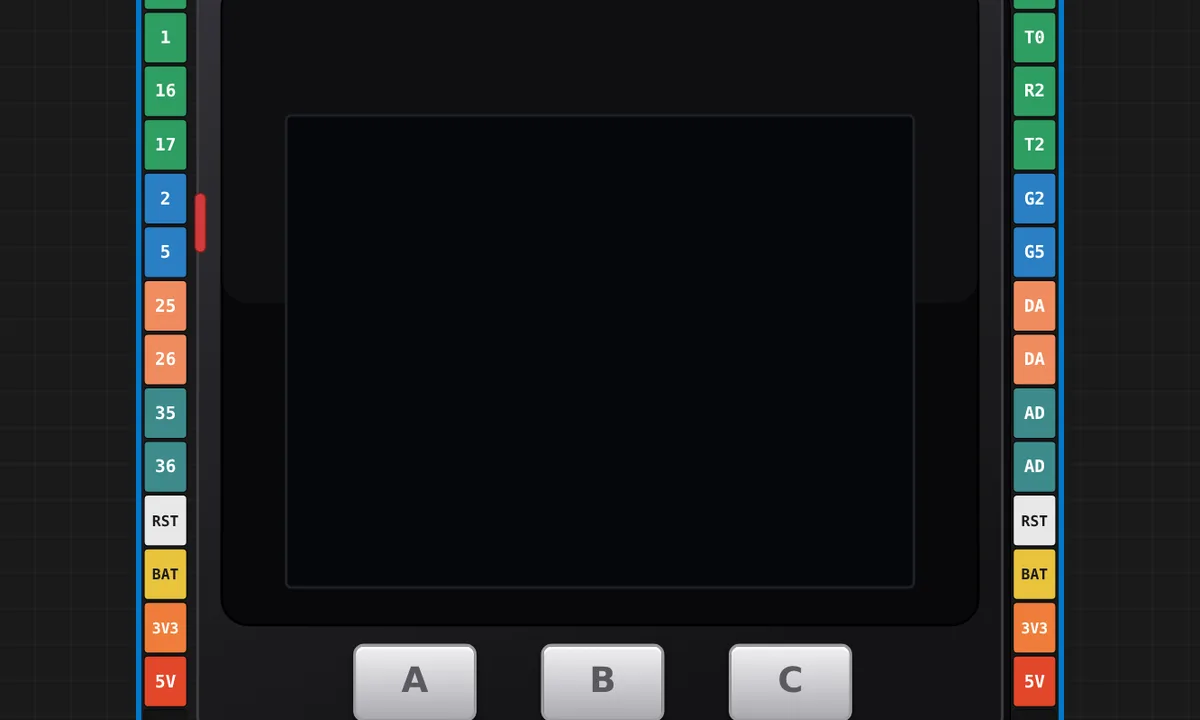 M5Stack Core - Display (official example)Background colour sweep, text, rectangles, circles and triangles, then random triangles forever - the vendor's own tour of the LCD. Ported from the official M5Stack example to M5Unified - the classic M5Stack library needs arduino-esp32 2.x and no longer compiles on the 3.x core, in the Arduino IDE too.
Related simulators
Frequently asked questions
- Which M5Stack library should I use?
- M5Unified, M5Stack's own replacement. The classic M5Stack library needs arduino-esp32 2.x and no longer compiles on the 3.x core, in the Arduino IDE as much as here.
- Why does the pin card show the same signal twice?
- Because the real M-Bus card does: the left and top strips name signals by GPIO number, the right and bottom strips name the same signals by function. R0 is RXD0, SDA is GPIO 21, and so on.
- Is the M5Stack Core free to simulate?
- Yes. It runs on the free plan in all three ESP32 languages.
- Is the M5Stack Core simulator free?
- Yes. The M5Stack Core runs on the free plan: open the editor, place the board and press Run. No install and no account are needed, and Velxio's editor and simulator core are open source under the GNU AGPLv3.
- Which languages can I use on the M5Stack Core?
- Arduino C++, MicroPython, ESP-IDF. The language is switched from the toolbar; the circuit on the canvas stays the same.
Ready to simulate the M5Stack Core?
Open the editor, place the M5Stack Core from the picker, wire what you need and press Run.
Launch the M5Stack Core simulator →