
M5Stack Cardputer ADV Simulator
the ESP32-S3 pocket computer with a 56-key keyboard
Simulate the M5Stack Cardputer ADV online for free: type on the 56-key keyboard, draw on the ST7789 LCD, play audio through the speaker, read the microphone and the IMU. Thirteen ready-to-run projects, no wiring.
Free plan · No install, no account · Runs in your browser
M5Stack Cardputer ADV at a glance
The Cardputer ADV is self-contained, so its projects need no wiring: the 1.14" LCD renders live, the keyboard takes clicks or your own keystrokes, the ES8311 codec plays the exact samples the firmware writes, the microphone delivers a real stream, the microSD holds your files, and the BMI270 IMU and the battery gauge follow the Sensors popover. The IR transmitter sends NEC frames and the board shows the decoded command.
- Processor
- ESP32-S3, dual-core Xtensa LX7 at 240 MHz
- Memory
- 512 KB SRAM · 8 MB PSRAM · 16 MB flash · 1.14" ST7789 240 x 135 LCD
- Emulation
- esp32s3js (in-browser)
- Languages
- Arduino C++ · MicroPython · ESP-IDF
- Made by
- M5Stack · Product page
- Plan
- Free
What you can do with the M5Stack Cardputer ADV simulator
The board on the canvas is the real thing as far as your code is concerned: the same pins, the same buses, the same peripherals, wired to the same 100+ sensors, displays and actuators every other Velxio board talks to.
Keyboard
Click the keycaps, or click the board once and type on your own keyboard: the key matrix controller reports what the firmware expects.
Display rendered live
The glass is the emulated panel controller's frame memory: whatever the sketch draws over SPI shows on the board art at the real resolution, frame by frame.
Speaker
Audio plays through your computer: the exact samples the firmware writes, from tone() to a codec-driven I2S stream.
Microphone
The microphone delivers a real sample stream, with a live level meter on the canvas, so audio capture and voice projects have something to hear.
microSD slot
The card is a real FAT image, filled with your workspace files automatically; load your own files from the SD Card panel and read them back from the sketch.
Live 6-axis IMU
Press Sensors on the canvas toolbar and drag the Tilt pad: the part reports that gravity at its real I2C address, and your orientation code reacts.
On-board RGB LED
The addressable LED on the board lights on the canvas, so colour and status projects need no wiring at all.
Arduino C++ sketches
Write a sketch in the Monaco editor with library completion, compile it against the board's own Arduino core and run the real firmware binary. The Serial Monitor is the USB port.
MicroPython
Switch the board to MicroPython from the toolbar and run main.py against the same circuit. Drivers are plain .py files in the workspace, copied onto the board's filesystem before your script starts.
ESP-IDF projects
Build a full ESP-IDF project (v5.5.4) with FreeRTOS tasks, sdkconfig and components, and run it on the emulated chip without a devkit on your desk.
No wiring needed
Every peripheral lives on the board itself, so a project is: place the board, press Run. Wire more when you want to.
M5Stack Cardputer ADV examples
Ready-to-run projects for this board from the gallery. Open one, read the sketch, press Run.
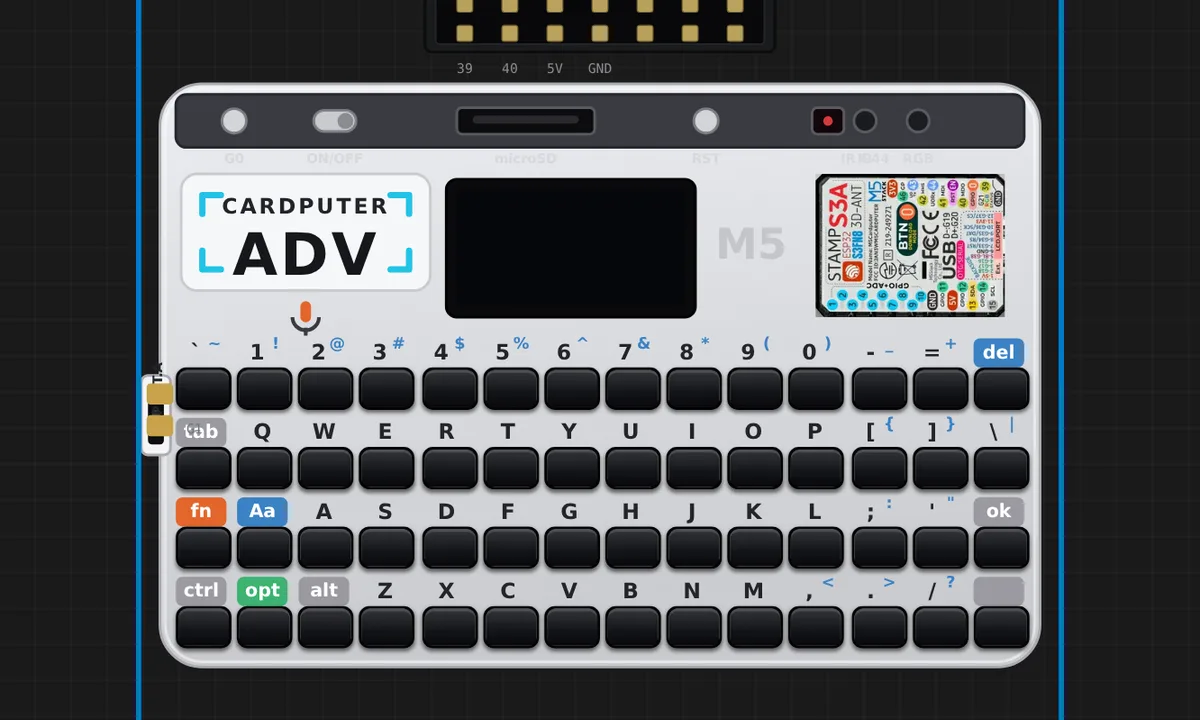 M5 Cardputer ADV — LCD + keyboard echoThe all-in-one M5Cardputer ADV (ESP32-S3): draw to the built-in 1.14-inch ST7789 LCD with M5GFX and echo whatever you type on the 56-key keyboard. Self-contained board, no wiring — press keys on the emulated keyboard and they appear on screen.
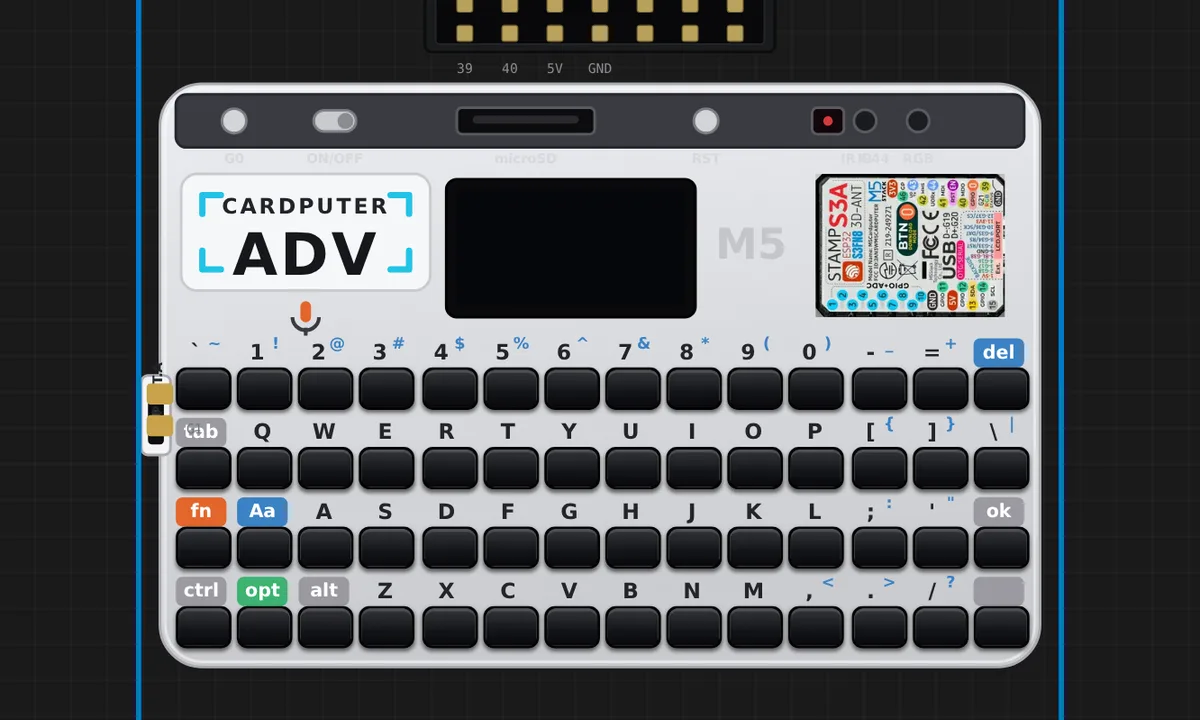 M5 Cardputer ADV — text terminal (official M5Stack example)M5Stack's own inputText example, unmodified: type a line, press Enter, and it scrolls up into the log above. Exercises far more of the board than a plain print — an off-screen M5Canvas sprite, a vector font, scrolling text, and the Enter/Backspace keys — so it is the example to reach for when checking that the LCD and the 56-key keyboard both work end to end.
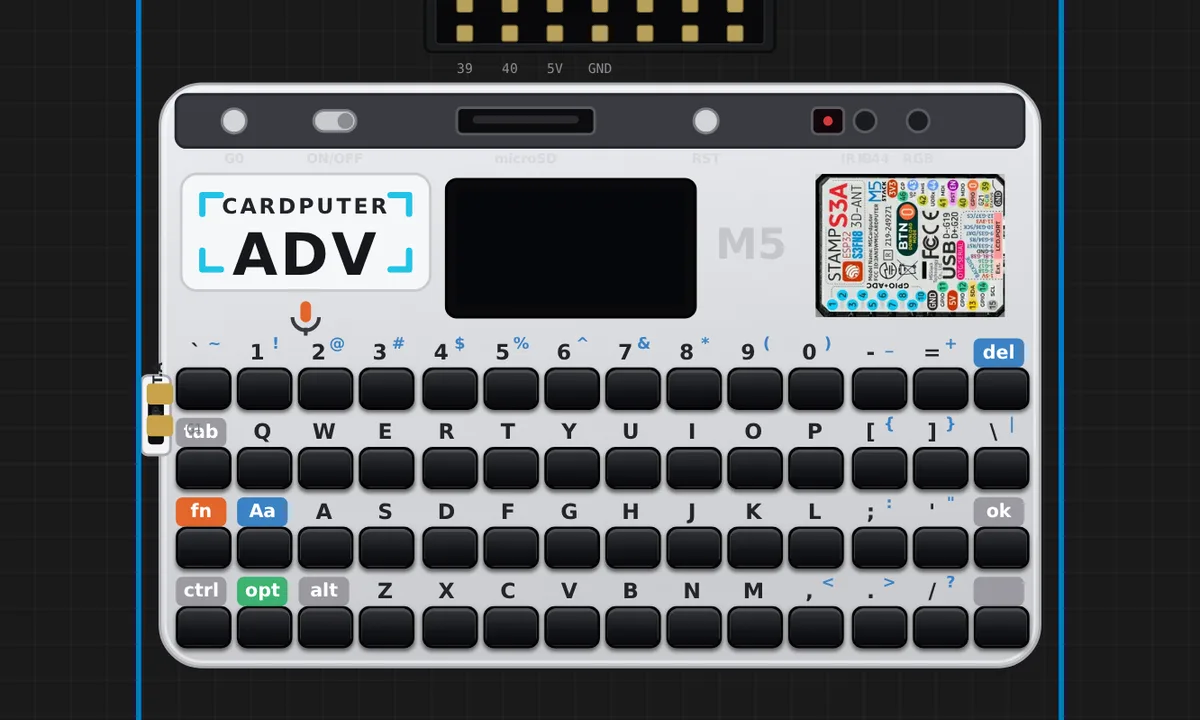 M5 Cardputer ADV — hardware tour (display, keyboard, microSD, IMU, LED, battery, mic)A six-page diagnostic that drives every part of the board at once: a full-screen double-buffered sprite, the 56-key keyboard, the microSD card holding your project files, the BMI270 accelerometer with a live tilt bubble, the RGB LED, the battery gauge and the microphone as a live level meter. Press Tab to change page, arrows to move, Enter to act. Reach for this one when you want to see what the emulated hardware really does.
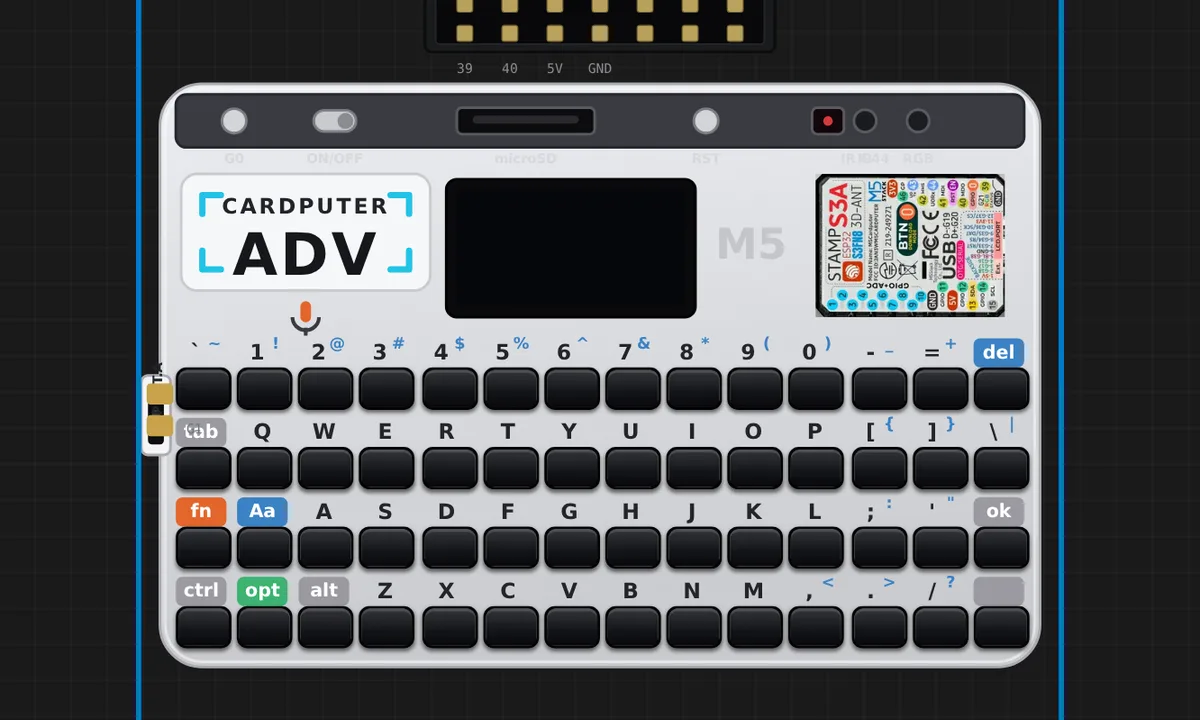 M5 Cardputer ADV — Brick Blaster (juego con sonido)A whole game on the board alone: no wiring, no microSD. The 240x135 LCD draws through an off-screen sprite so nothing tears, the 56-key keyboard steers the paddle, and the speaker carries the game — each brick row is a note of a pentatonic scale, so clearing a row walks up the scale and you can hear how you are doing without looking at the score. Where the ball lands on the paddle sets its angle, which makes it a game about aiming rather than reacting.
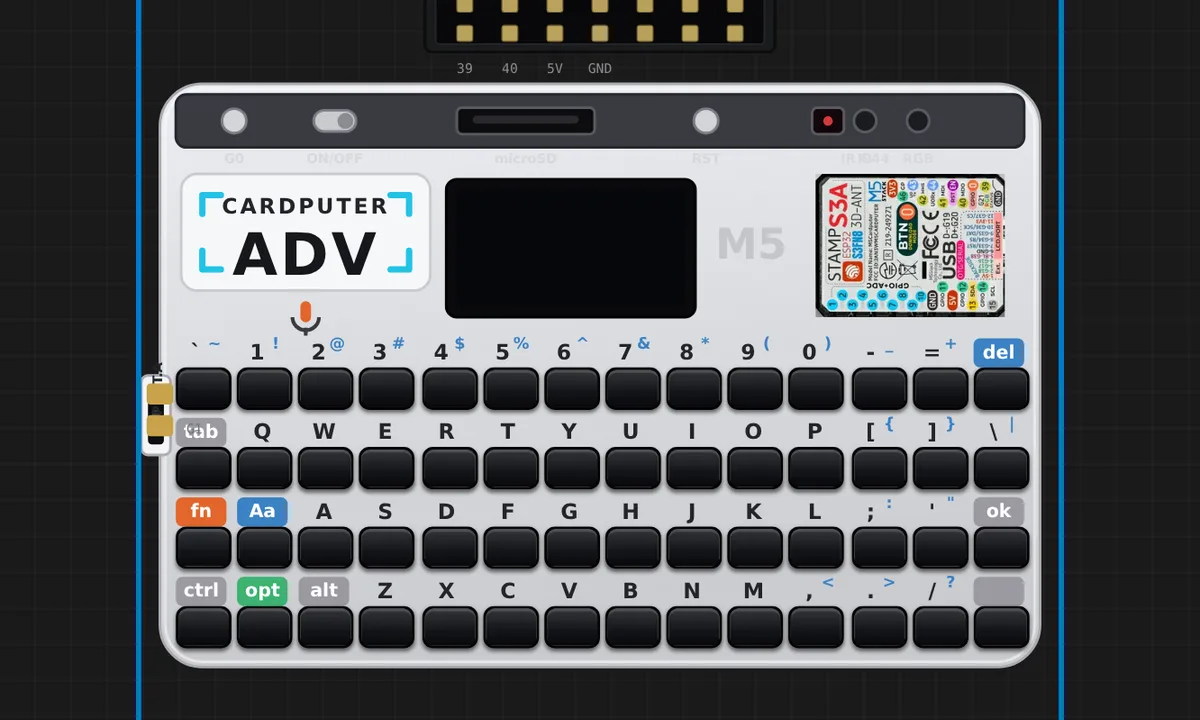 M5 Cardputer ADV - button (official example)M5Stack's own BtnA test, unmodified: the G0 button on the top rail. Press it on the emulated board and the screen says Pressed, release it and it says Released, with a short beep either way. The shortest proof that the on-board button, the display and the speaker all answer.
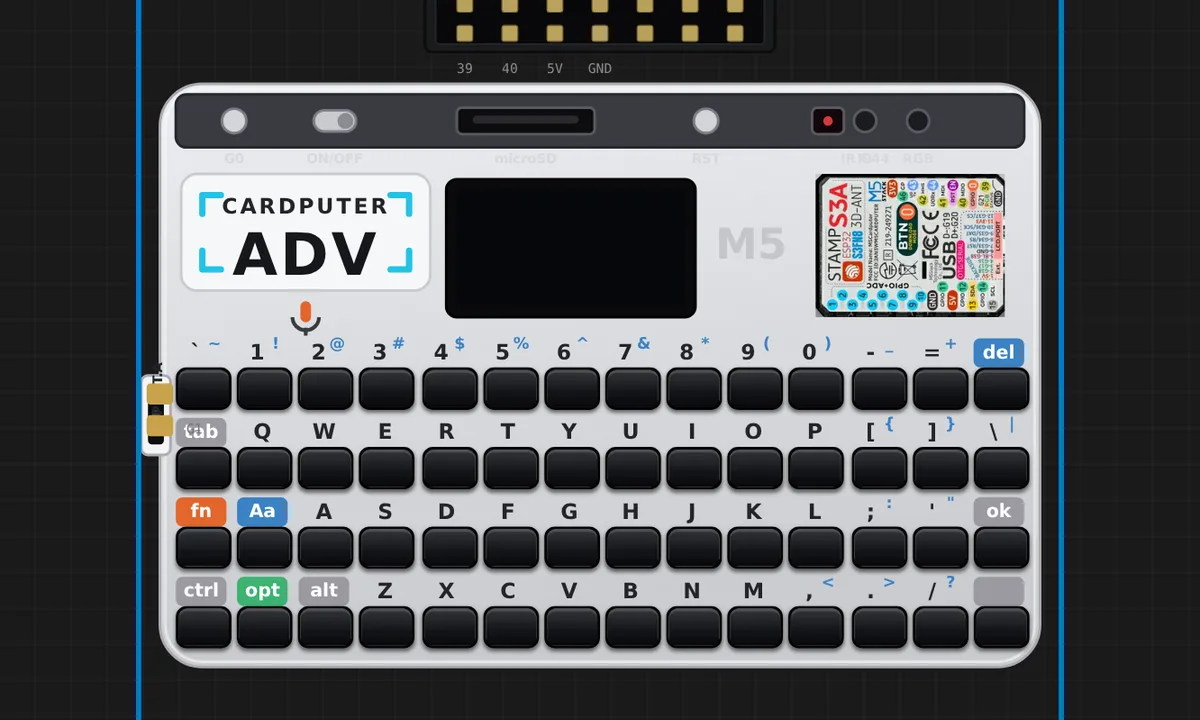 M5 Cardputer ADV - buzzer (official example)M5Stack's own speaker test, unmodified: alternates a 10 kHz and a 4 kHz tone once a second through the I2S speaker. Turn your volume up - the emulator plays the samples the guest actually writes.
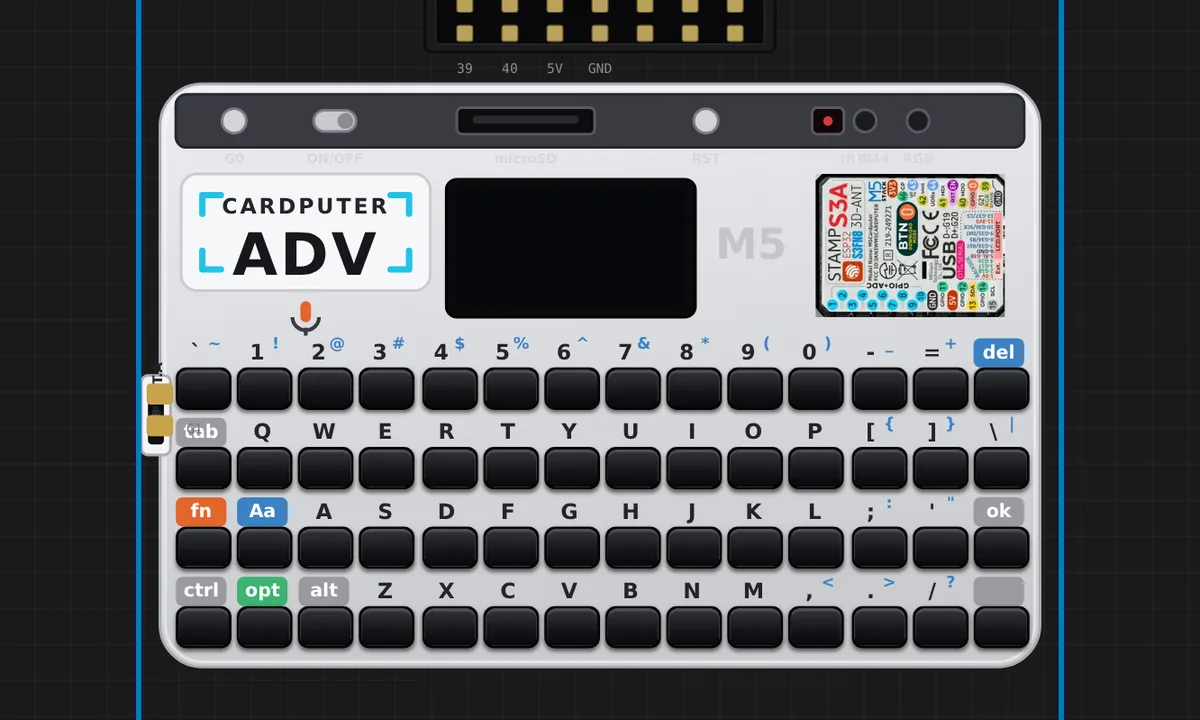 M5 Cardputer ADV - display (official example)M5Stack's own display test, unmodified: random coloured rectangles and text scattered across the 240x135 ST7789 panel, forever. A quick way to see the LCD path running at full tilt.
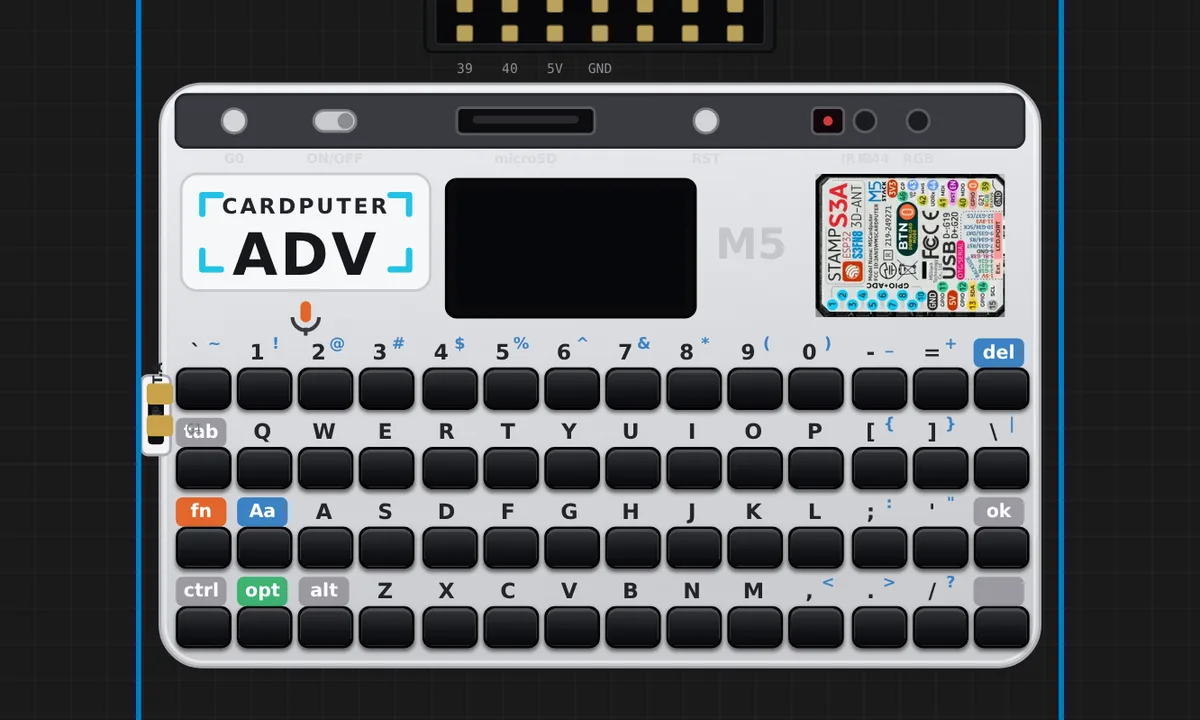 M5 Cardputer ADV - IR NEC send (official example)M5Stack's own infrared test, unmodified: sends NEC address 0x1111 with a rising command over the IR diode on G44. Infrared is invisible, so the board flashes a violet dot with the decoded address and command each time a frame goes out.
Related simulators
Frequently asked questions
- How do I type on the simulated Cardputer?
- Click the keycaps on the board art, or click the board once and type on your own keyboard; the TCA8418 key matrix controller reports what the firmware expects.
- Which library drives the Cardputer's display?
- M5Cardputer.Display from M5GFX, the same as on the device. The LCD + keyboard echo example is the place to start.
- Is the Cardputer ADV free to simulate?
- Yes. It runs on the free plan in Arduino C++, MicroPython and ESP-IDF.
- Is the M5Stack Cardputer ADV simulator free?
- Yes. The M5Stack Cardputer ADV runs on the free plan: open the editor, place the board and press Run. No install and no account are needed, and Velxio's editor and simulator core are open source under the GNU AGPLv3.
- Which languages can I use on the M5Stack Cardputer ADV?
- Arduino C++, MicroPython, ESP-IDF. The language is switched from the toolbar; the circuit on the canvas stays the same.
Ready to simulate the M5Stack Cardputer ADV?
Open the editor, place the M5Stack Cardputer ADV from the picker, wire what you need and press Run.
Launch the M5Stack Cardputer ADV simulator →