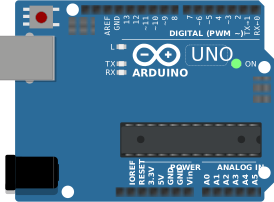
Arduino, running the sketch you wrote
arduino-cli compiles it, an AVR8 core executes it instruction by instruction, and the LCD shows what the ATmega328P actually put on the bus. Uno, Nano, Mega and ATtiny85, no board on your desk.

Hardware is all about iteration. Velxio lets you wire a circuit, program the board and run it in seconds, real firmware on a real solver, right in the browser.





DFRobot · M5Stack links on this page are affiliate links: a purchase through them earns Velxio a small commission at no extra cost to you.
Nothing on this page is a scripted animation: the firmware is compiled and executed, and the circuit around it is solved.
arduino-cli compiles it, an AVR8 core executes it instruction by instruction, and the LCD shows what the ATmega328P actually put on the bus. Uno, Nano, Mega and ATtiny85, no board on your desk.
arduino-cli or ESP-IDF compiles the sketch, then AVR8, RP2040, RISC-V, Xtensa or ARM executes it instruction by instruction. What the OLED draws and what the serial monitor prints is what the chip actually did.

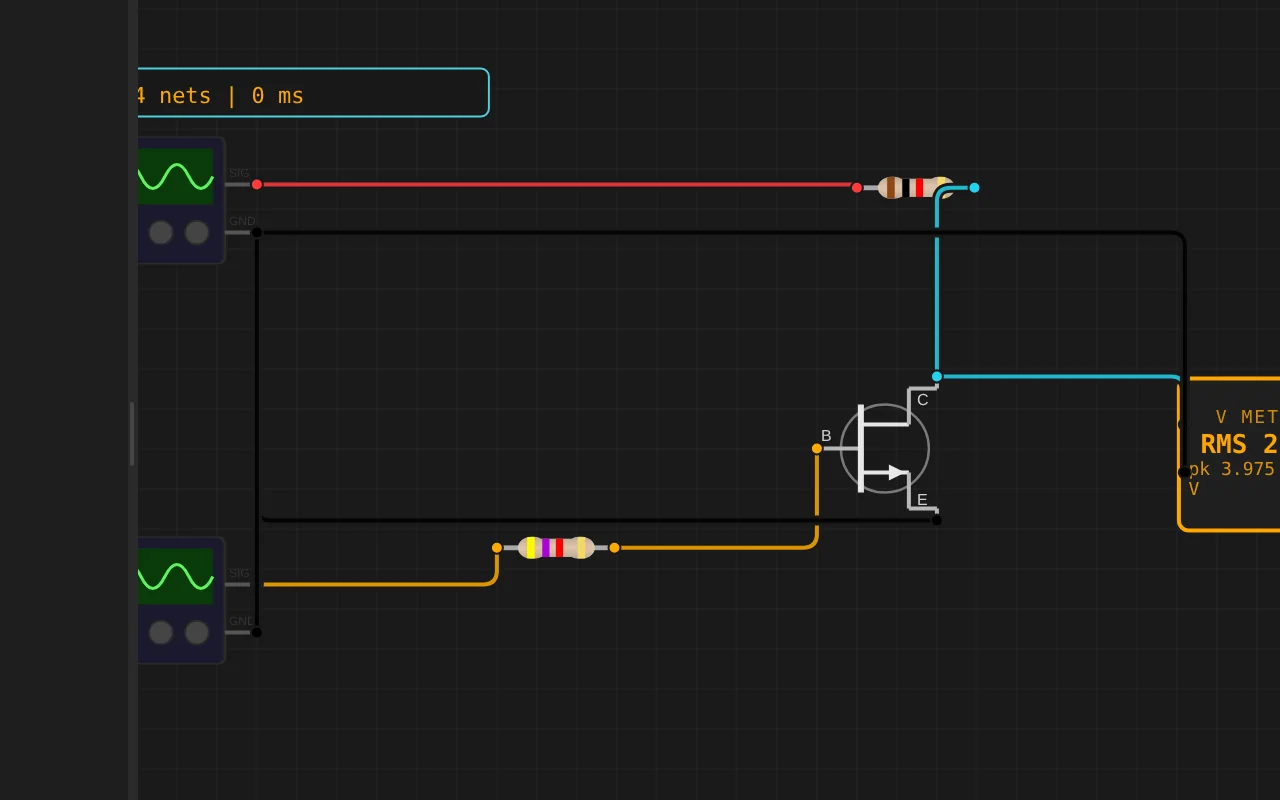
ngspice compiled to WebAssembly runs a full nodal analysis about 60 times a second. GPIO pins drive real nets, ADC inputs read solved node voltages, and probes report RMS, DC and current wherever you drop them.
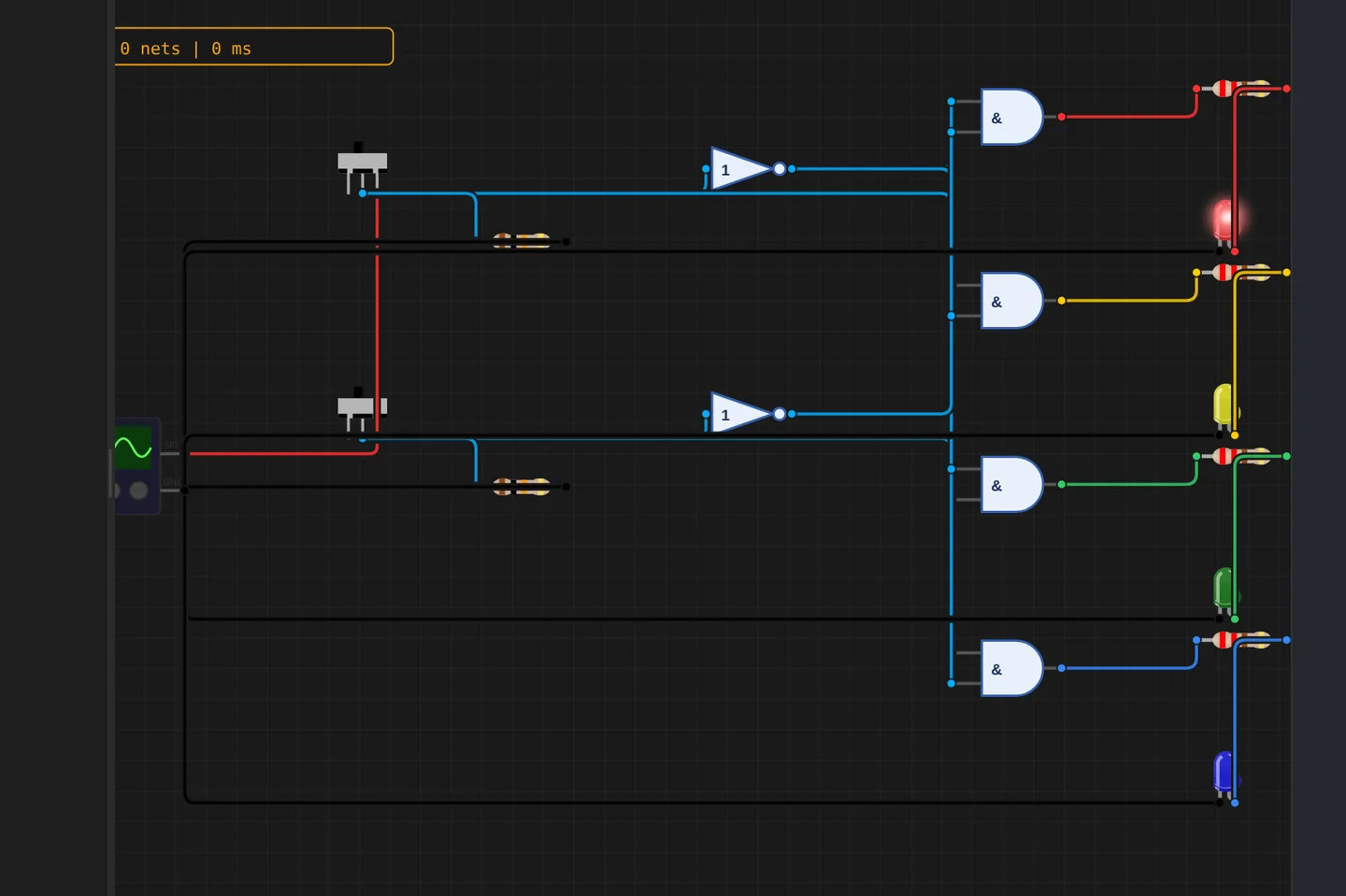
Adders, comparators, decoders, flip-flops and a 1-bit ALU slice: no microcontroller anywhere, just gates, switches and LEDs solved as a real net. The classroom half of electronics, without the breadboard.
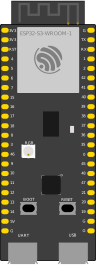
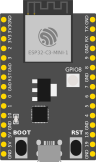
The M5Stack Cardputer with its keyboard, Seeed's round display keeping time, Pimoroni's Badger 2350 driving e-paper, and DFRobot's UNIHIKER M10 in the catalogue alongside them. Their makers sent the hardware so the emulation could be checked against the real thing.
35 boards across 6 CPU architectures — AVR8, ARM Cortex-M, ARM Cortex-A, RISC-V, Xtensa, and Linux. Including partner boards from Pimoroni, M5Stack, Seeed Studio and DFRobot. All running locally, no cloud needed.






One institution contract gives every student in the class a full Pro account. No per-seat checkout, no card details in a classroom.
Private projects, BOM and schematic exports, GitHub Sync and the offline desktop app, for everyone enrolled.
Billed once to your institution, per semester or per year. Volume pricing on request for large cohorts.
Arduino, ESP32, RP2040, STM32, ATtiny and Raspberry Pi, with SPICE analog solved alongside the firmware. Not a sandboxed mock.
The simulator stays free forever, WiFi with internet included. Paid plans unlock the Linux and STM32 boards, custom WiFi networks, the local network gateway and the offline desktop app. Maker and Pro add the AI agent; No AI leaves it out.
Discover the simulator + light AI help.
The full workbench, zero AI. You write every line.
For makers shipping real circuits with AI help.
Private projects, GitHub Sync and BOM exports.
Questions, bugs and ideas: the Discord and the issue tracker are open, and so is every line of the simulator.
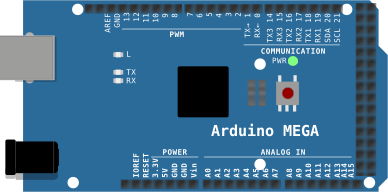
An interactive Arduino Mega circuit simulation you can run free in your browser on Velxio, by leikz.
#include <Wire.h>
#include <LiquidCrystal_I2C.h>
#include <DHT.h>
#include <Servo.h>
#include <Adafruit_NeoPixel.h>

// ============================================================
// 智能家居 + 智能门锁 二合一 (Arduino MEGA2560)
//
// 门锁:键盘输入密码 1234,# 确认,* 清除
//   密码对  -> LCD "Welcome Home!",撤防,矩阵灯欢迎
//   密码错  -> LCD "Wrong Password!",连续错 3 次蜂鸣器报警 5 秒
// 布防(锁定):PIR + 超声波 2 米内 -> 入侵报警(红灯闪+蜂鸣器)
// 撤防(解锁):有人靠近 -> 矩阵灯亮 15 秒;按 * 重新布防
// 常驻功能:光敏自动窗帘(带回差)、过温报警(红灯闪+蜂鸣器)
// ============================================================

// ---------- 引脚 (MEGA2560) ----------
// 键盘实际接线:R1-R4 -> D9 D8 D7 D6,C1-C4 -> D5 D4 D3 D2
const byte ROW_PINS[4] = {9, 8, 7, 6};    // 键盘行 R1~R4
const byte COL_PINS[4] = {5, 4, 3, 2};    // 键盘列 C1~C4
const int PIN_PIR    = 10;
const int PIN_DHT    = 11;
const int PIN_TRIG   = 12;
const int PIN_ECHO   = 13;
const int PIN_LDR    = A0;
// LCD I2C: SDA=D20, SCL=D21
const int PIN_LED_R  = 22;
const int PIN_LED_G  = 23;
const int PIN_LED_Y  = 24;
const int PIN_BUZZER = 26;
const int PIN_NEO    = 30;
const int PIN_SERVO  = 44;
const int NEO_NUM    = 64;

const char KEYS[4][4] = {
  {'1','2','3','A'},
  {'4','5','6','B'},
  {'7','8','9','C'},
  {'*','0','#','D'}
};

// ---------- 密码 ----------
const char PASSWORD[] = "1234";
char input[9];
byte inLen = 0;
byte wrongCount = 0;

// ---------- 阈值 ----------
const int   LIGHT_DARK    = 400;   // 窗帘:低于此值关
const int   LIGHT_BRIGHT  = 500;   // 窗帘:高于此值开
const int   LIGHT_MATRIX  = 15;    // 矩阵灯:低于此值才算"暗"(Velxio 实测:暗态 12,226lux 为 21)
const float TEMP_HIGH     = 30.0;
const float HUMI_HIGH     = 80.0;
const int   DIST_NEAR     = 200;    // 2 米
const int   CURTAIN_OPEN  = 0;
const int   CURTAIN_CLOSE = 90;
const unsigned long HOLD_MS = 10000;      // 矩阵灯保持 10 秒
const unsigned long WRONG_ALARM_MS = 5000; // 3 次错误报警 5 秒

LiquidCrystal_I2C lcd(0x27, 16, 2);
DHT  dht(PIN_DHT, DHT22);
Servo curtain;
Adafruit_NeoPixel leds(NEO_NUM, PIN_NEO, NEO_GRB + NEO_KHZ800);

unsigned long tDht = 0, tLcd = 0, tBlink = 0, tSerial = 0, tLed = 0;
float temp = NAN, humi = NAN;
int   lightVal = 0, dist = 0;
bool  presence = false, overheat = false, intruder = false;
bool  ledR = false;
int   curtainAngle = -1, glow = 0;
bool  curtainClosed = false;

unsigned long tDetect = 0;
bool  detectedOnce = false, personNear = false, matrixOn = false;

unsigned long tServoOff = 0;
bool  servoAttached = true;

// ---------- 门锁状态 ----------
bool  locked = true;               // 上电默认布防
unsigned long tMsg = 0;            // 提示消息截止时间
char  msg1[17] = "", msg2[17] = "";
unsigned long tWrongAlarm = 0;     // 3 次错误报警截止时间

int readLight() {
  return analogRead(PIN_LDR);
}

int readDistance() {
  digitalWrite(PIN_TRIG, LOW);
  delayMicroseconds(2);
  digitalWrite(PIN_TRIG, HIGH);
  delayMicroseconds(10);
  digitalWrite(PIN_TRIG, LOW);
  long us = pulseIn(PIN_ECHO, HIGH, 30000);
  if (us == 0) return 999;
  return (int)(us * 0.034 / 2);
}

void setCurtain(int angle) {
  if (curtainAngle == angle) return;
  curtainAngle = angle;
  if (!servoAttac