Arduino, running the sketch you wrote
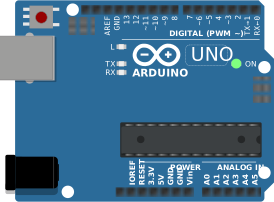
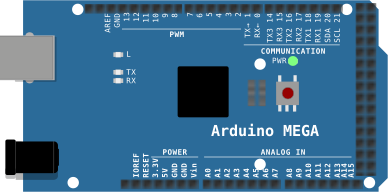
arduino-cli compiles it, an AVR8 core executes it instruction by instruction, and the LCD shows what the ATmega328P actually put on the bus. Uno, Nano, Mega and ATtiny85, no board on your desk.

Hardware is all about iteration. Velxio lets you wire a circuit, program the board and run it in seconds, real firmware on a real solver, right in the browser.





Nothing on this page is a scripted animation: the firmware is compiled and executed, and the circuit around it is solved.
arduino-cli compiles it, an AVR8 core executes it instruction by instruction, and the LCD shows what the ATmega328P actually put on the bus. Uno, Nano, Mega and ATtiny85, no board on your desk.
arduino-cli or ESP-IDF compiles the sketch, then AVR8, RP2040, RISC-V, Xtensa or ARM executes it instruction by instruction. What the OLED draws and what the serial monitor prints is what the chip actually did.

ngspice compiled to WebAssembly runs a full nodal analysis about 60 times a second. GPIO pins drive real nets, ADC inputs read solved node voltages, and probes report RMS, DC and current wherever you drop them.
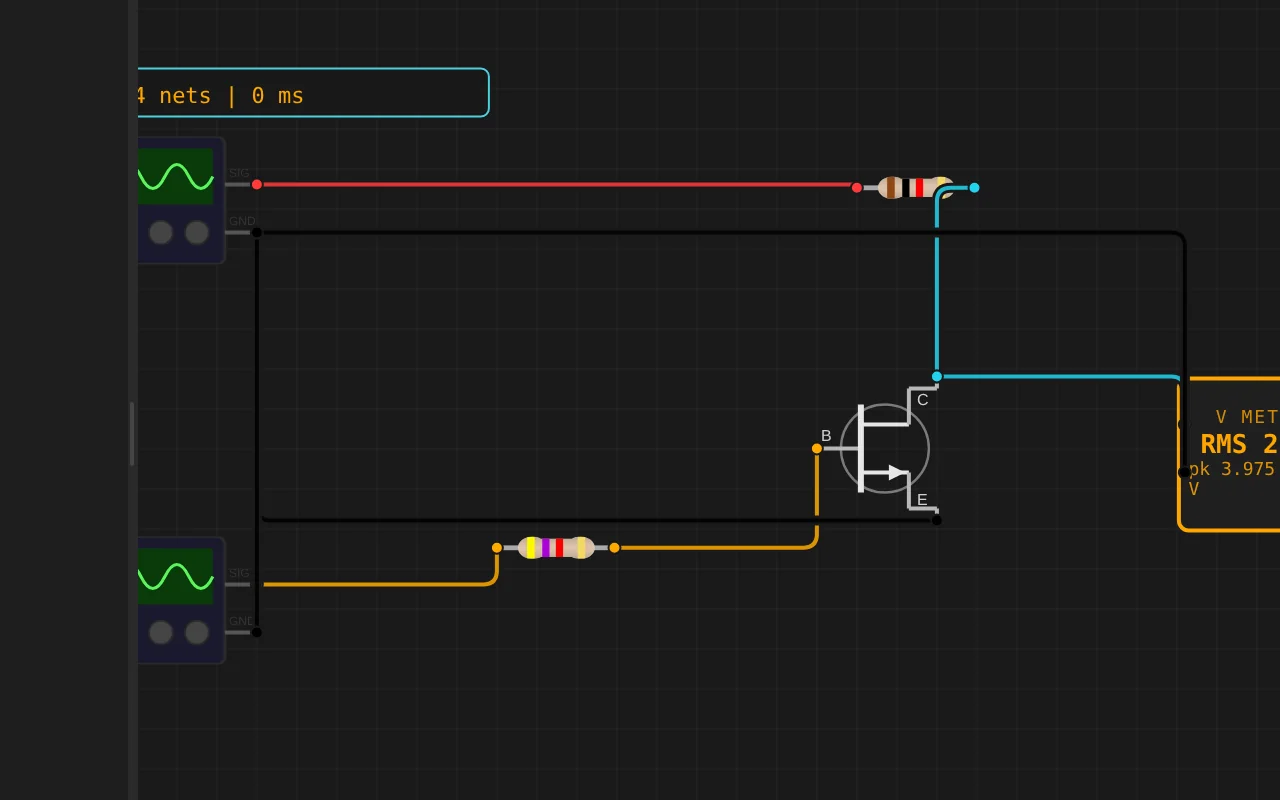
Adders, comparators, decoders, flip-flops and a 1-bit ALU slice: no microcontroller anywhere, just gates, switches and LEDs solved as a real net. The classroom half of electronics, without the breadboard.
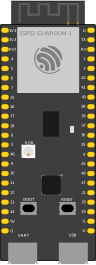
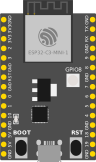
The M5Stack Cardputer with its keyboard, Seeed's round display keeping time, Pimoroni's Badger 2350 driving e-paper, and DFRobot's UNIHIKER M10 in the catalogue alongside them. Their makers sent the hardware so the emulation could be checked against the real thing.
35 boards across 6 CPU architectures — AVR8, ARM Cortex-M, ARM Cortex-A, RISC-V, Xtensa, and Linux. Including partner boards from Pimoroni, M5Stack, Seeed Studio and DFRobot. All running locally, no cloud needed.






One institution contract gives every student in the class a full Pro account. No per-seat checkout, no card details in a classroom.
Private projects, BOM and schematic exports, GitHub Sync and the offline desktop app, for everyone enrolled.
Billed once to your institution, per semester or per year. Volume pricing on request for large cohorts.
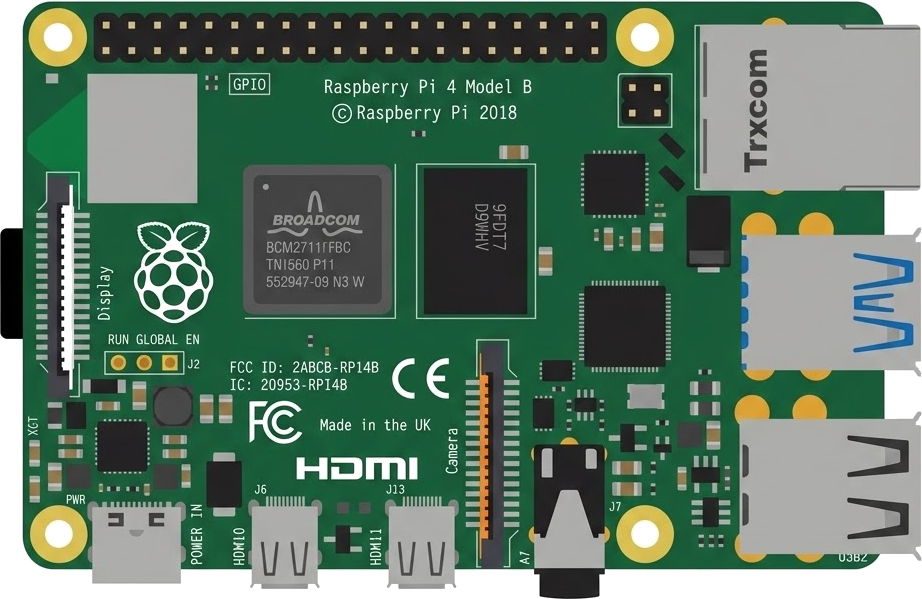
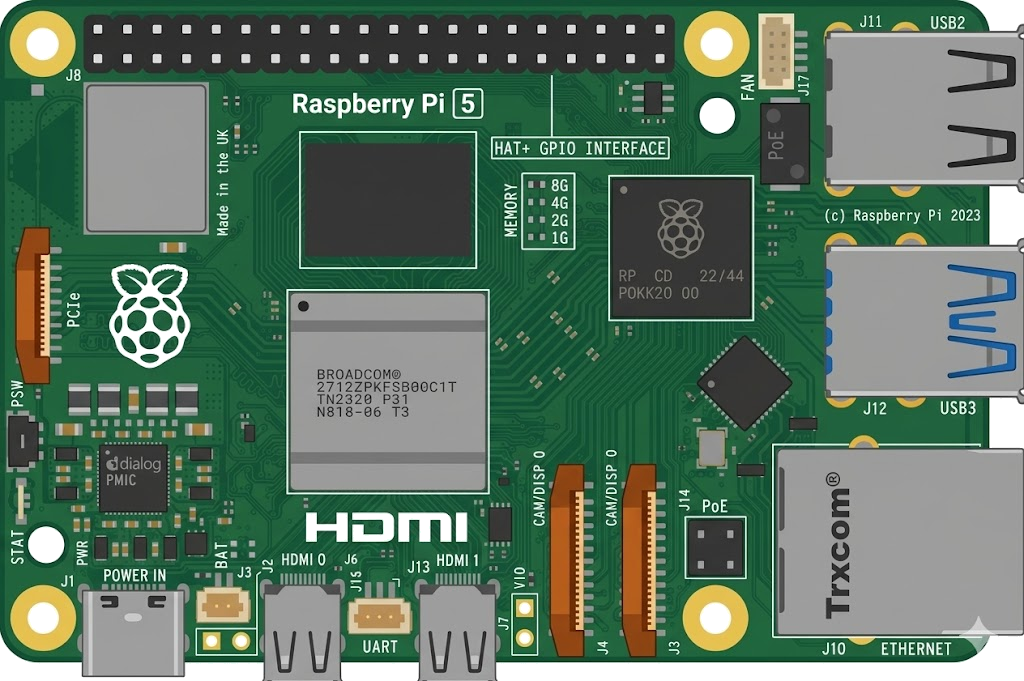
Arduino, ESP32, RP2040, STM32, ATtiny and Raspberry Pi, with SPICE analog solved alongside the firmware. Not a sandboxed mock.
The simulator stays free forever. Paid plans raise the daily AI quota and unlock the Linux boards, private projects and the offline desktop app.
Discover the simulator + light AI help.
For makers shipping real circuits with AI help.
Private projects, GitHub Sync and BOM exports.
Questions, bugs and ideas: the Discord and the issue tracker are open, and so is every line of the simulator.
An interactive Arduino Uno circuit simulation you can run free in your browser on Velxio, by leemcf.
#include <Keypad.h>
#include <LiquidCrystal_I2C.h>

const byte rows = 4;
const byte cols = 4;

char keyNumber[rows][cols] = {
  {'1','2','3','A'},
  {'4','5','6','B'},
  {'7','8','9','C'},
  {'*','0','#','D'},
};

byte rowsPin[rows] = {13,12,11,10};
byte colsPin[cols] = {9,8,7,6};

Keypad keypad = Keypad(makeKeymap(keyNumber), rowsPin, colsPin, rows, cols);
LiquidCrystal_I2C lcd(0x27,16,2);


void setup()
{
  lcd.init();
  lcd.backlight();
  //Serial.begin(9600);

  lcd.print("* is DECIMAL");
  lcd.setCursor(0,1);// Bottom row
  lcd.print("# is ENTER");
  delay(5000);// Wait 5 seconds
  lcd.clear(); // Clears the display

  lcd.print("D(in) = ");
  lcd.blink(); //Displays the blinking LCD cursor
  float D = getFloatInput();
  lcd.print(D, 3); // Print with 3 decimal places
  lcd.setCursor(0,1);// Bottom row
  if (D>3){
    lcd.print("Diameter too Big");
    lcd.noBlink(); // Turns off the blinking LCD cursor
    while (1>0){}//Delay forever
  }
  lcd.setCursor(0,1);// Bottom row
  lcd.print("L(in) = ");
  float L = getFloatInput();
  lcd.clear(); // Clears the display
  if (L>30){
    lcd.print("L(in) = ");
    lcd.print(L, 3); // Print with 3 decimal places
    lcd.setCursor(0,1);// Bottom row
    lcd.print("Too Long");
    lcd.noBlink(); // Turns off the blinking LCD cursor
    while (1>0){}//Delay forever
  }

  lcd.print("D=");
  lcd.print(D, 3); // Print with 3 decimal places
  lcd.print(";L=");
  lcd.print(L, 3); // Print with 3 decimal places
  lcd.setCursor(0,1);// Bottom row
  lcd.print("# if Correct");
  float bla = getFloatInput();//Continue when # pressed
  lcd.clear(); // Clears the display
  lcd.noBlink(); // Turns off the blinking LCD cursor

  float H = sqrt(sq(2+(D/2))-sq(2.025));//bar centerline above rollers
  float DoCL = (8+(D/2))*sqrt(2)/2;//probe horizontal dist from centerline
  float DN = 13.188-H-DoCL;//probe vertical dist below tank lip
  float Cir = PI * D;//Circumfrence
  lcd.print("Probe to Probe");
  lcd.setCursor(0,1);// Bottom row
  lcd.print("in inches");
  delay(5000);// Wait 5 seconds
  lcd.clear(); // Clears the display
  lcd.print("P2P = ");
  lcd.println(2*DoCL,3);
  lcd.setCursor(0,1);// Bottom row
  lcd.print("# if spread");
  bla = getFloatInput();//Continue when # pressed

}


void loop() {

}


float getFloatInput() {
  float intPart = 0;
  float fracPart = 0;
  int divisor = 1;
  boolean isDec = false;

  while (true) {
    char key = keypad.getKey();
    if (key != NO_KEY) {
      if (key >= '0' && key <= '9') {
        if (!isDec) {
          intPart = (intPart * 10) + (key - '0');
        } else {
          fracPart = (fracPart * 10) + (key - '0');
          divisor *= 10;
        }
        Serial.print(key);
      }
      else if (key == '*') { // Press '*' for decimal point
        isDec = true;
        Serial.print('.');
      }
      else if (key == '#') { // Press '#' to finish input
        Serial.println();
        break;
      }
    }
  }
return intPart + (float)fracPart