Arduino, running the sketch you wrote
arduino-cli compiles it, an AVR8 core executes it instruction by instruction, and the LCD shows what the ATmega328P actually put on the bus. Uno, Nano, Mega and ATtiny85, no board on your desk.

Hardware is all about iteration. Velxio lets you wire a circuit, program the board and run it in seconds, real firmware on a real solver, right in the browser.





DFRobot · M5Stack links on this page are affiliate links: a purchase through them earns Velxio a small commission at no extra cost to you.
Nothing on this page is a scripted animation: the firmware is compiled and executed, and the circuit around it is solved.
arduino-cli compiles it, an AVR8 core executes it instruction by instruction, and the LCD shows what the ATmega328P actually put on the bus. Uno, Nano, Mega and ATtiny85, no board on your desk.
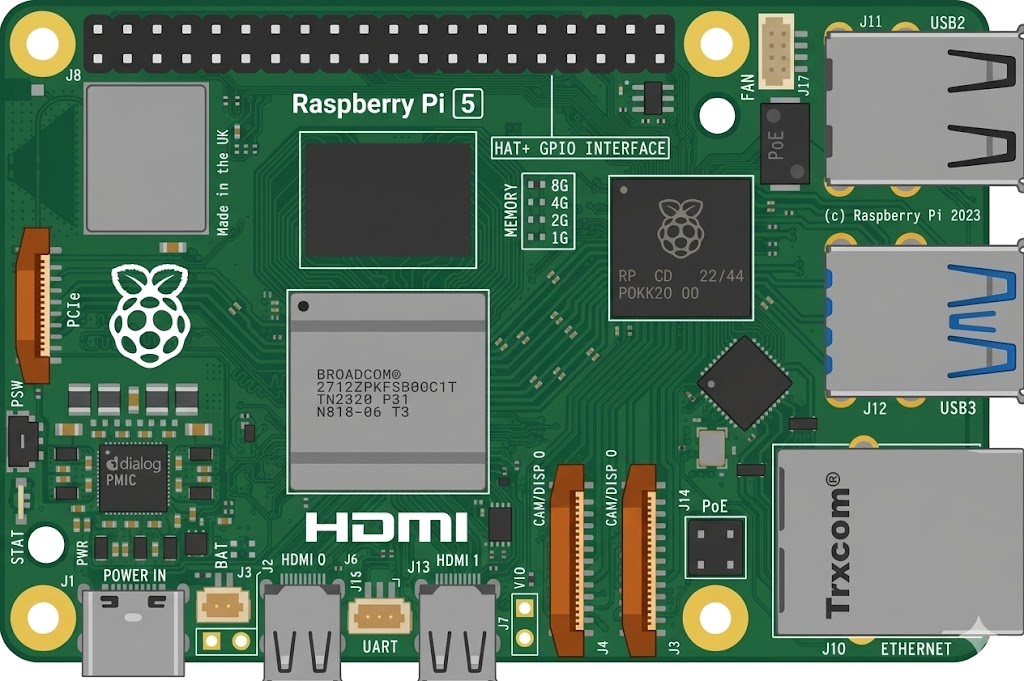
arduino-cli or ESP-IDF compiles the sketch, then AVR8, RP2040, RISC-V, Xtensa or ARM executes it instruction by instruction. What the OLED draws and what the serial monitor prints is what the chip actually did.

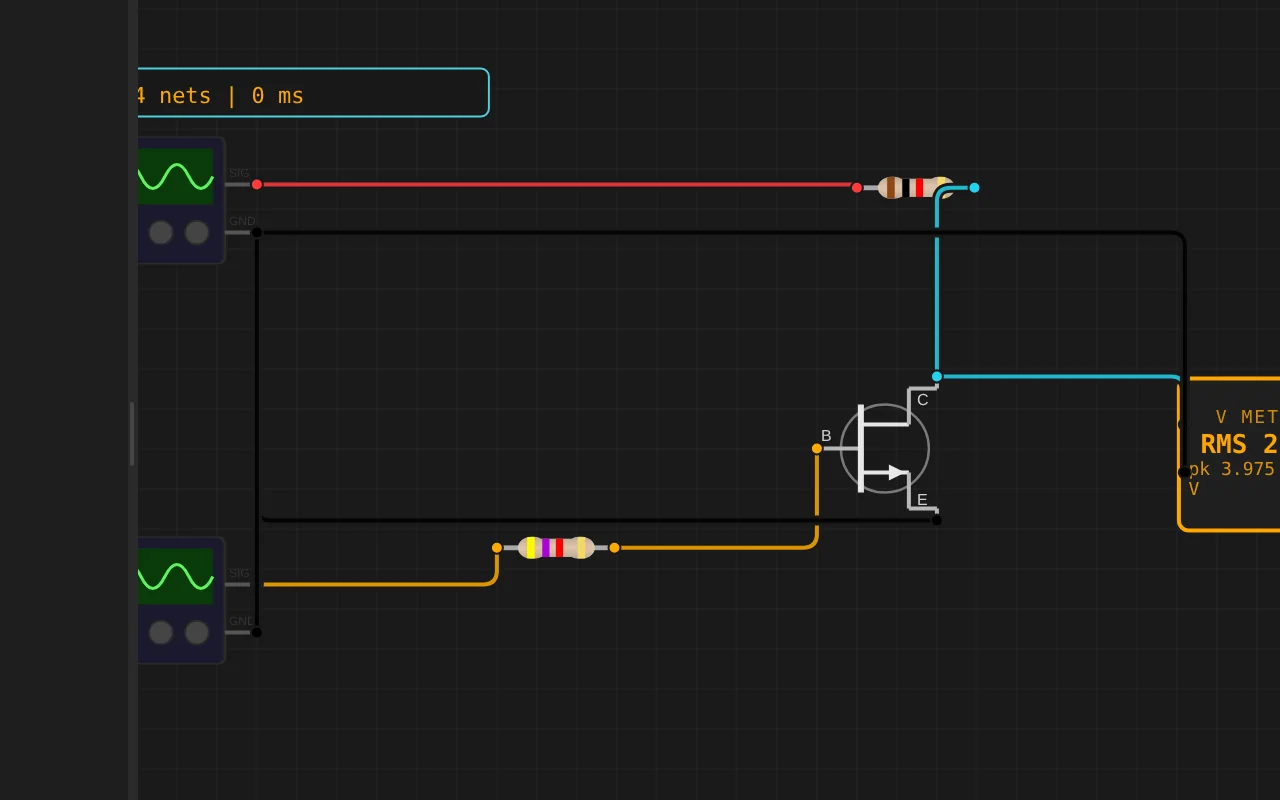
ngspice compiled to WebAssembly runs a full nodal analysis about 60 times a second. GPIO pins drive real nets, ADC inputs read solved node voltages, and probes report RMS, DC and current wherever you drop them.
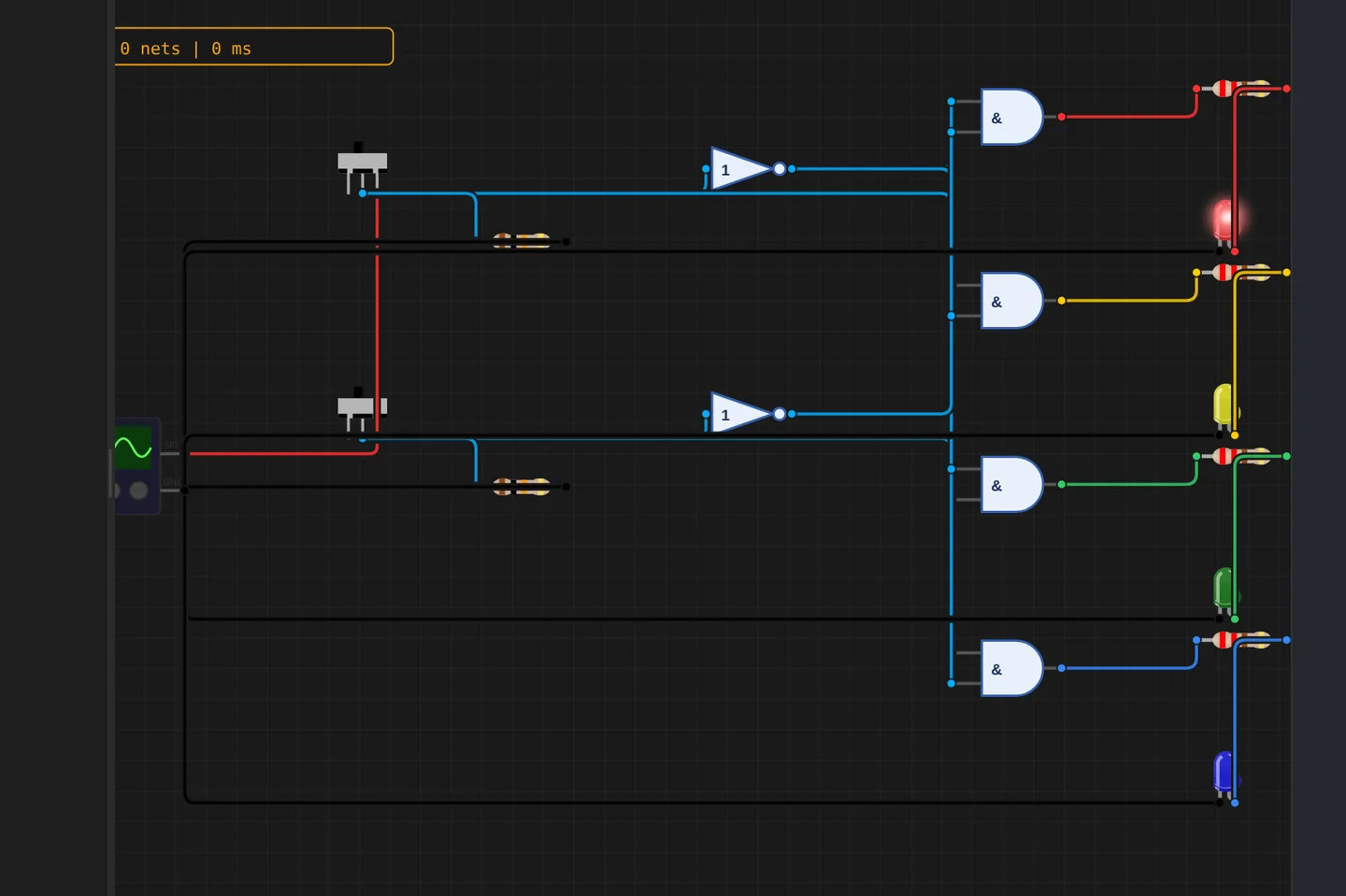
Adders, comparators, decoders, flip-flops and a 1-bit ALU slice: no microcontroller anywhere, just gates, switches and LEDs solved as a real net. The classroom half of electronics, without the breadboard.
The M5Stack Cardputer with its keyboard, Seeed's round display keeping time, Pimoroni's Badger 2350 driving e-paper, and DFRobot's UNIHIKER M10 in the catalogue alongside them. Their makers sent the hardware so the emulation could be checked against the real thing.
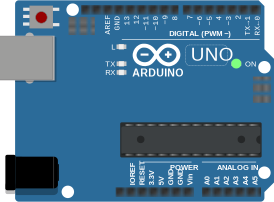
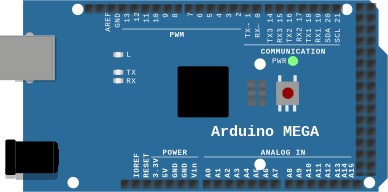
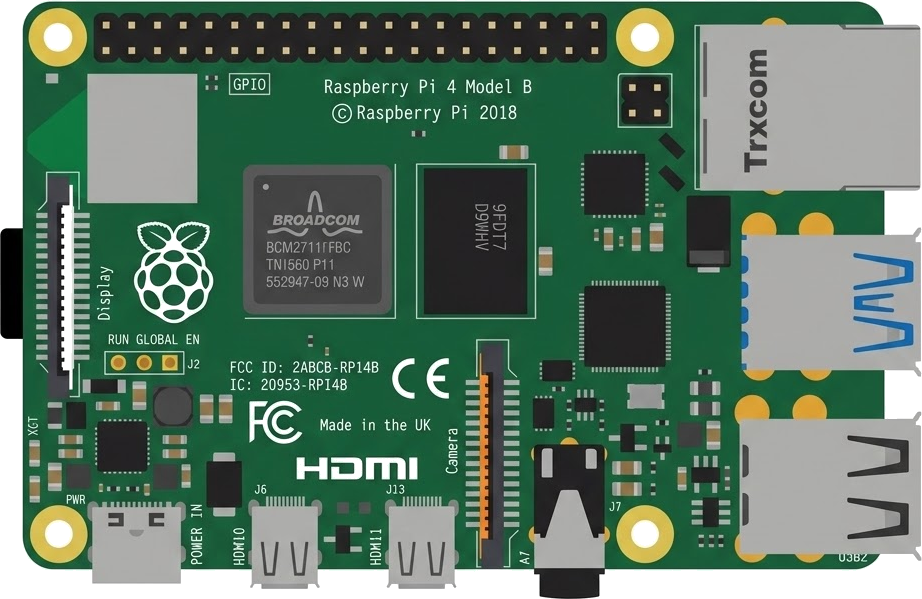
35 boards across 6 CPU architectures — AVR8, ARM Cortex-M, ARM Cortex-A, RISC-V, Xtensa, and Linux. Including partner boards from Pimoroni, M5Stack, Seeed Studio and DFRobot. All running locally, no cloud needed.






One institution contract gives every student in the class a full Pro account. No per-seat checkout, no card details in a classroom.
Private projects, BOM and schematic exports and GitHub Sync, for everyone enrolled.
Billed once to your institution, per semester or per year. Volume pricing on request for large cohorts.
Arduino, ESP32, RP2040, STM32, ATtiny and Raspberry Pi, with SPICE analog solved alongside the firmware. Not a sandboxed mock.
The simulator stays free forever, WiFi with internet included. Paid plans unlock the Linux and STM32 boards, custom WiFi networks and the local network gateway. Maker and Pro add the AI agent; No AI leaves it out.
Discover the simulator + light AI help.
The full workbench, zero AI. You write every line.
For makers shipping real circuits with AI help.
Private projects, GitHub Sync and BOM exports.
Questions, bugs and ideas: the Discord and the issue tracker are open, and so is every line of the simulator.
Arduino Uno with I2C LCD 1602 display
An interactive Arduino Uno circuit simulation you can run free in your browser on Velxio, by johnlawrencetamio.
/* Example implementation of an alarm using DS3231
 *
 * VCC and GND of RTC should be connected to some power source
 * SDA, SCL of RTC should be connected to SDA, SCL of arduino
 * SQW should be connected to CLOCK_INTERRUPT_PIN
 * CLOCK_INTERRUPT_PIN needs to work with interrupts
 */

#include <RTClib.h>
// #include <Wire.h>

RTC_DS3231 rtc;

// the pin that is connected to SQW
#define CLOCK_INTERRUPT_PIN 2

void setup() {
    Serial.begin(9600);

    // initializing the rtc
    if(!rtc.begin()) {
        Serial.println("Couldn't find RTC!");
        Serial.flush();
        while (1) delay(10);
    }

    if(rtc.lostPower()) {
        // this will adjust to the date and time at compilation
        rtc.adjust(DateTime(F(__DATE__), F(__TIME__)));
    }

    //we don't need the 32K Pin, so disable it
    rtc.disable32K();

    // Making it so, that the alarm will trigger an interrupt
    pinMode(CLOCK_INTERRUPT_PIN, INPUT_PULLUP);
    attachInterrupt(digitalPinToInterrupt(CLOCK_INTERRUPT_PIN), onAlarm, FALLING);

    // set alarm 1, 2 flag to false (so alarm 1, 2 didn't happen so far)
    // if not done, this easily leads to problems, as both register aren't reset on reboot/recompile
    rtc.clearAlarm(1);
    rtc.clearAlarm(2);

    // stop oscillating signals at SQW Pin
    // otherwise setAlarm1 will fail
    rtc.writeSqwPinMode(DS3231_OFF);

    // turn off alarm 2 (in case it isn't off already)
    // again, this isn't done at reboot, so a previously set alarm could easily go overlooked
    rtc.disableAlarm(2);

    // schedule an alarm 10 seconds in the future
    if(!rtc.setAlarm1(
            rtc.now() + TimeSpan(10),
            DS3231_A1_Second // this mode triggers the alarm when the seconds match. See Doxygen for other options
    )) {
        Serial.println("Error, alarm wasn't set!");
    }else {
        Serial.println("Alarm will happen in 10 seconds!");
    }
}

void loop() {
    // print current time
    char date[10] = "hh:mm:ss";
    rtc.now().toString(date);
    Serial.print(date);

    // the stored alarm value + mode
    DateTime alarm1 = rtc.getAlarm1();
    Ds3231Alarm1Mode alarm1mode = rtc.getAlarm1Mode();
    char alarm1Date[12] = "DD hh:mm:ss";
    alarm1.toString(alarm1Date);
    Serial.print(" [Alarm1: ");
    Serial.print(alarm1Date);
    Serial.print(", Mode: ");
    switch (alarm1mode) {
      case DS3231_A1_PerSecond: Serial.print("PerSecond"); break;
      case DS3231_A1_Second: Serial.print("Second"); break;
      case DS3231_A1_Minute: Serial.print("Minute"); break;
      case DS3231_A1_Hour: Serial.print("Hour"); break;
      case DS3231_A1_Date: Serial.print("Date"); break;
      case DS3231_A1_Day: Serial.print("Day"); break;
    }

    // the value at SQW-Pin (because of pullup 1 means no alarm)
    Serial.print("] SQW: ");
    Serial.print(digitalRead(CLOCK_INTERRUPT_PIN));

    // whether a alarm fired
    Serial.print(" Fired: ");
    Serial.print(rtc.alarmFired(1));

    // Serial.print(" Alarm2: ");