Arduino, running the sketch you wrote
arduino-cli compiles it, an AVR8 core executes it instruction by instruction, and the LCD shows what the ATmega328P actually put on the bus. Uno, Nano, Mega and ATtiny85, no board on your desk.

Hardware is all about iteration. Velxio lets you wire a circuit, program the board and run it in seconds, real firmware on a real solver, right in the browser.





DFRobot · M5Stack links on this page are affiliate links: a purchase through them earns Velxio a small commission at no extra cost to you.
Nothing on this page is a scripted animation: the firmware is compiled and executed, and the circuit around it is solved.
arduino-cli compiles it, an AVR8 core executes it instruction by instruction, and the LCD shows what the ATmega328P actually put on the bus. Uno, Nano, Mega and ATtiny85, no board on your desk.
arduino-cli or ESP-IDF compiles the sketch, then AVR8, RP2040, RISC-V, Xtensa or ARM executes it instruction by instruction. What the OLED draws and what the serial monitor prints is what the chip actually did.

ngspice compiled to WebAssembly runs a full nodal analysis about 60 times a second. GPIO pins drive real nets, ADC inputs read solved node voltages, and probes report RMS, DC and current wherever you drop them.
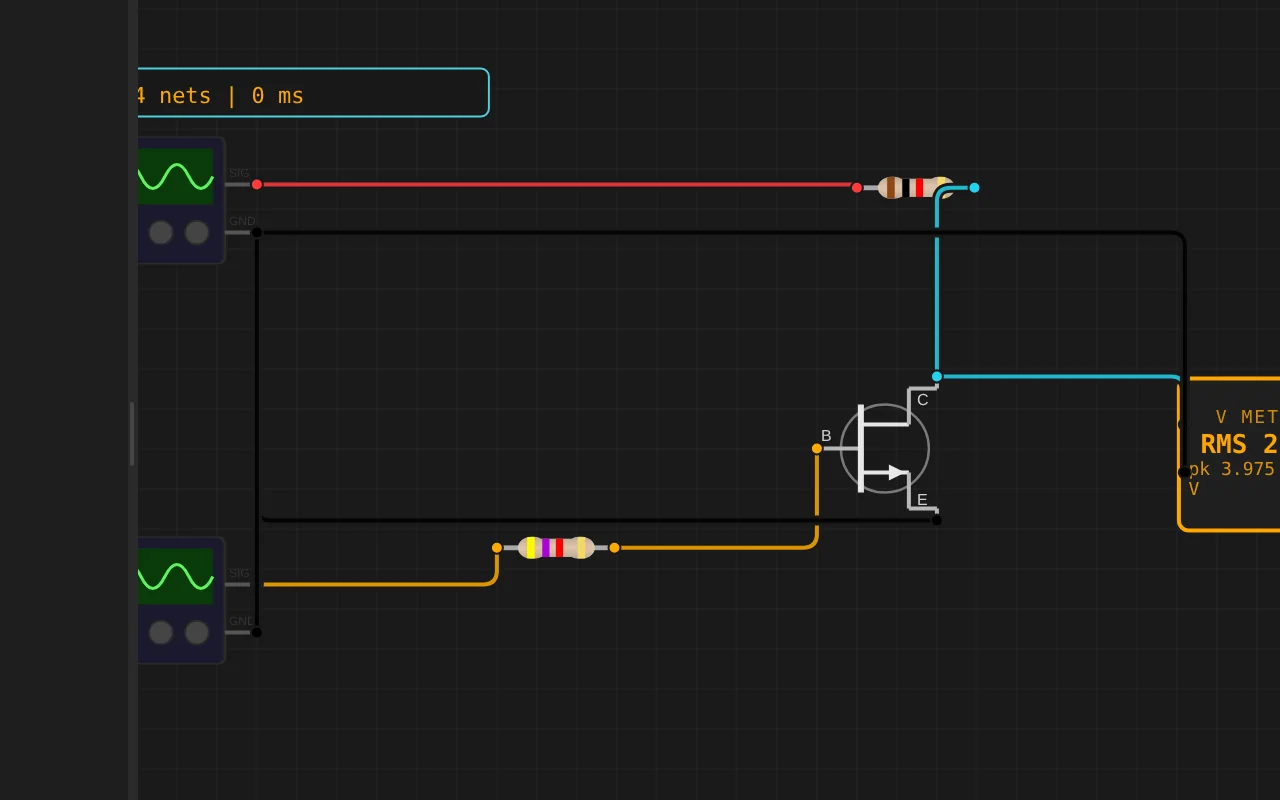
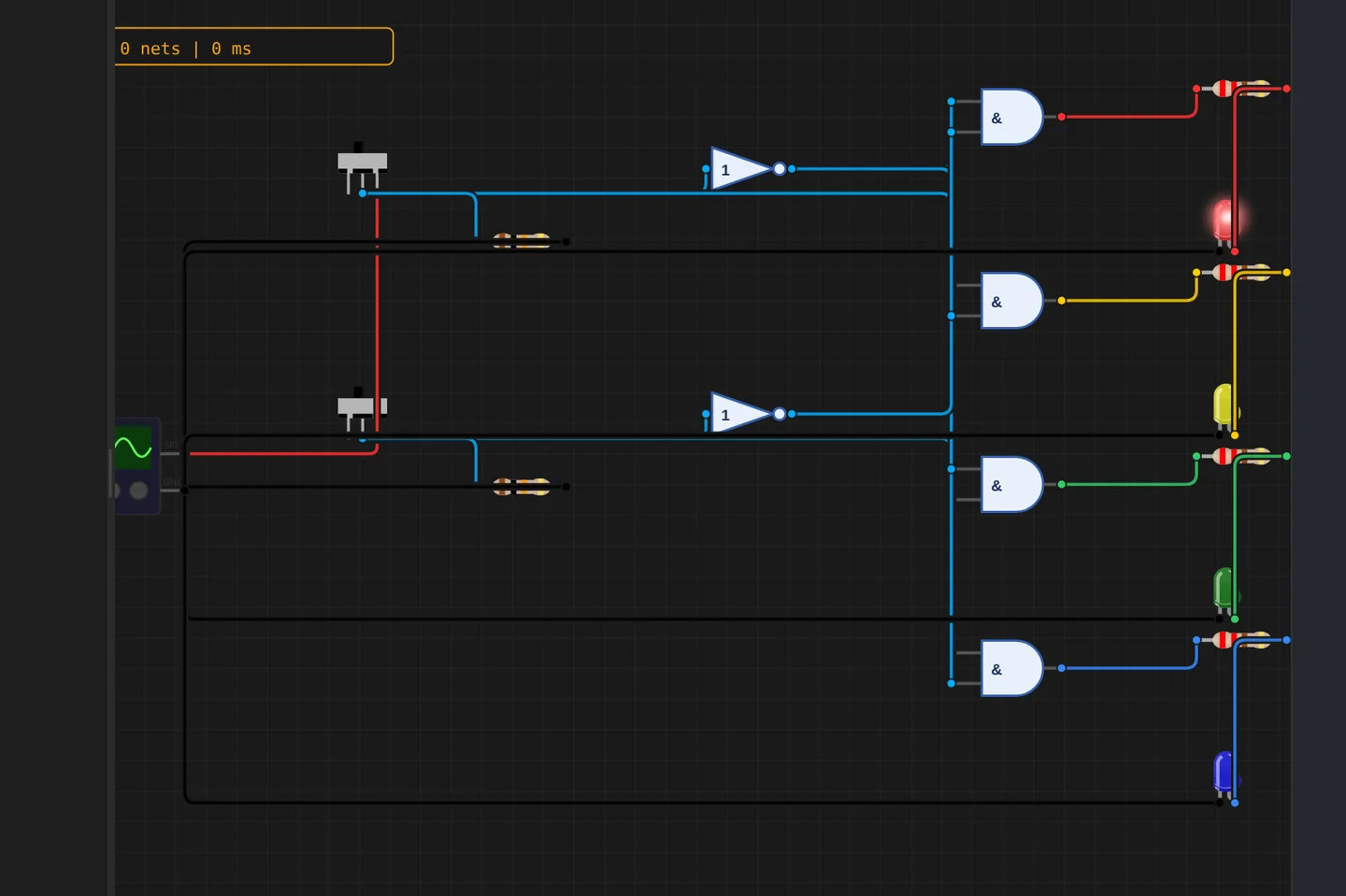
Adders, comparators, decoders, flip-flops and a 1-bit ALU slice: no microcontroller anywhere, just gates, switches and LEDs solved as a real net. The classroom half of electronics, without the breadboard.
The M5Stack Cardputer with its keyboard, Seeed's round display keeping time, Pimoroni's Badger 2350 driving e-paper, and DFRobot's UNIHIKER M10 in the catalogue alongside them. Their makers sent the hardware so the emulation could be checked against the real thing.
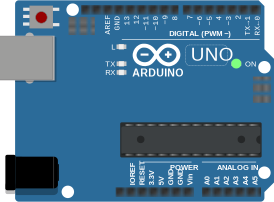
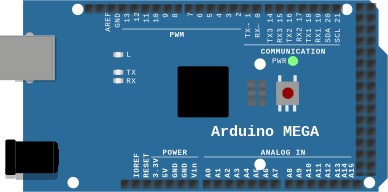
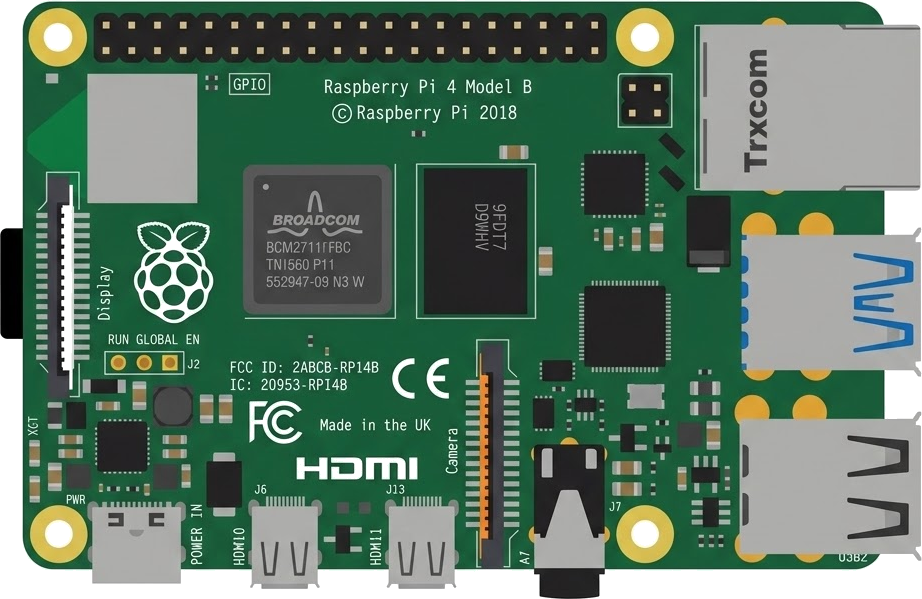
35 boards across 6 CPU architectures — AVR8, ARM Cortex-M, ARM Cortex-A, RISC-V, Xtensa, and Linux. Including partner boards from Pimoroni, M5Stack, Seeed Studio and DFRobot. All running locally, no cloud needed.


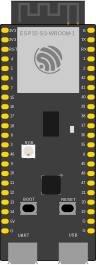


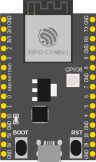


One institution contract gives every student in the class a full Pro account. No per-seat checkout, no card details in a classroom.
Private projects, BOM and schematic exports and GitHub Sync, for everyone enrolled.
Billed once to your institution, per semester or per year. Volume pricing on request for large cohorts.
Arduino, ESP32, RP2040, STM32, ATtiny and Raspberry Pi, with SPICE analog solved alongside the firmware. Not a sandboxed mock.
The simulator stays free forever, WiFi with internet included. Paid plans unlock the Linux and STM32 boards, custom WiFi networks and the local network gateway. Maker and Pro add the AI agent; No AI leaves it out.
Discover the simulator + light AI help.
The full workbench, zero AI. You write every line.
For makers shipping real circuits with AI help.
Private projects, GitHub Sync and BOM exports.
Questions, bugs and ideas: the Discord and the issue tracker are open, and so is every line of the simulator.
An interactive ESP32-S3 circuit simulation you can run free in your browser on Velxio, by fengken.
#include <WiFi.h>
#include <PubSubClient.h>
#include <ESP32Servo.h>
#include <Wire.h>
#include <Grove_I2C_Motor_Driver.h>

const char* ssid = "Velxio-GUEST";
const char* mqtt_server = "broker-cn.emqx.io";
const char* topic = "ken88677-rccar-test/potentiometer-servo"; // 必须和 C3 一致

unsigned long lastReceiveTime = 0;        //声明一个全局变量,用来记录最后一次收到数据的时间。
bool isTimeOut = false;       //在全局加一个标志位
int anglePin = 7;       //声明S3的7号引脚,用来连接舵机,发送从C3接收到的角度。
#define MOTOR_ADDRESS 0x0f        // Grove I2C 电机驱动默认 I2C 地址通常是 0x0f
int currentAngle = 90;        // 声明一个变量,记录当前舵机的角度(假设初始是90)
int targetAngle = 90;       //舵机目标角度
unsigned long lastServoMove = 0;        // 记录上次舵机移动的时间
const int servoStepDelay = 20;        // 每走1度停顿的时间(20ms = 每秒50度,非常丝滑)

Servo myServo;        //实例化一个舵机
WiFiClient espClient;
PubSubClient client(espClient);

void callback(char* topic, byte* payload, unsigned int length) {
  //准备一下足够大的字符数组
  char buffer[32];
  //检查收到的数据,若超出大小,直接丢弃,防止溢出。
  if (length >= sizeof(buffer)) {
    return;
  }
  //把收到的数据拷贝到buffer里,然后在末尾加上'\0'进行封口;
  memcpy(buffer, payload, length);
  buffer[length] = '\0';
  int angle, speed;
    if (sscanf(buffer, "%d,%d", &angle, &speed) == 2) {
    //控制舵机
    angle = constrain(angle, 0, 180);
    myServo.write(angle);
    //同步当前角度
    currentAngle = angle;
    targetAngle = angle;
    //控制电机 (I2C 方式)
    speed = constrain(speed, -100, 100);
    if (speed != 0) {
      Motor.speed(1, speed);
    }
    else {
      Motor.stop(1);
    }
    //串口打印接收的数据,方便观察。
    Serial.print("收到的角度是:");
    Serial.println(angle);
    Serial.print("收到的速度是:");
    Serial.println(speed);
  }
  //记录最后收到数据的时间。
  lastReceiveTime = millis();
}

void setup() {
  Serial.begin(115200);
  //告诉S3,舵机接入的引脚。
  myServo.attach(anglePin);
  //初始化舵机时,摆正。
  myServo.write(90);
  currentAngle = 90;
  // 初始化 I2C 总线 (S3 默认 SDA=41, SCL=42)
  Wire.begin(41, 42);
  // 初始化电机模块
  Motor.begin(MOTOR_ADDRESS);
  // 初始停止电机 (1 代表 M1 电机)
  Motor.stop(1);

  WiFi.begin(ssid);
  while (WiFi.status() != WL_CONNECTED) { delay(500); Serial.print("."); }
  Serial.println("\nS3 WiFi 已连接");

  client.setServer(mqtt_server, 1883);
  client.setCallback(callback);

  while (!client.connected()) {
    if (client.connect("S3_Receiver")) {
      Serial.println("MQTT 已连接");
      client.subscribe(topic);
    } else {
      delay(2000);
    }
  }
  lastReceiveTime = millis();
}

void loop() {
//S3失去链接后,重连
  if (!client.connected()) {
    if (client.connect("S3_Receiver")) {
      client.subscribe(topic);
      Serial.println("S3 重新连接成功!");
    }
  }

// 1. MQTT正常运行
  client.loop();

// 2. 信号丢失检测与状态处理
  if (millis() - lastReceiveTime > 1500) {
    if (!isTimeOut) {
      Motor.stop(1);
      Serial.println("警告:信号丢失,电机停机,舵机缓慢回到最后一次收到的角度!");
      isTimeOut = true;
    }
  } else {
    isTimeOut = false;
  }

  // 3. 舵机平滑回正核心逻辑(非阻塞)
  if (isTimeOut) {
    // 如果当前角度还没到 90 度,并且距离上次移动已经过了 20ms
    if (currentAngle != targetAngle && millis() - lastServoMove >= servoStepDelay) {
      if (curr