
ESP32-C6 DevKit Simulator
the RISC-V, WiFi-6 generation, free in your browser
Simulate the Espressif ESP32-C6 DevKit online for free. Arduino C++, MicroPython and ESP-IDF on an in-browser ESP32-C6 engine, wired to 100+ components on a live canvas with SPICE analog simulation.
Free plan · No install, no account · Runs in your browser
ESP32-C6 DevKit at a glance
Espressif's ESP32-C6 DevKit is the RISC-V, WiFi-6 generation of the family, with the same language trio as the rest of the ESP32 catalog: Arduino C++, MicroPython and ESP-IDF, switched from the toolbar. From a sketch's point of view it behaves like the other RISC-V ESP32s here; the C6 is in the catalog so projects targeting the newer part can be prototyped on it.
- Processor
- ESP32-C6, RISC-V at 160 MHz plus a low-power RISC-V core
- Memory
- 512 KB SRAM · 8 MB flash
- Emulation
- esp32c6js (in-browser)
- Languages
- Arduino C++ · MicroPython · ESP-IDF
- Made by
- Espressif
- Plan
- Free
What you can do with the ESP32-C6 DevKit simulator
The board on the canvas is the real thing as far as your code is concerned: the same pins, the same buses, the same peripherals, wired to the same 100+ sensors, displays and actuators every other Velxio board talks to.
Arduino C++ sketches
Write a sketch in the Monaco editor with library completion, compile it against the board's own Arduino core and run the real firmware binary. The Serial Monitor is the USB port.
MicroPython
Switch the board to MicroPython from the toolbar and run main.py against the same circuit. Drivers are plain .py files in the workspace, copied onto the board's filesystem before your script starts.
ESP-IDF projects
Build a full ESP-IDF project (v5.5.4) with FreeRTOS tasks, sdkconfig and components, and run it on the emulated chip without a devkit on your desk.
GPIO, PWM and ADC
Drive LEDs, relays and servos, read buttons and potentiometers, dim with PWM. Every pin follows the board's real pin map, so what works here works on the hardware.
I2C, SPI and UART
Talk to OLEDs, IMUs, ADCs, RTCs and SD cards over the buses the board really has. Bus traffic runs through emulated peripherals, not through a shortcut.
Serial Monitor
USB CDC serial reaches the Serial Monitor at the sketch's baud rate, with input, timestamps and a plotter.
SPICE analog parts
Op-amps, transistors, regulators and passives simulate in real time with ngspice in the browser; the board's pins drive them and read the solved voltages back.
Multi-board canvas
Mix this board with an Arduino, an ESP32 or a Pico on the same canvas and let them talk over serial or I2C, each running its own firmware.
ESP32-C6 DevKit examples
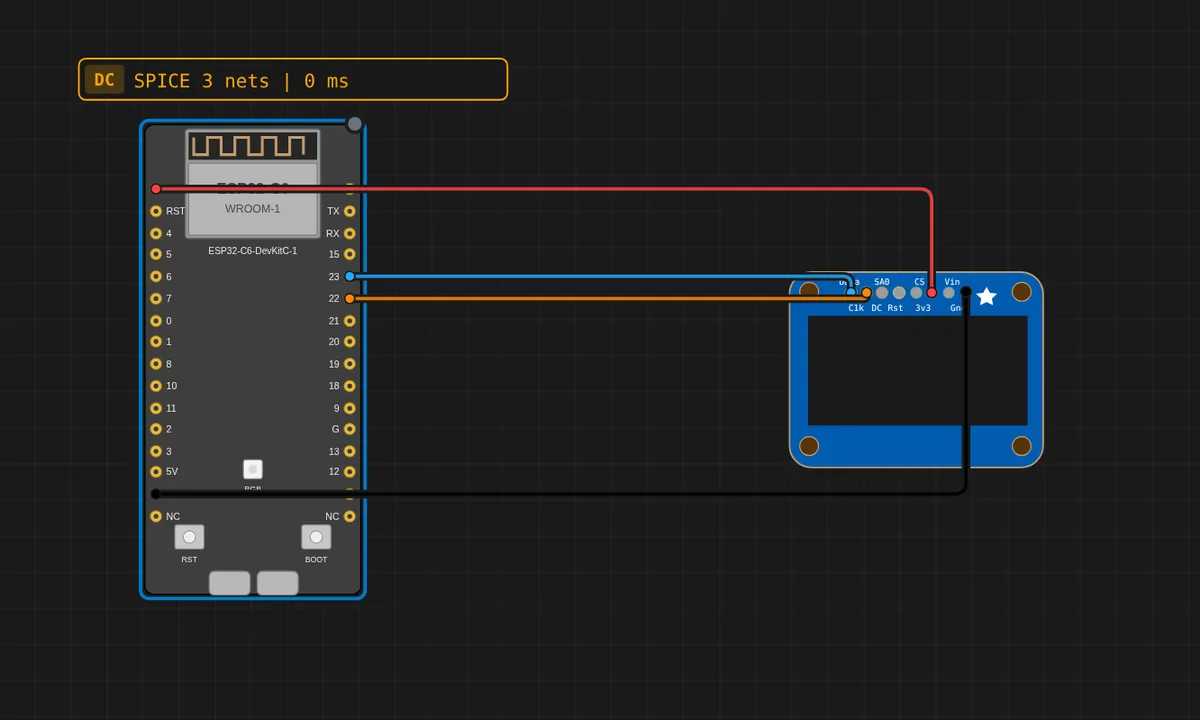
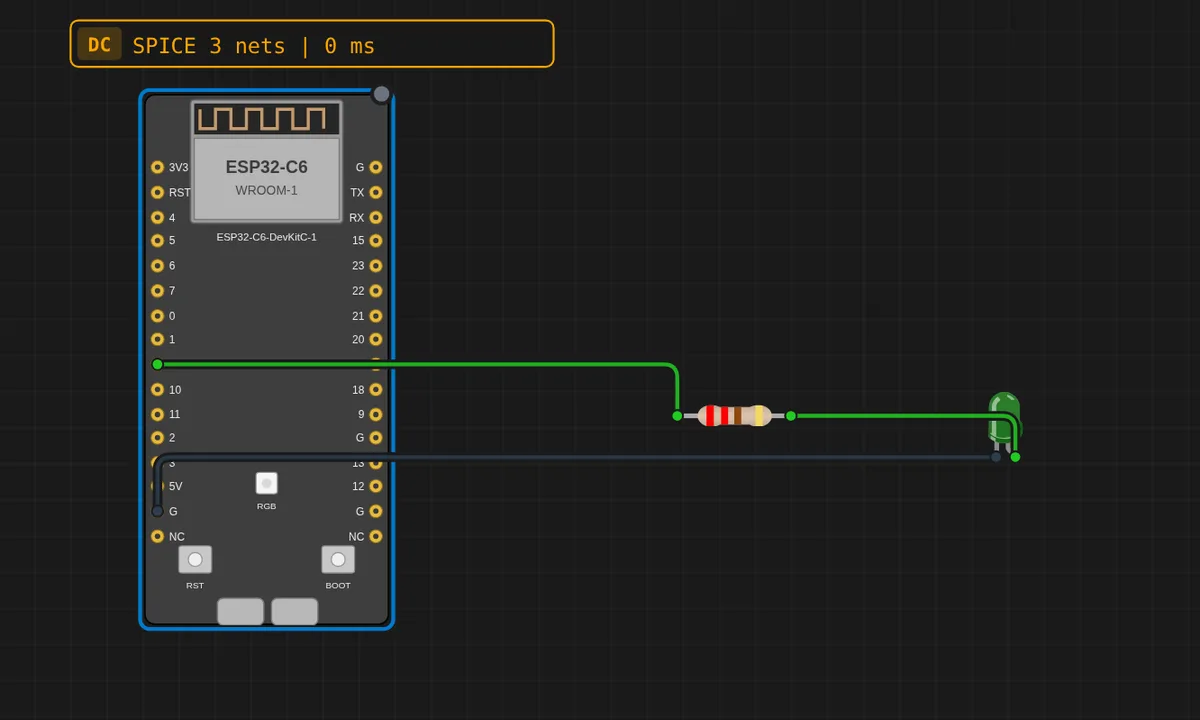
Ready-to-run projects for this board from the gallery. Open one, read the sketch, press Run.
Related simulators
Frequently asked questions
- Can I run ESP32-C3 examples on the ESP32-C6?
- Yes, after a pin map check. Both are single-core RISC-V parts with the same Arduino core family; the gallery's C3 examples are the closest starting point.
- Is the ESP32-C6's radio emulated?
- The board is here so projects targeting the newer radio can be prototyped on the right part; treat WiFi 6, Zigbee and Thread as bench-only and everything wired to the pins as emulated.
- Is the ESP32-C6 free to simulate?
- Yes. It runs on the free plan, with no install and no account required.
- Is the ESP32-C6 DevKit simulator free?
- Yes. The ESP32-C6 DevKit runs on the free plan: open the editor, place the board and press Run. No install and no account are needed, and Velxio's editor and simulator core are open source under the GNU AGPLv3.
- Which languages can I use on the ESP32-C6 DevKit?
- Arduino C++, MicroPython, ESP-IDF. The language is switched from the toolbar; the circuit on the canvas stays the same.
Ready to simulate the ESP32-C6 DevKit?
Open the editor, place the ESP32-C6 DevKit from the picker, wire what you need and press Run.
Launch the ESP32-C6 DevKit simulator →